134
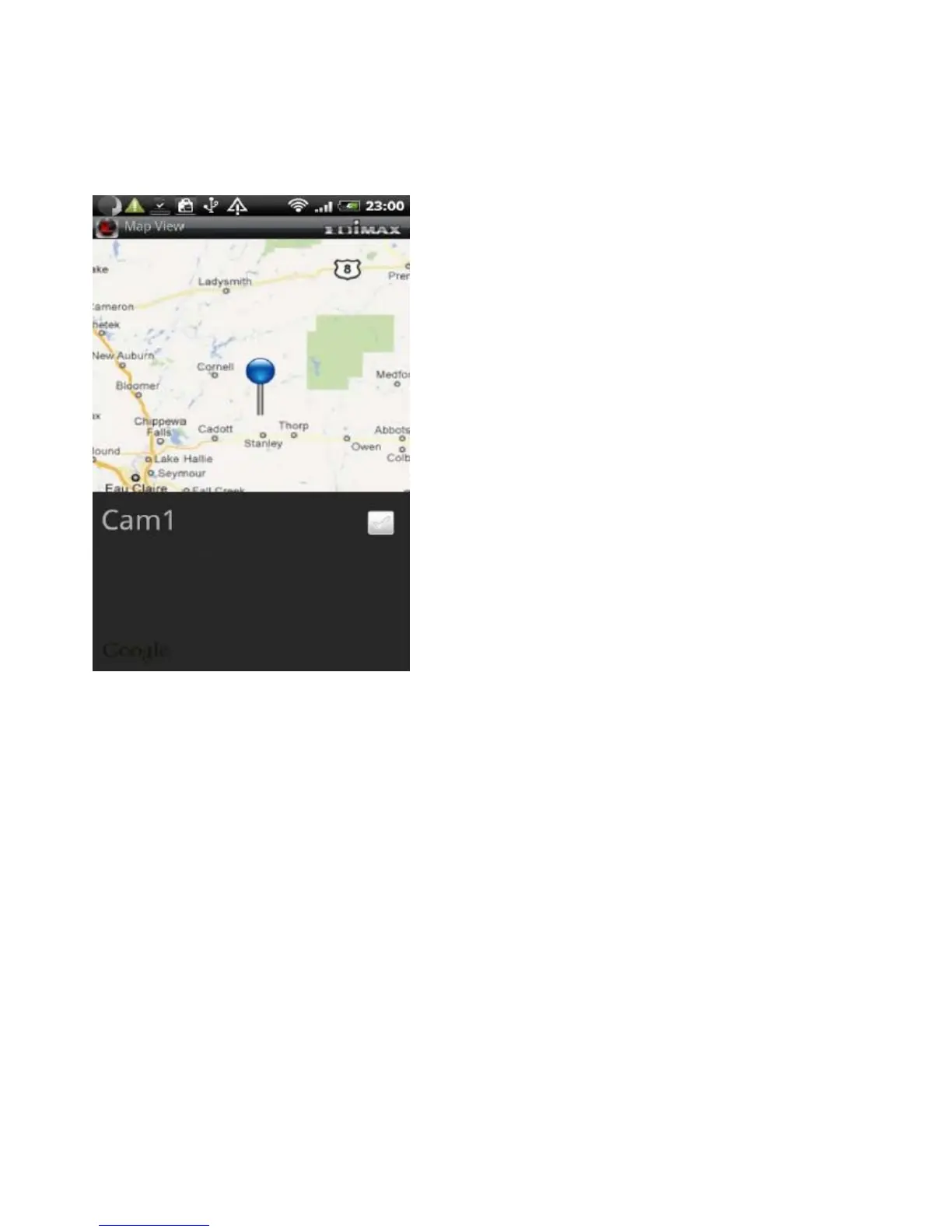
When you find the location where a network camera is installed, press the
Menu button on your Android device and tap Locate and a camera list is shown.
Select the network camera you wish to mark on the map.
Refreshing the Camera List
If new cameras are added or removed from the network, scan the network
again to update your camera list.
To update the cameras displayed in the camera list, tap Refresh



 To Next Page