33
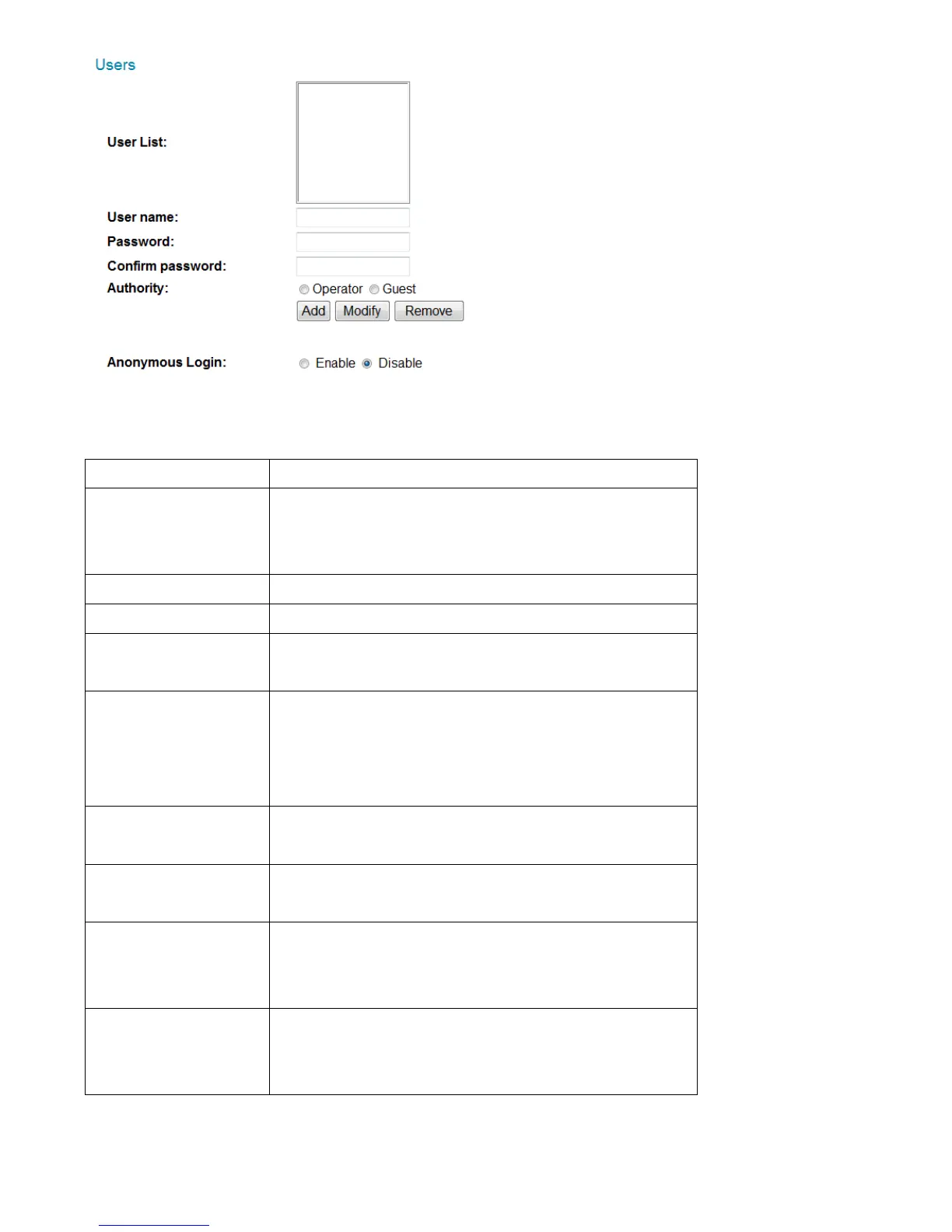
The descriptions of these items are listed below:
Lists all existing operators / users here. To
modify an operator / user’s setting, click
his / her name here first.
Input user’s password here.
Input user’s password here again for
confirmation.
Select this user’s privilege:
Operators can view video and change
video settings on the setup page.
Guests can only view video.
Click this button to add a new user with
the settings above.
Click this button to save the changes to an
existing user.
Click this button to remove a user. You
must select a user in the ‘User List’ field
first.
Select ‘Enable’ to enable anonymous users
to login to this network camera and view
images. This function is useful when you



 To Next Page