65
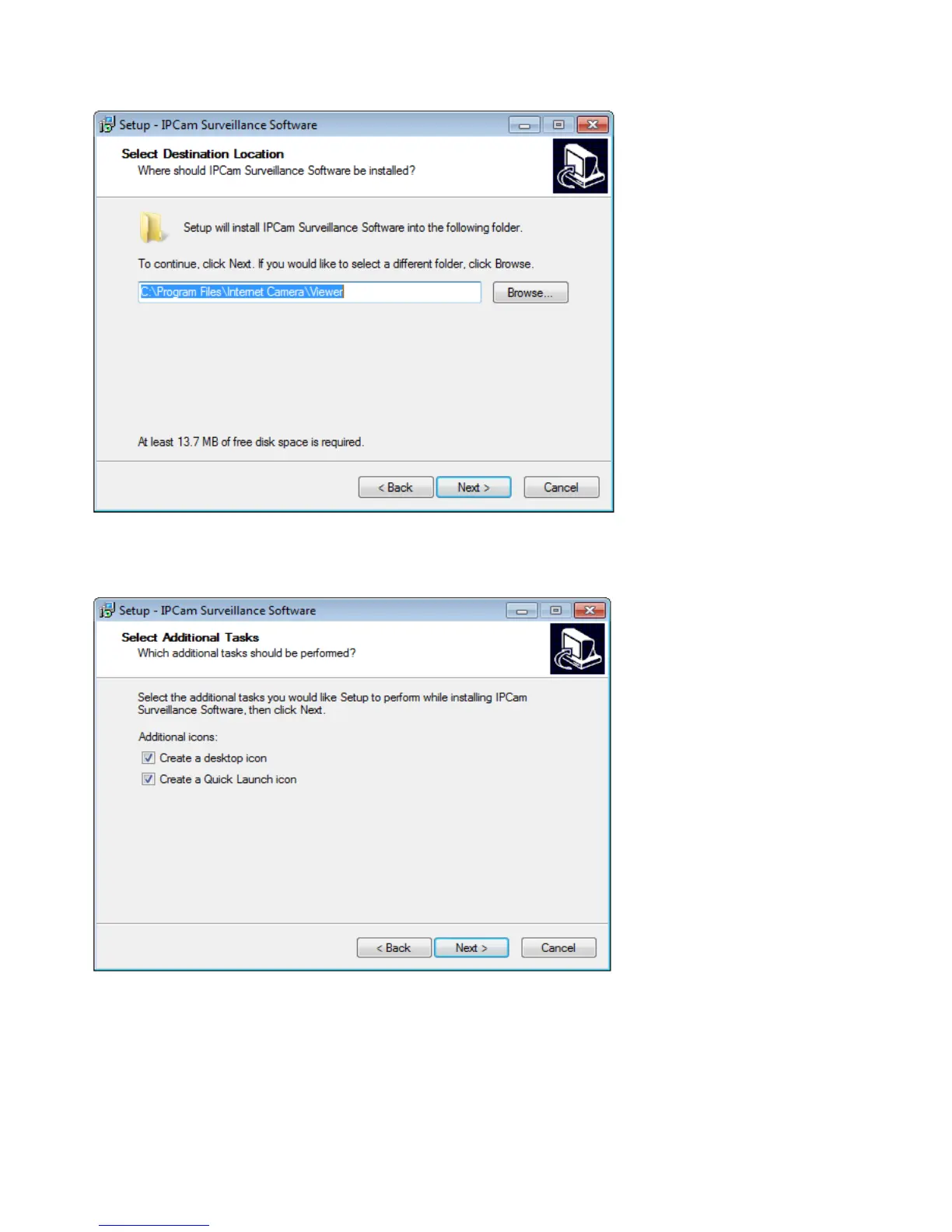
2. Click ‘Next’ to continue.
3. You can uncheck the boxes here if you don’t want to create a desktop / quick
launch icon, and click ‘Next’ to continue.
4. Please check if everything’s correct here. If you want to change any settings,
click ‘Back’ to go back to the previous page, or click ‘Install’ to start installation.



 To Next Page