43
Use MIDI functionality
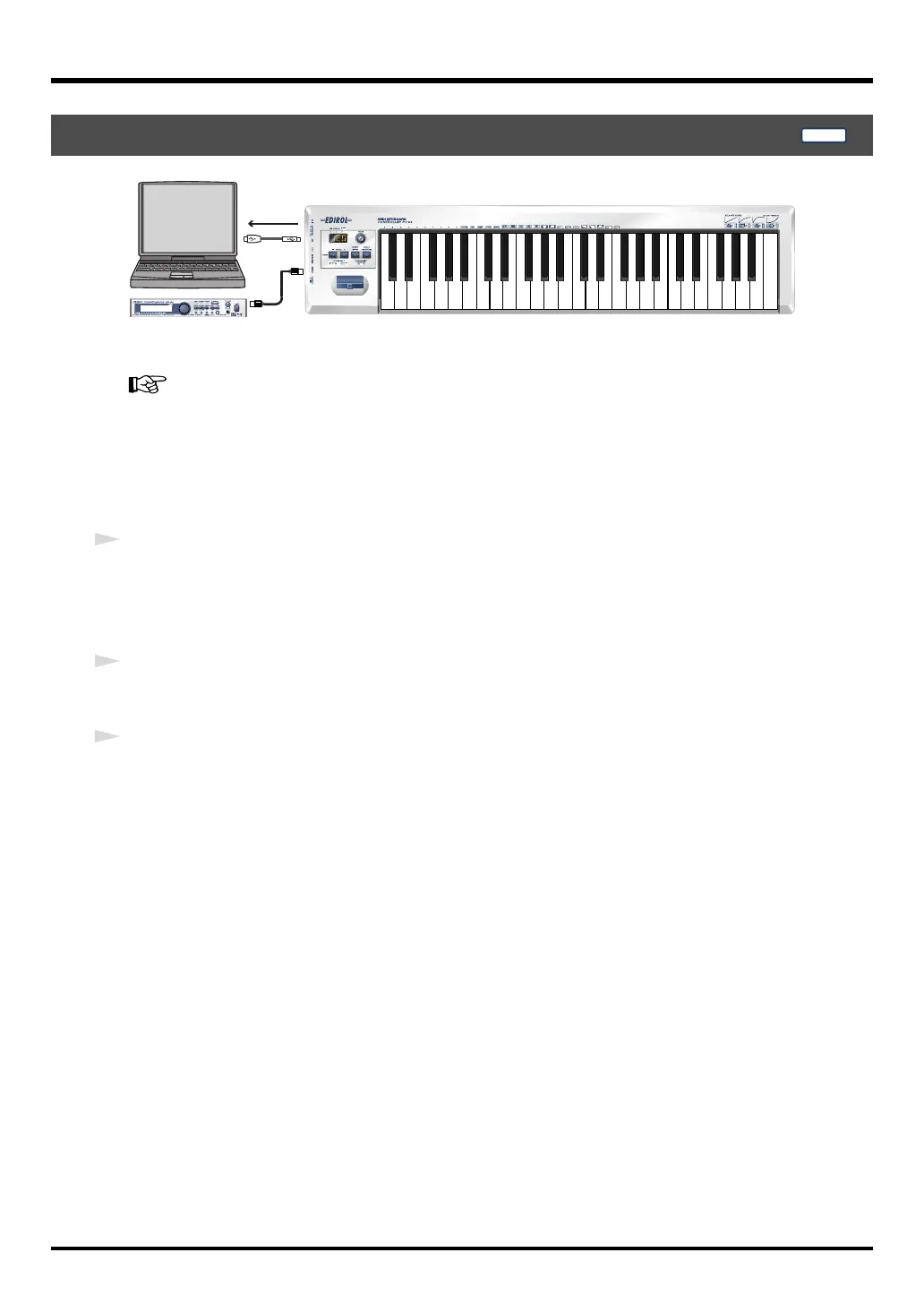
fig.panel-1
When you turn on the power, the PC-50 will start up in
PLAY mode
.
What is PLAY mode?
(p. 41)
In
PLAY mode
, playing the keyboard will transmit note messages to play the connected MIDI
device.
In order to transmit MIDI messages from the PC-50, perform the following steps.
1
Set the MIDI channel the PC-50 will use to transmit to the same channel on the sound module
(software) is using to receive on.
Use MIDI Channel mode to set the
MIDI transmit channel
.
(
➝
Setting the MIDI Transmit Channel
(p. 45)).
2
Select a
sound
on your
MIDI sound module
.
(
➝
Selecting Sounds on a Sound Module
(p. 46)).
3
Once you have finished making settings, try playing the keyboard.
When you play the keyboard in
PLAY mode
, MIDI messages are sent to the sound module
(software).
* Since the PC-50 does not contain a sound generator, you cannot play MIDI data using the PC-50 alone.
Play
PLAY
PC-50_e.book 43 ページ 2005年11月10日 木曜日 午前10時33分



 To Next Page