56
Use MIDI functionality
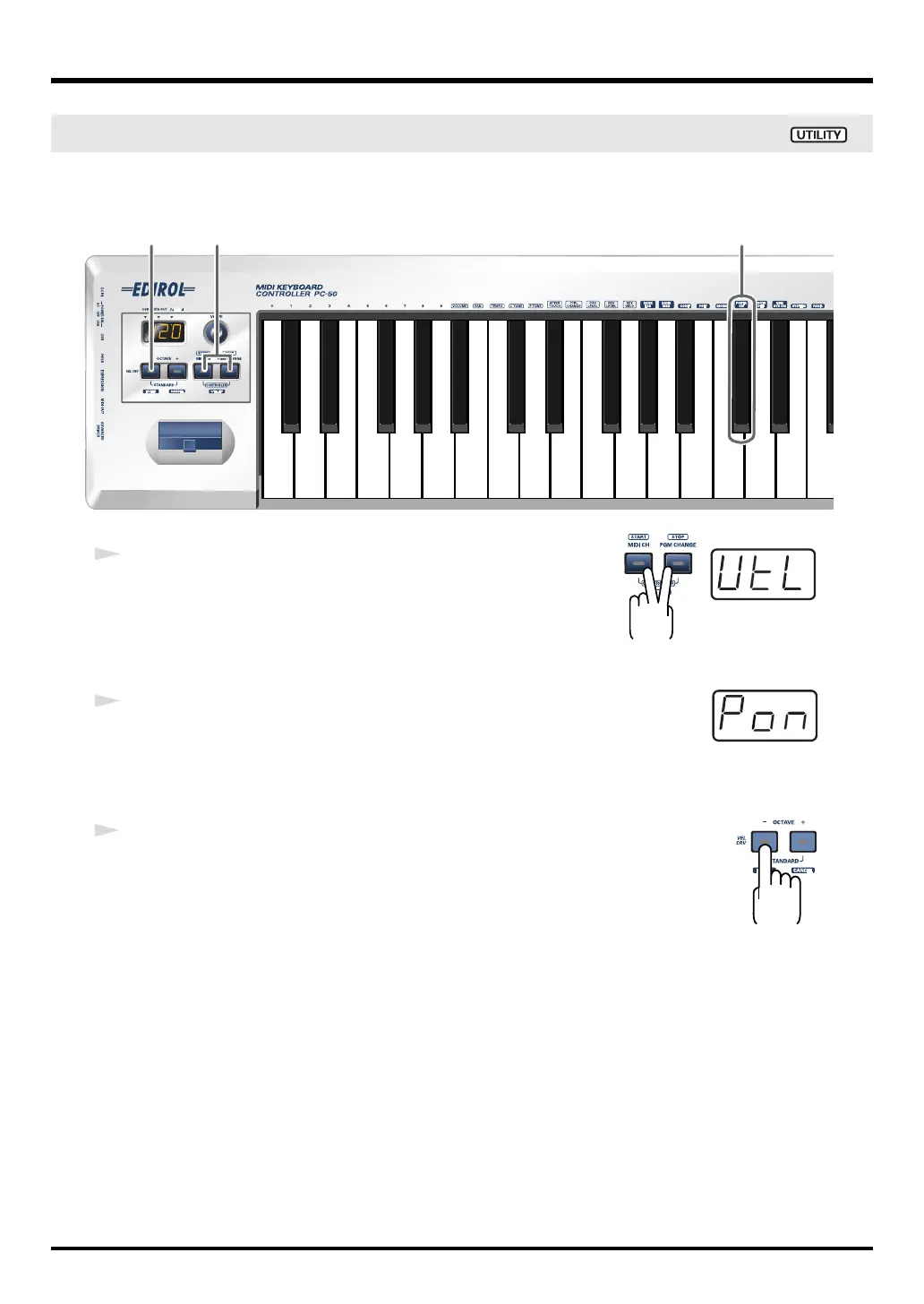
Turns on the portamento function that creates a smooth pitch change from one note to the next
(Portamento On).
fig.portaon-1_80
fig.util*
1
Simultaneously hold the
[MIDI CH]
button and
[PGM CHANGE]
button down.
The display will indicate “UTL,” and the PC-50 enters UTILITY
mode.
fig.pon
2
Press the
[PORTA ON]
key.
The display will indicate “PON” and blink.
fig.enter
3
Press the
[ENTER]
button.
* The setting will be cancelled if you press another button instead of the
[ENTER]
button.
The
portamento on message
has now been transmitted.
Transmitting a portamento on message
2
1
3
PC-50_e.book 56 ページ 2005年11月10日 木曜日 午前10時33分



 To Next Page