45
Use MIDI functionality
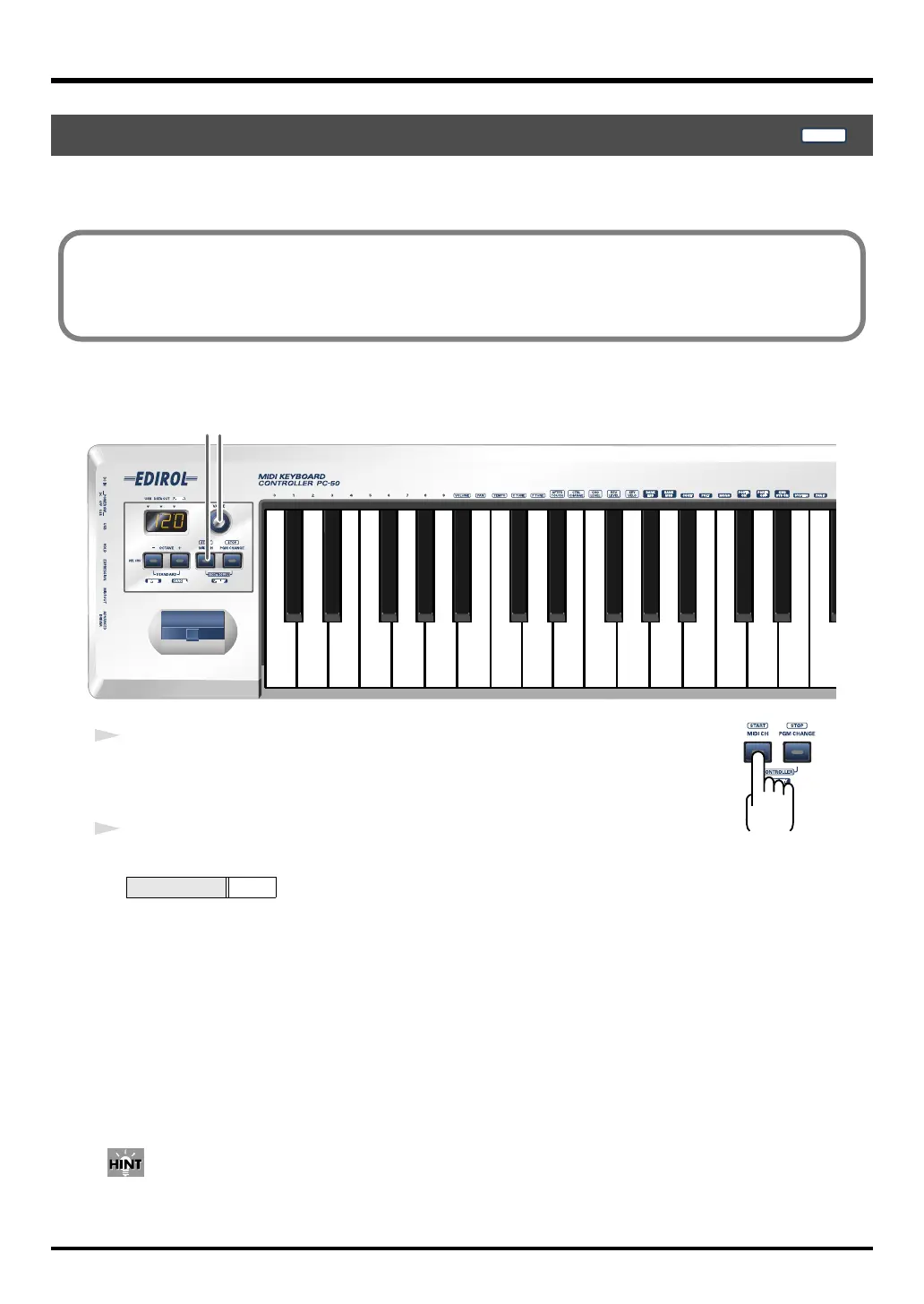
To control your sound module, set the PC-50’s
current channel
to the
MIDI receive channel
that’s
selected on your sound module.
fig.MIDIch-1_76
fig.MIDIch
1
Press the
[MIDI CH]
button.
The [MIDI CH] button will light. The display will show the
current channel
setting.
2
Use the
VALUE encoder
to specify the desired channel number.
The
current channel
has now been set.
In
CONTROLLER mode
(p. 50), pressing the [MIDI CH] button will transmit a Start message (FAh).
Setting the MIDI Transmit Channel
Value range
1–16
PLAY
■ Current channel
The current channel is the transmit channel for the keyboard, Pitch Bend/Modulation Lever,
VALUE encoder, hold pedal and expression pedal.
2
1
PC-50_e.book 45 ページ 2005年11月10日 木曜日 午前10時33分



 To Next Page