65
System settings
Perform steps 1–3 (p. 61).
4
Use the
VALUE encoder
or the
[0]
–
[1]
keys to specify MIDI I/F MODE.
5
Press the
[ENTER]
button.
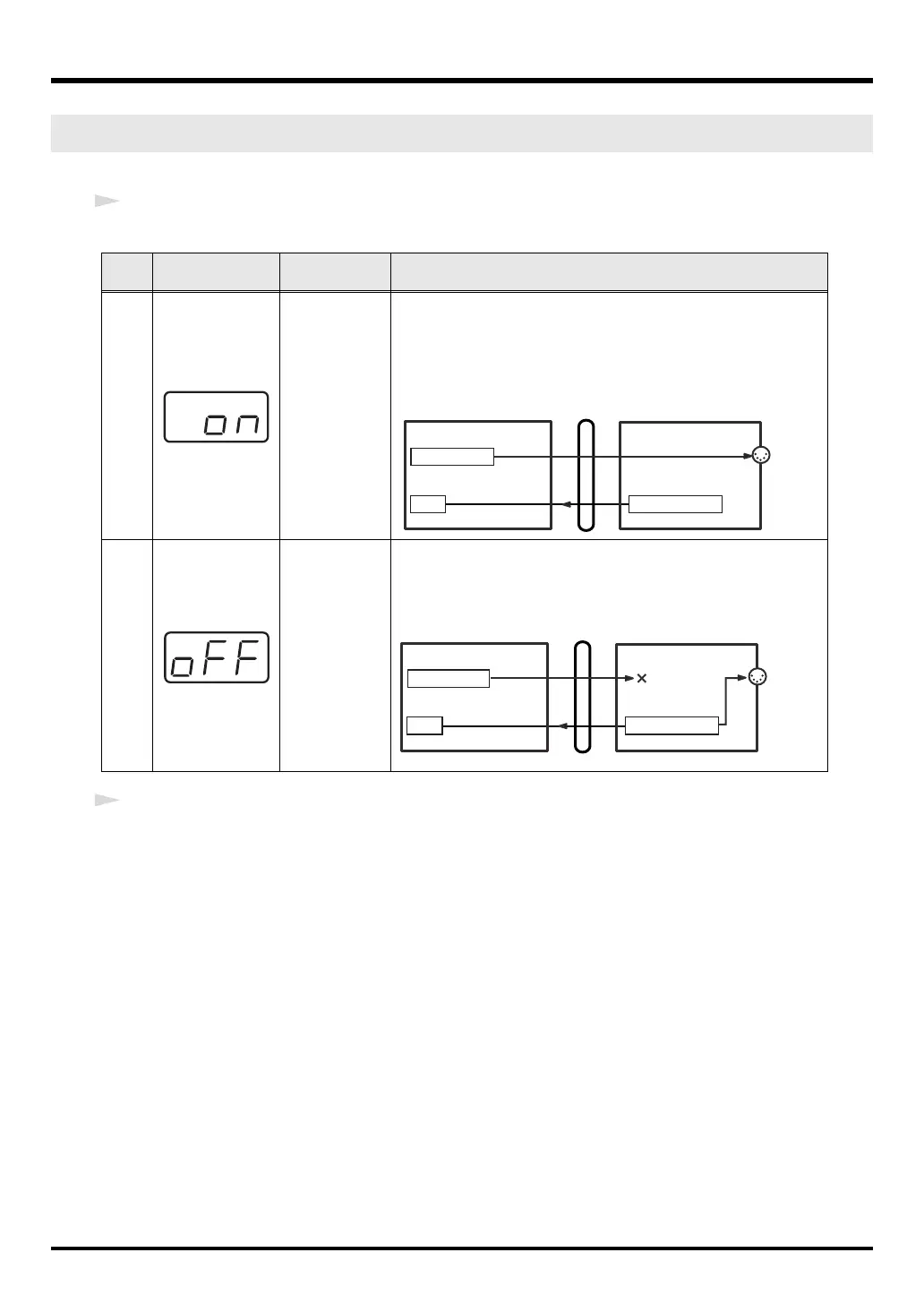
MIDI I/F MODE (Keyboard: 4)
Key-
board
Display Mode Description
0
MIDI I/F MODE
ON
The MIDI connectors on the PC-50 will function as a MIDI interface.
MIDI messages from a computer connected via USB to the PC-50 will
be sent to the MIDI device connected to the PC-50’s MIDI OUT con-
nector.
1
MIDI I/F MODE
OFF
MIDI messages received by the PC-50 are not output from the PC-50.
MIDI messages from the PC-50 will be sent to your computer or ex-
ternal MIDI device.
MIDI OUT
PC-50PC
USB
PC-50 MIDI OUT
PC-50 PC-50 KEYBOARD
MIDI I/F MODE ON
MIDI OUT DEVICE
MIDI IN DEVICE
MIDI OUT
PC-50PC
USB
PC-50 MIDI OUT
PC-50 PC-50 KEYBOARD
MIDI I/F MODE OFF
MIDI OUT DEVICE
MIDI IN DEVICE
PC-50_e.book 65 ページ 2005年11月10日 木曜日 午前10時33分



 To Next Page