50
Use MIDI functionality
By transmitting a
start
message (FAh) or
stop
message (FCh) to your sequencer or similar device,
you can start or stop playback on the sequencer.
By transmitting a
continue
message (FBh), you can resume playback from the point where it was
last stopped.
Use
CONTROLLER mode
to transmit
start/stop
messages.
Use
UTILITY mode
(p. 42) to transmit a
continue message
.
Starting/stopping playback
—Transmitting start/stop messages
■ What is CONTROLLER mode?
In this mode, the [MIDI CH] button, [PGM CHANGE] button, and VALUE encoder are assigned
different functions than in the normal PLAY mode.
■ To switch the PC-50 to CONTROLLER mode...
If you simultaneously press the [MIDI CH] button and the [PGM CHANGE] button, the [MIDI CH]
button and [PGM CHANGE] button will light, and the PC-50 will be in CONTROLLER mode.
If you again press the [MIDI CH] button and [PGM CHANGE] button simultaneously, the [MIDI CH]
button and [PGM CHANGE] button will go dark, and the PC-50 will be in Normal PLAY mode.
* CONTROLLER mode works only in PLAY mode. It is not available in UTILITY mode.
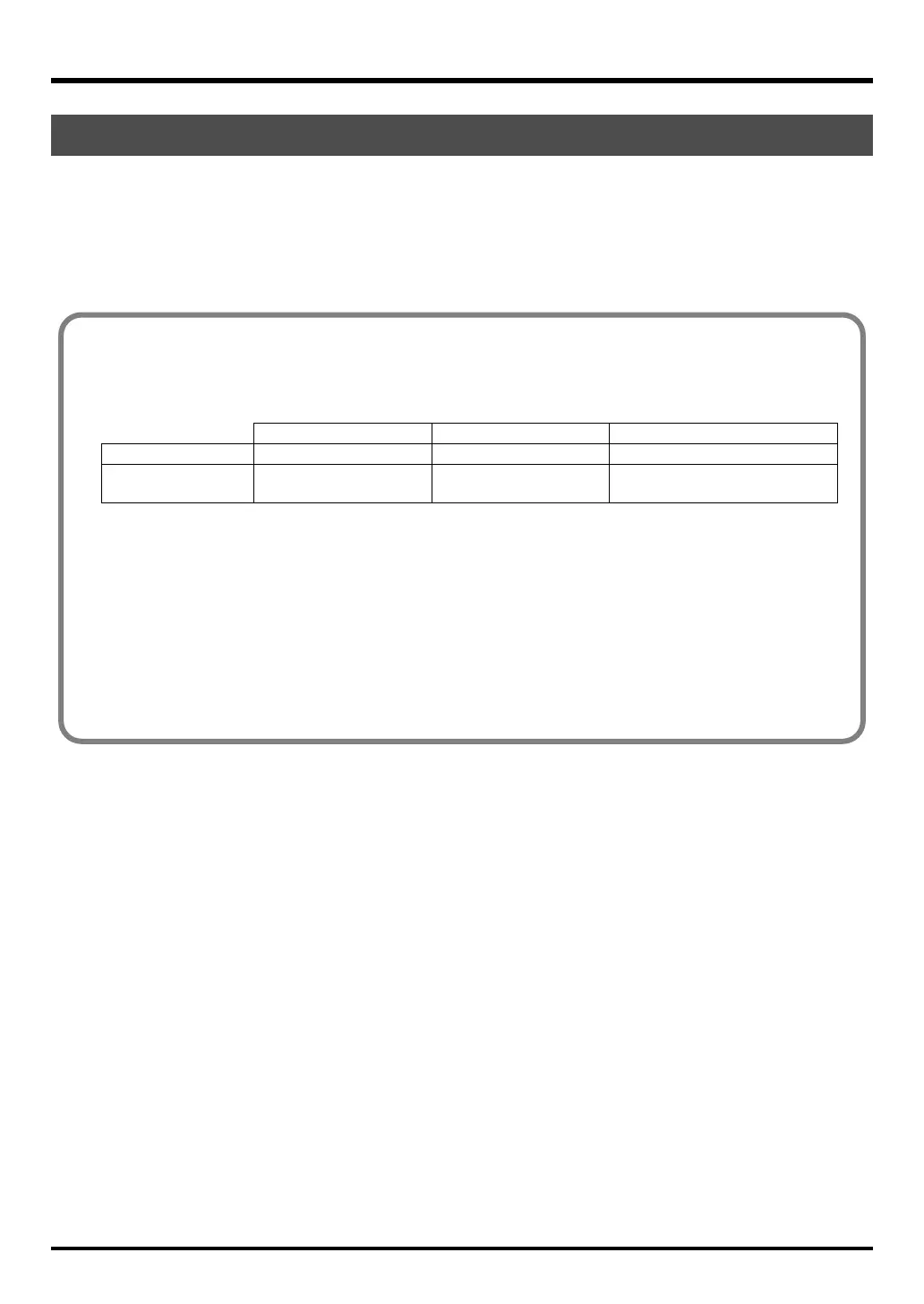
[MIDI CH] button [PGM CHANGE] button VALUE encoder
CONTROLLER mode Transmit a Start message Transmit a Stop message Transmit the specified parameter
Normal PLAY mode
Specify the MIDI transmit
channel
Specify a program change
Specify a MIDI transmit channel or
transmit a program change number
PC-50_e.book 50 ページ 2005年11月10日 木曜日 午前10時33分



 To Next Page