Page 10 Solution-8 Operators Manual
Electronics Design & Manufacturing
M
A800O3C.DOC
WARNING!
Care should be taken when altering user code '1' as this is the systems MASTER CODE.
If this code is forgotten or incorrectly programmed no other code changes can be carried
out and your installer will need to be called to rectify the problem.
If you wish to alter any more codes, repeat the above procedure.
One long beep in the code alteration mode indicates an error. An error will occur if the
code entered already exists or an incorrect user number was selected.
The code change mode will automatically terminate if an entry is not made within sixty
seconds. This is normal and is applicable to almost every programming procedure.
Erasing codes
+
1
+
+
+
+
0
+
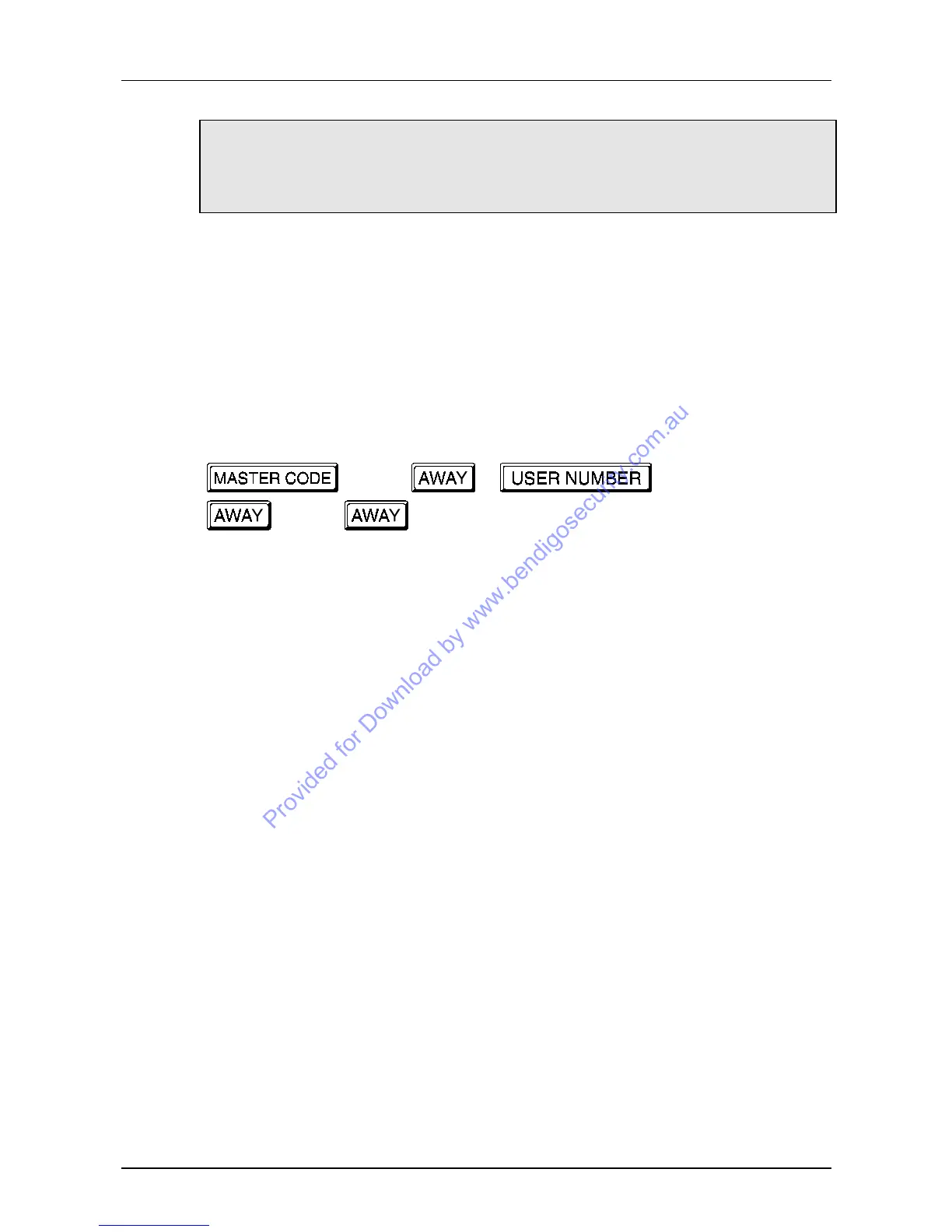
To enter the CODE ERASING mode, key in the current MASTER CODE followed by
the number '1' then AWAY.
You will hear three beeps and the AWAY indicator will flash fast at three pulses per
second to indicate a successful entry.
Now key in the user number that you wish to erase followed by AWAY. Two beeps will
be heard and the appropriate zone indicator will illuminate.
User number nine will be indicated by the FAULT indicator. If user five is being erased
then zone indicator number five will illuminate. If user thirteen is being erased then the
FAULT and zone four indicators will illuminate.
Example:
Fault indicator (9) + Zone indicator (4) = 13.
To erase, press the '0' button followed by the AWAY button and three beeps will be
heard to indicate that the user has been erased and that the system has returned to
normal.
If you wish to erase any further codes, repeat this procedure as many times as required.



 To Next Page