Page 12 Solution-8 Operators Manual
Electronics Design & Manufacturing
M
A800O3C.DOC
Disarming
+
or
+
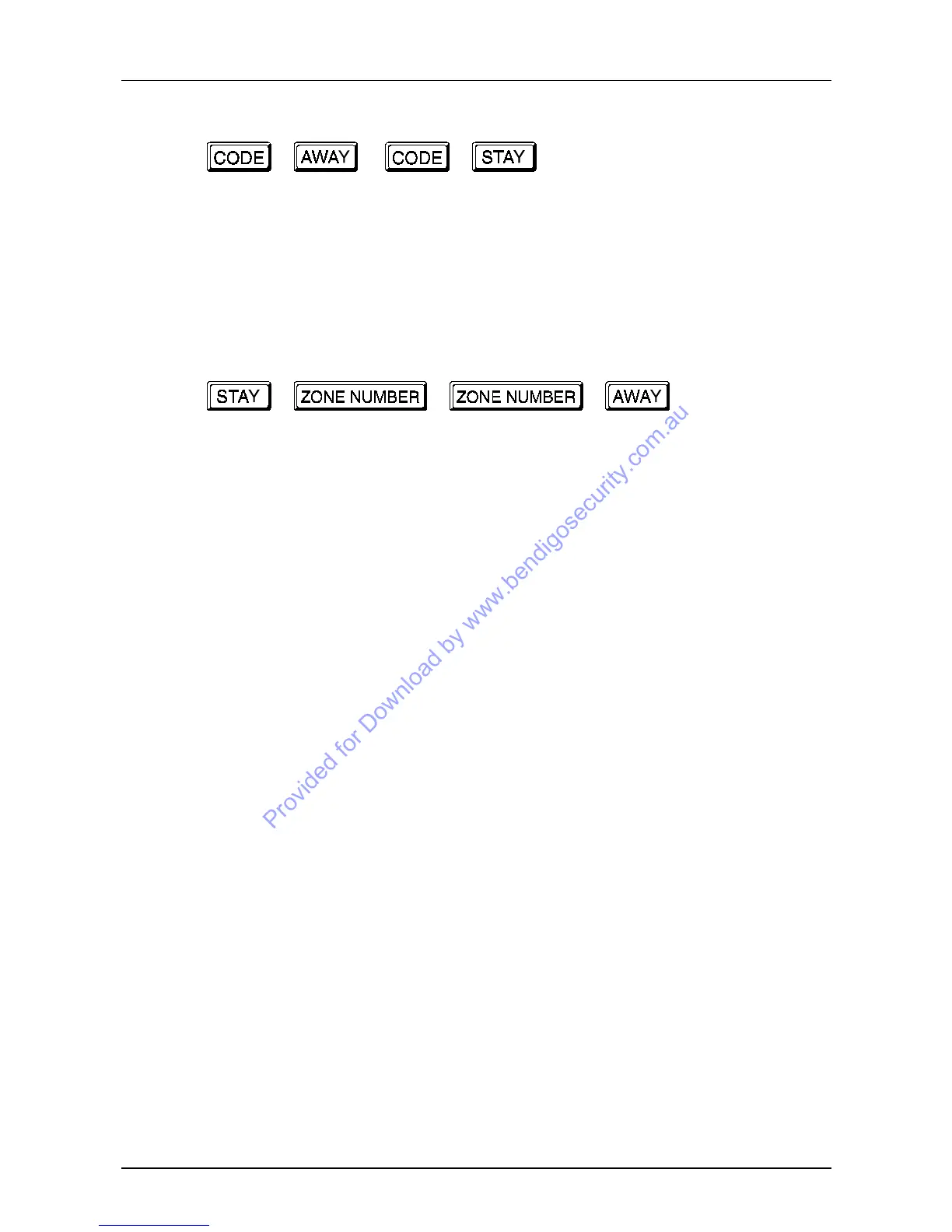
To disarm the system key in your code followed by the AWAY or STAY button.
The STAY or AWAY indicators will extinguish and two beeps will be heard.
Isolating zones
+
+
+
When a zone is isolated access is allowed into that zone at all times. This can be useful
if you wish to leave a pet in the garage for one evening while you are out.
When you need to isolate zones press the STAY button. Three beeps will be heard and
the STAY indicator will begin to flash indicating entry to the isolation mode.
Key in the numbers corresponding to the zones that need to be isolated. As each zone is
isolated, the corresponding zone indicator will begin to flash slowly at one pulse per
second.
If a mistake is made, key in the zone number that was incorrectly entered. This zone is
now no longer isolated, and the zone indicator will stop flashing as the zone returns to
normal.
When the correct zones are isolated press AWAY button to exit the isolation mode. The
STAY indicator will extinguish and three beeps will be heard to indicate a successful
exit from the isolation mode.
Any isolated zones will now continue to flash.
If a zone is programmed as a twenty four hour type, it cannot be isolated. If isolation of
this zone is attempted a long beep will be heard to indicate a disallowed isolation.
Arming the system will now cause only those zones which are not isolated to
become active.
The next time the system is disarmed the isolated zones will be cleared
automatically. This procedure can be repeated as many times as required. See
STAY mode operation for automatic isolation of frequently isolated zones.



 To Next Page