ES-12B 5 Terminal Single Phase Residential Electricity
Meter - Installation and Commissioning Guide
Copyright © 2020 EDMI Europe Ltd. All rights reserved
Version / Status: 1.0
Public
8 Commissioning
Note: Before the meter can join the HAN, the meter must be whitelisted.
A whitelist is the list of devices that are allowed to join the HAN. These devices include Electricity
Smart Meters, Gas Smart Meters, In-Home Devices, and the Communications Hub. Before devices
can join the HAN, they must be whitelisted via the 8.1.1 service request.
For more information about whitelisting, refer to your Communications Hub documentation and
company installation procedures.
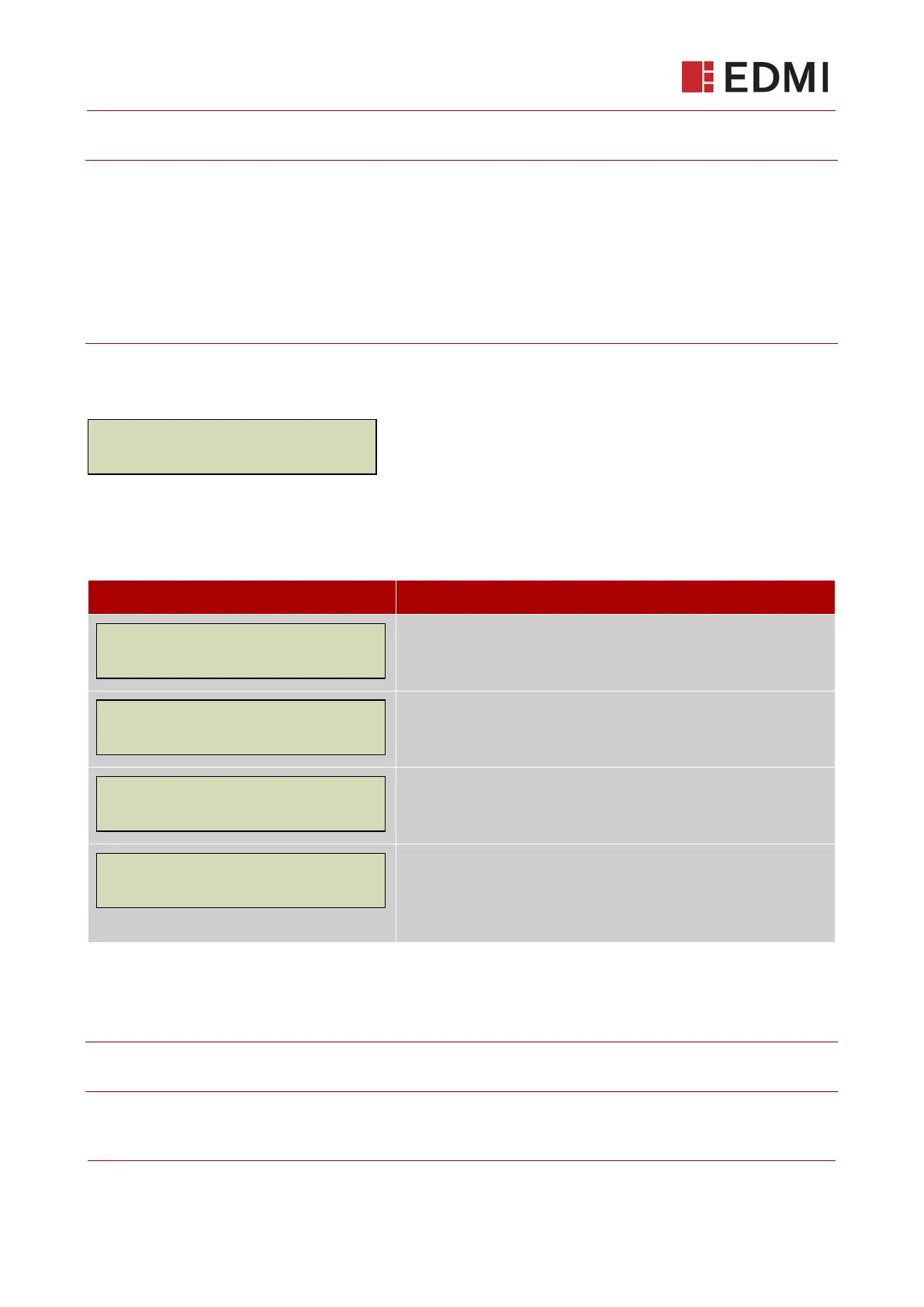
After power has been applied, the LCD display screen on the ES-12B displays the following
message:
If the Communications Hub indicates that the HAN has been successfully formed and that it is in a
state to allow joining (refer to your Communications Hub documentation for information), press and
hold the OK button for one second. The following messages are displayed:
The meter is locating the HAN.
The HAN association has been successful and the security key is
being established.
The meter has successfully joined the Home Area Network.
This message confirms that the meter has sent the Device
Commissioned Alert to the supplier.
The message will time out after 10 seconds or if dismissed by
pressing and hold the OK button for one second.
After the meter has successfully joined the HAN, it will enter commissioning mode, waiting for
commissioning commands from the supplier. The following example messages will be displayed on
the LCD as the process proceeds:
Note: The exact DUIS request numbers may vary with every supplier – the numbers below are
simply for illustrative purposes only



 To Next Page