charger station your personal robot will release the emergency stop and resume
automatic operation."
Please have a look at following video to see how you can activate the
Emergency stop button: https://www.youtube.com/watch?v=hWfAT2U6lFA"
As well as following video on how to deactivate the emergency stop button:#
https://www.youtube.com/watch?v=YlrXu-mcPzk"
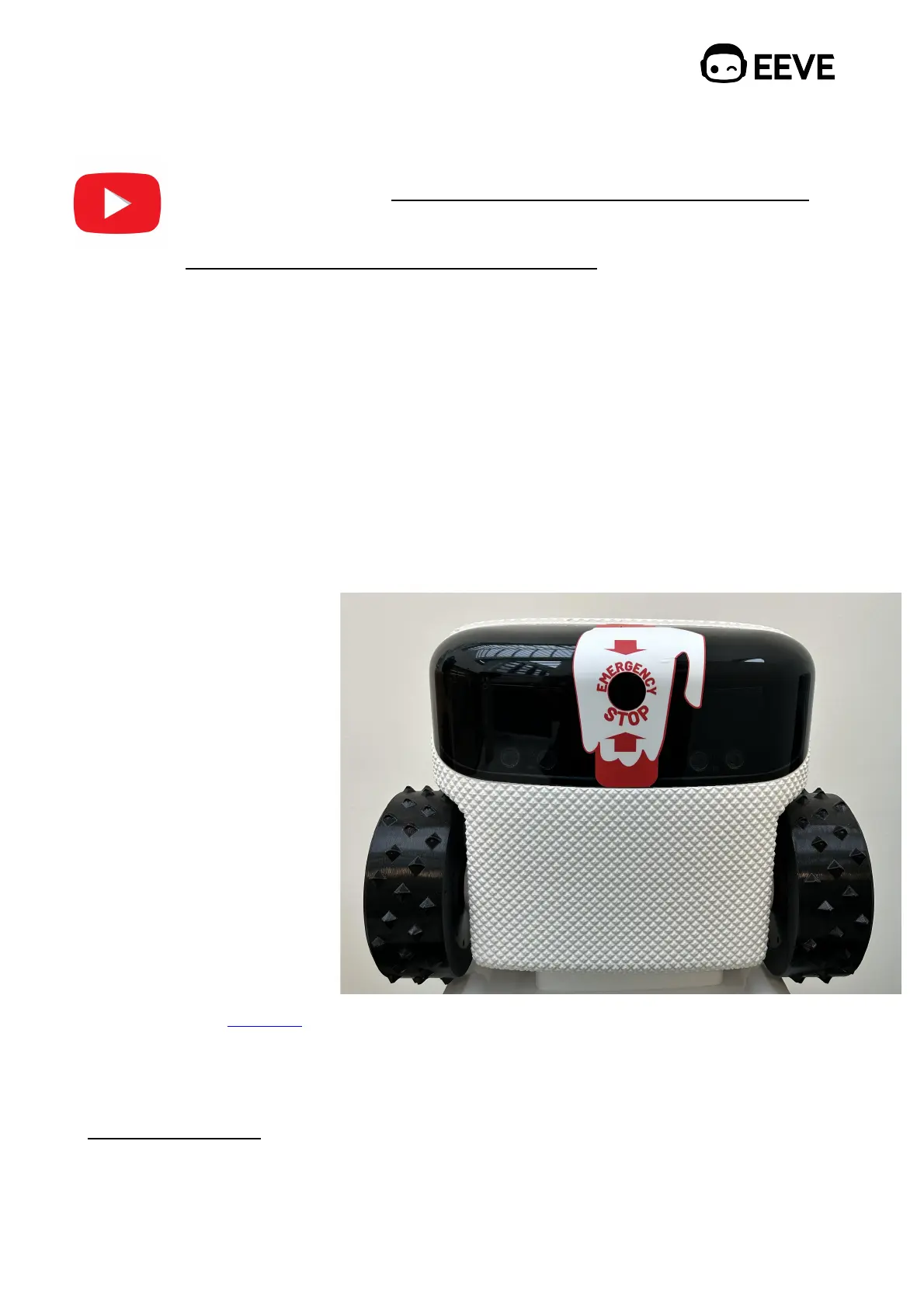
You have the option to purchase an emergency button marker, designed to highlight the
emergency button on the personal robot for increased visibility to both you and any
visitors."
If you anticipate other individuals coming near the robot, we highly recommend you install
an emergency button marker. This accessory enhances safety by ensuring quick and easy
access to the emergency stop function. To order an emergency button marker, please
visit our online shop via eeve.com and browse our accessories section, or you can
directly reach out to our support team at support@eeve.com."
There are two available options:"
1. Emergency stop marker."
2. Golden button marker."
Visit our shop at eeve.com to
order the markers or contact our support team via support@eeve.com."
8.2. Disabling device "
To activate the disabling device, activate the Emergency stop button by placing your hand
on the Emergency stop button. Remove your hand from the Emergency stop button until



 To Next Page