EasyManua.ls Logo

Effekta MH6000 - Front Panel Functions

Effekta MH6000
51 pages
Print Icon
To Next Page IconTo Next Page
To Previous Page IconTo Previous Page
Loading...
UPS MH6000 Manual
MH Series
Page 15 of 51
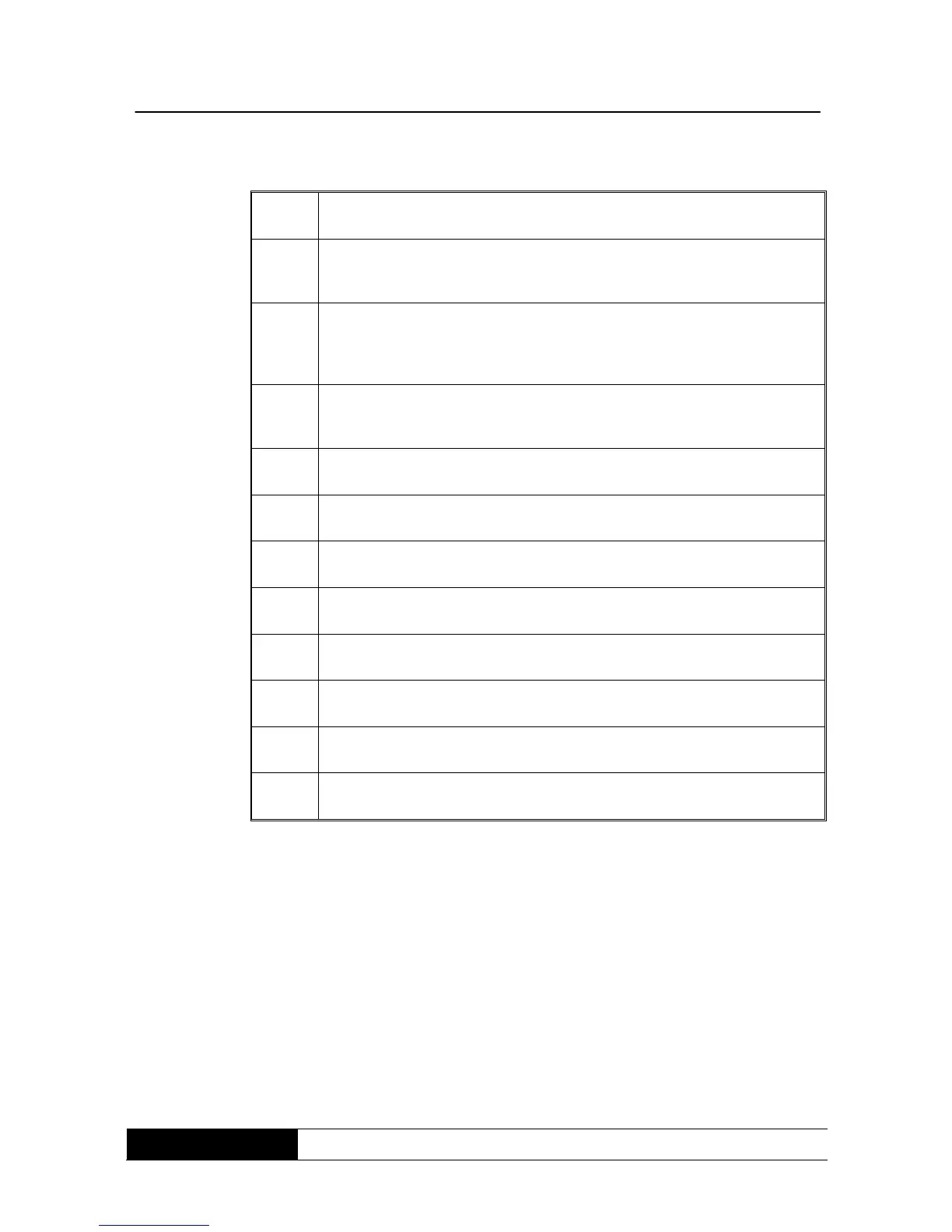
1
LCD- display
2
The green LED signs indicate that the UPS can work with
redundancy mode.
3
Constant glowing of the LED indicates that the input voltage is within
the defined window. The LED jitters when input voltage is within the
still tolerated window.
4
The green LED indicates that the voltage supply at the bypass input
is normal.
5
UPS switch-on / alert witch off
6
Return to the last page or change the installation of the UPS.
7
Confirm the changes of the UPS installation again.
8
Go to the next page
9
UPS switch-off.
10
To log out /in special functions.
11
UPS is eco-working (economical, line interactive).
12
UPS fault

Related product manuals