Every 8 Hours
Document ID: OMM-00144-L VUTEk 3r & 5r Series Maintenance Guide 28
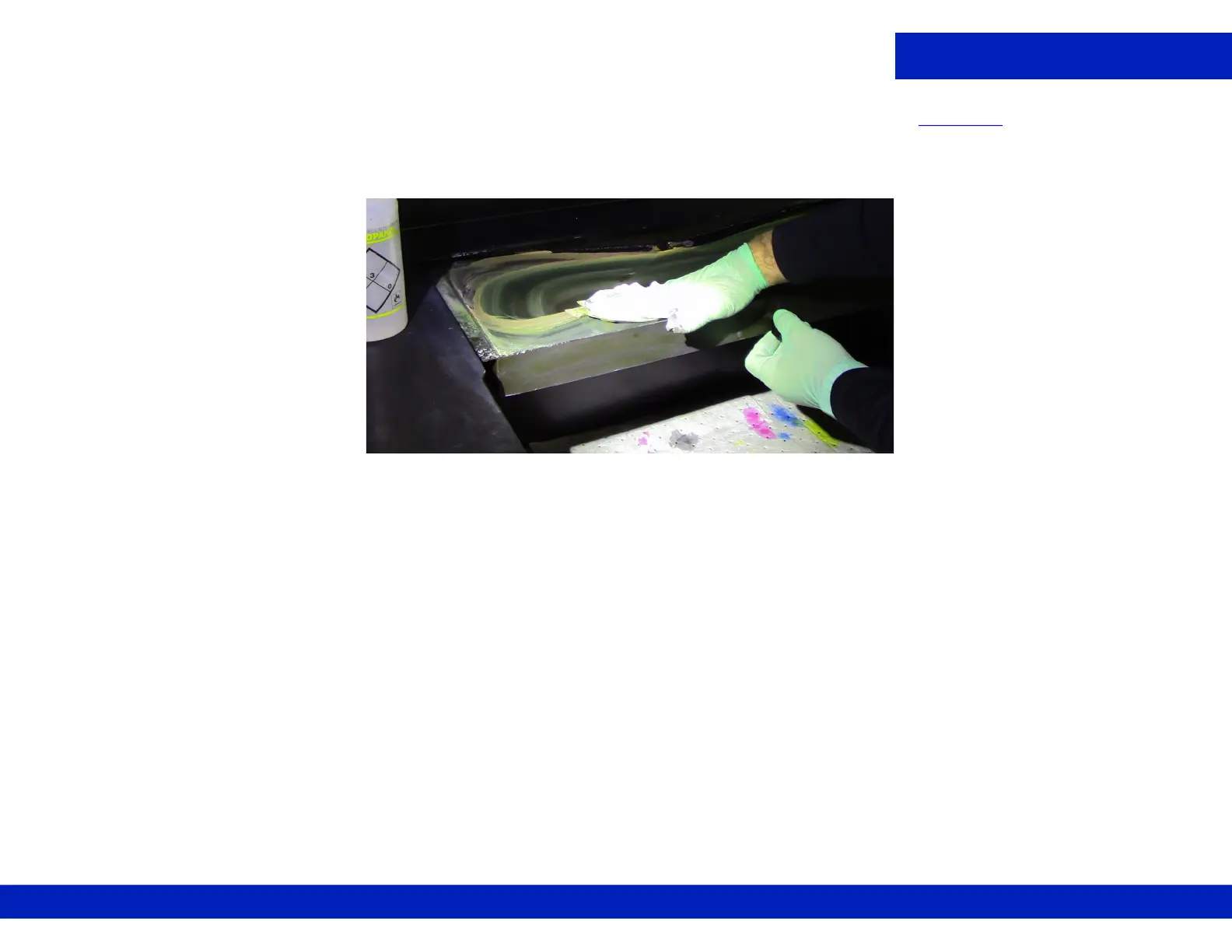
3. Dampen a lint-free wipe with IPA and thoroughly wipe down the sink to remove the ink deposits, Figure 4-8.
NOTE: Do not force ink sludge into the drain hole.
4. Remove the retaining pins after completing tasks.
Figure 4-8 Wiping Ink Sink



 To Next Page
 Loading...



