Every 8 Hours
Document ID: OMM-00144-L VUTEk 3r & 5r Series Maintenance Guide 30
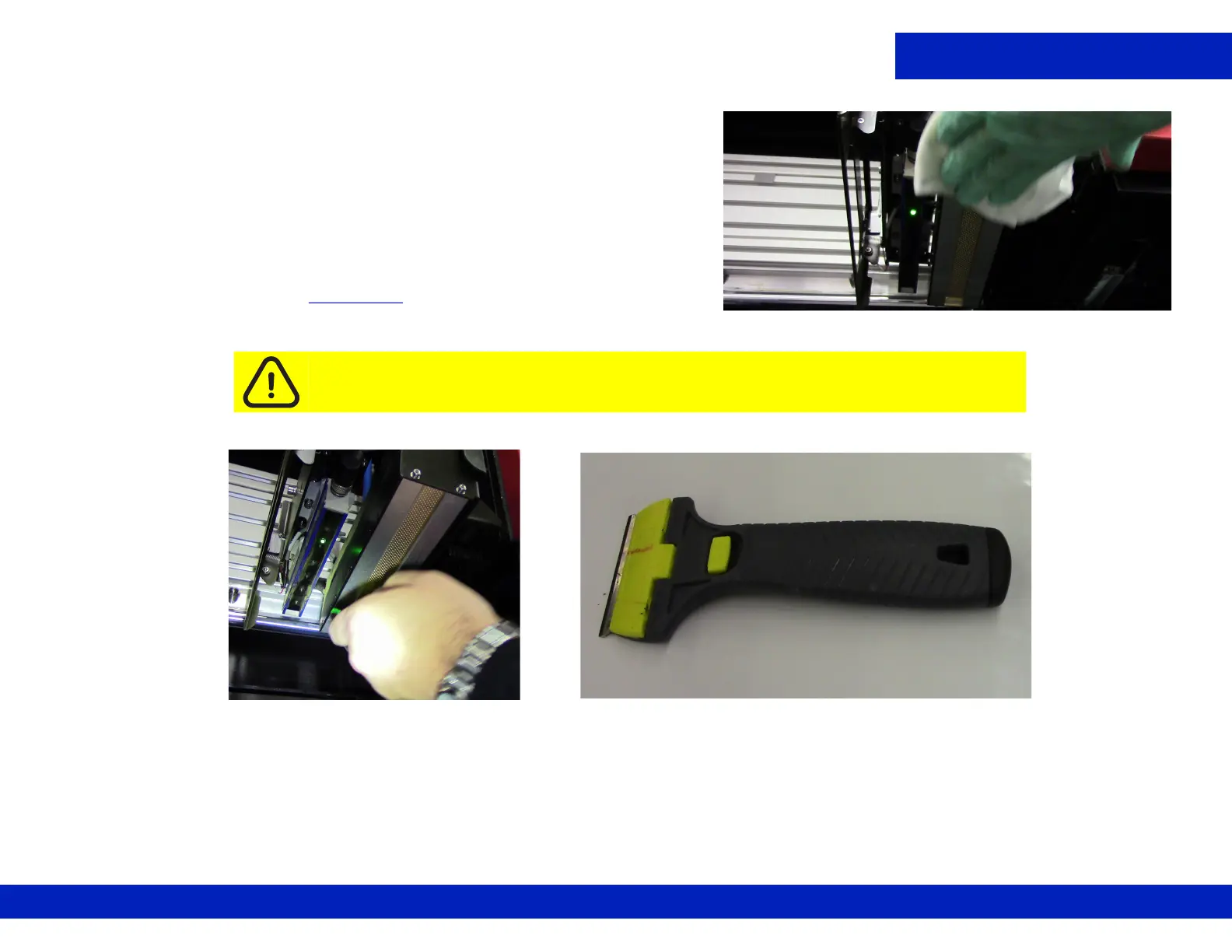
3. Wipe down lamp lenses with a lint-free wipe and isopropyl alcohol.
4. If there are particles stuck to the glass, carefully remove them using a
scraper with blade, Figure 4-12
, then wipe both surfaces again.
NOTE: Scraper style may vary based on date of printer installation.
5. Remove the retaining pins after completing tasks.
Caution: Avoid scratching lamp lens surfaces; do not touch the lens surface.
Figure 4-11 Wiping LED Lens surface
Figure 4-12 Scraping LED lens surface, (Left) and Scraper (Right)



 To Next Page
 Loading...



