25
eSteer10 User Manual
4.4 Parameters adjustment
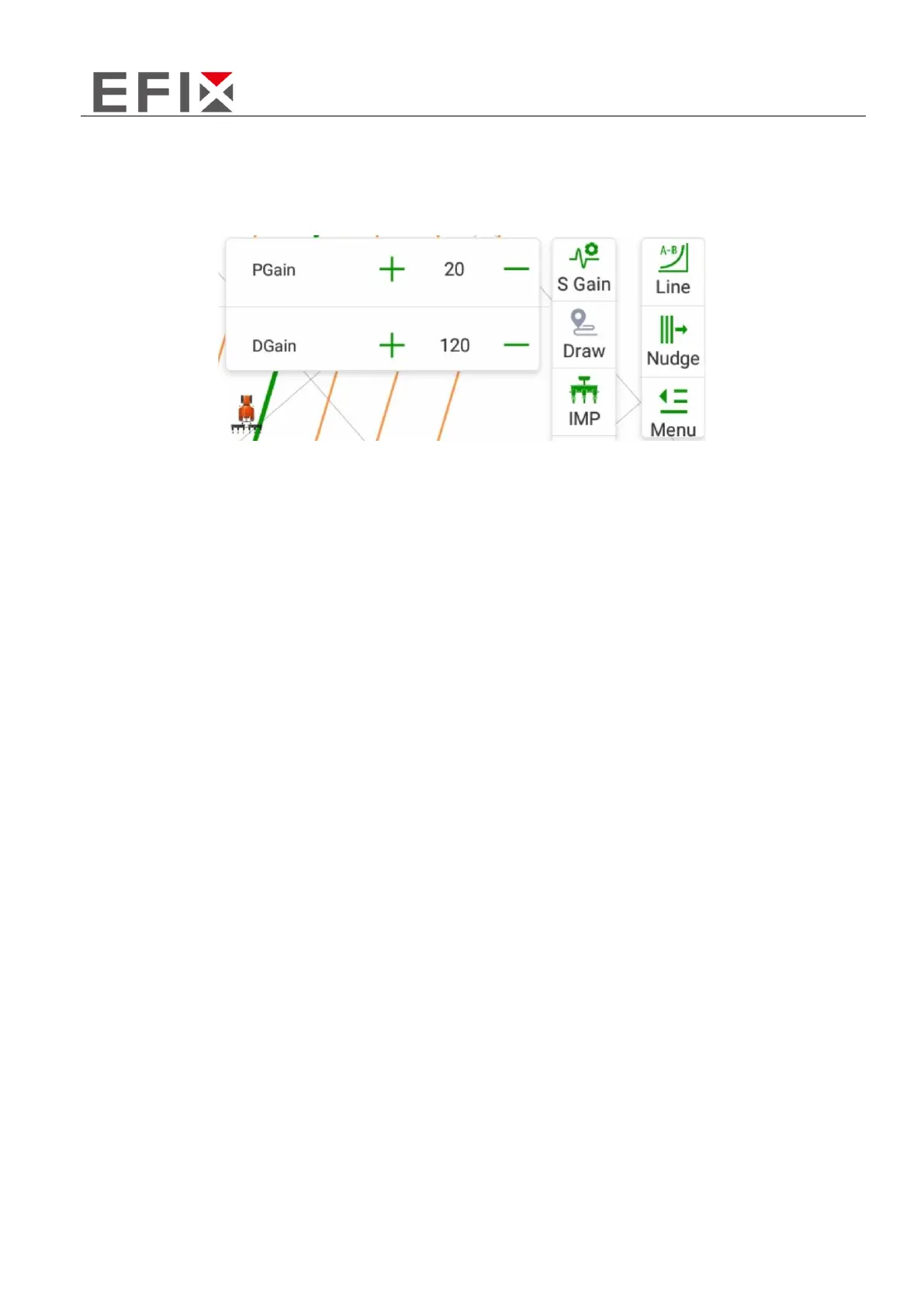
Click on the right side "Menu" -> "Parameters" to open the parameters interface.
PGain: (Interval: 5, Range: 15-35)
If there is a slow response in steering and vehicle body movement, increase this value. Increasing the
value will result in a higher steering adjustment force and can address the issue of insufficient driving
force causing sluggish turning.
If there is excessive steering wheel movement, decrease this value. Decreasing the value will result in
a lower steering adjustment force and can address issues such as jerky turns and oversteering caused
by excessive driving force.
DGain: (Interval: 20, Range: 80-200)
If the steering wheel movement is slow and increasing the proportional gain does not yield significant
results, increase this value. This is necessary when the steering frequency is low, causing delayed
steering adjustments or sluggish turns.
If there is excessive steering wheel oscillation and decreasing the proportional gain does not yield
significant results, decrease this value. This is necessary when the steering frequency is high, leading
to excessive steering wheel and wheel oscillation or erratic turns.



 To Next Page