34
eSteer10 User Manual
4.9.2 Manual Data Restoration
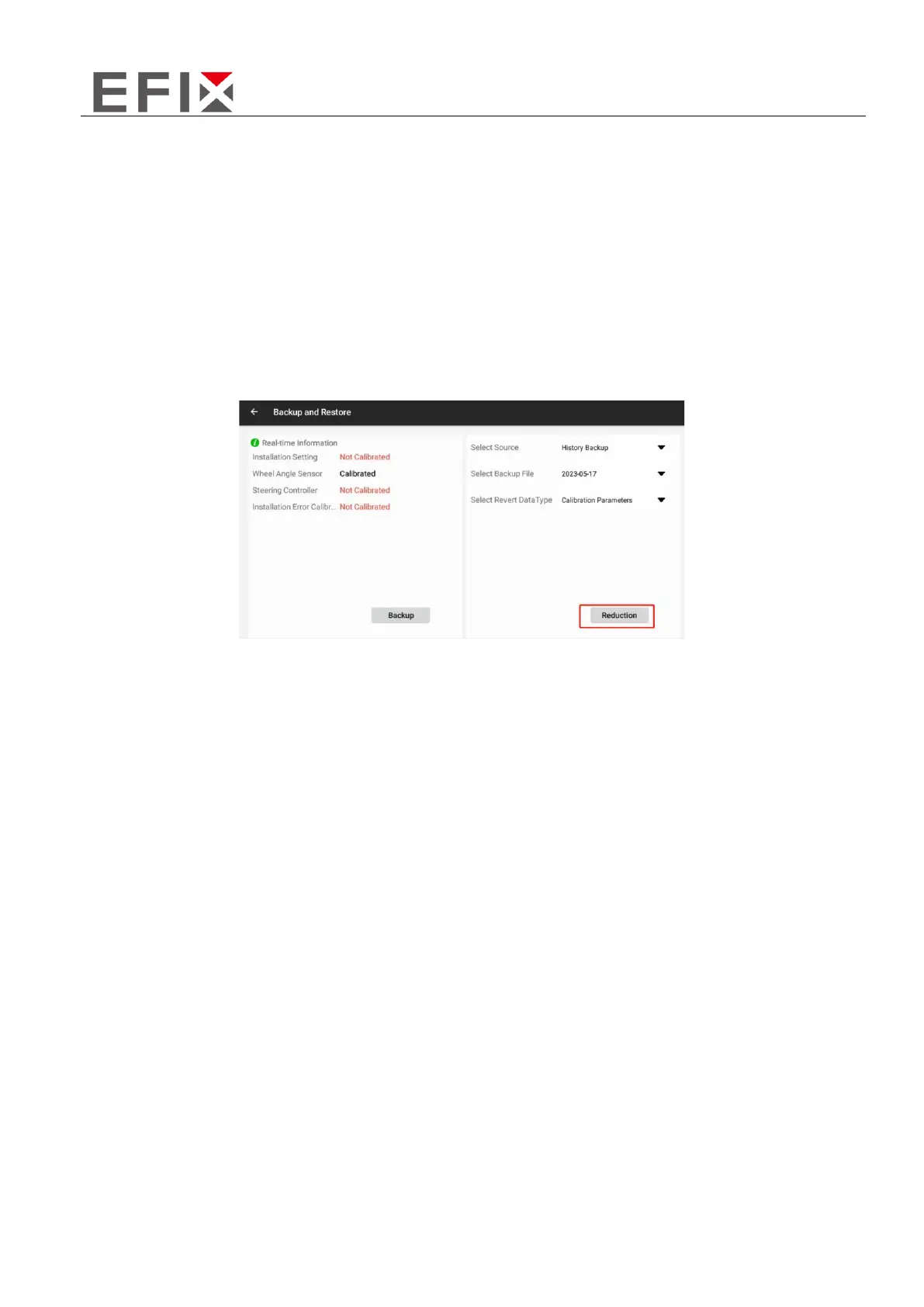
After entering the "Backup and Restore" settings, click on "Select Backup File" to display all the backup
files, including automatic and manual backups.
Manual backup files are named "Local Backup File".
Automatic backup files are named "Network Backup File".
Based on the names and dates associated with the backup files, choose the backup file you want to
restore the settings from. Once selected, click on "Restore" and wait for the software to display a
prompt saying "Restore Successful" to confirm the successful restoration.



 To Next Page