30
eSteer10 User Manual
4.8 Scene Mode Switching
This software provides the functionality to switch between different application scenarios, allowing
for optimized performance in various terrains and working conditions. When the automatic driving
performance is not satisfactory, you can try switching the scene mode to improve the operation. The
steps to switch the scene mode are as follows:
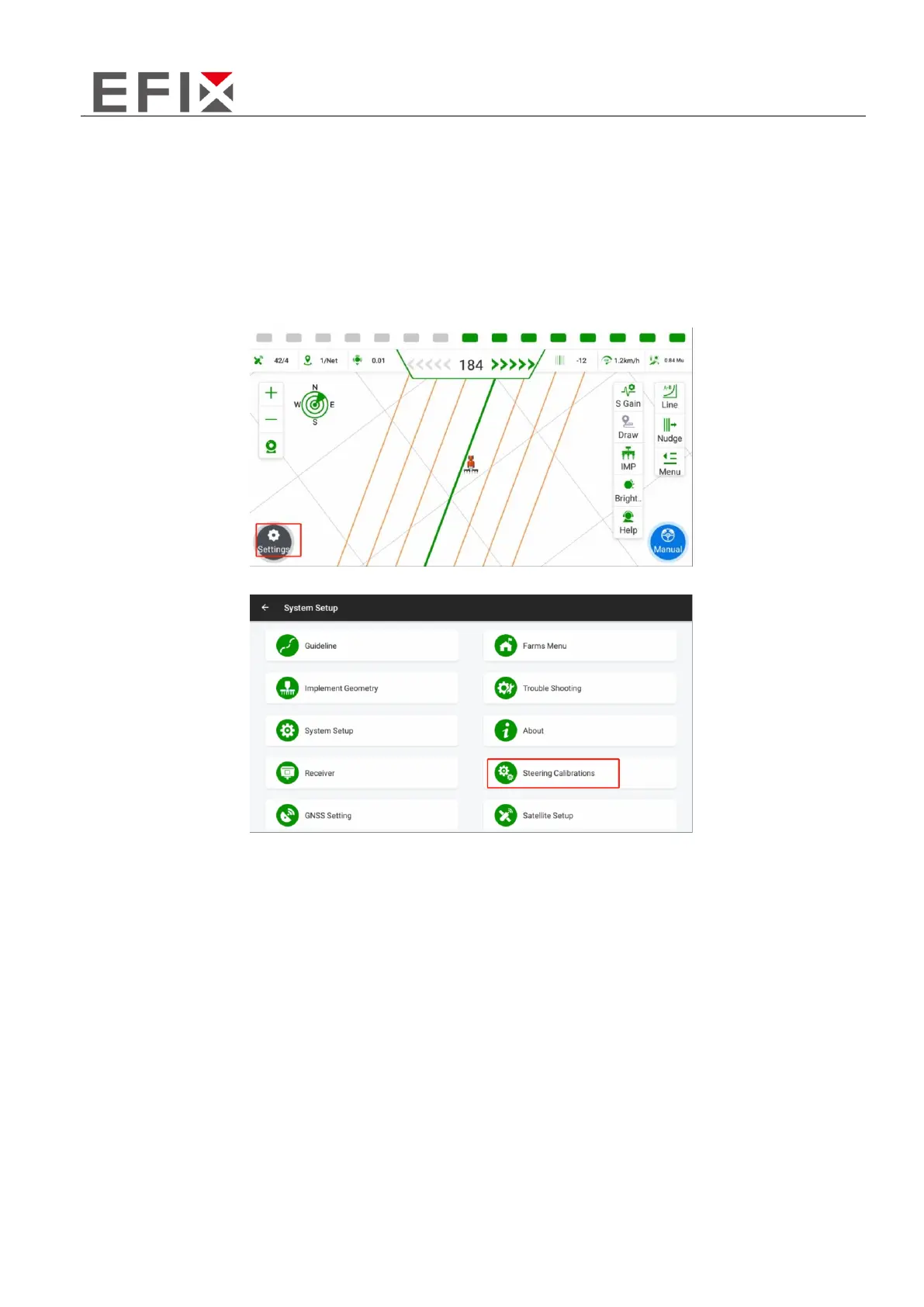
Click on the "Settings" button in the main interface.
Click on "Steering calibrations”



 To Next Page