12
eSteer10 User Manual
3.5 Line Guidance
A. Quick Line Guidance
Click on the button on the right side of the screen to access the Quick Line Guidance menu.
Select the "AB Line" option to enter the AB Line setup.
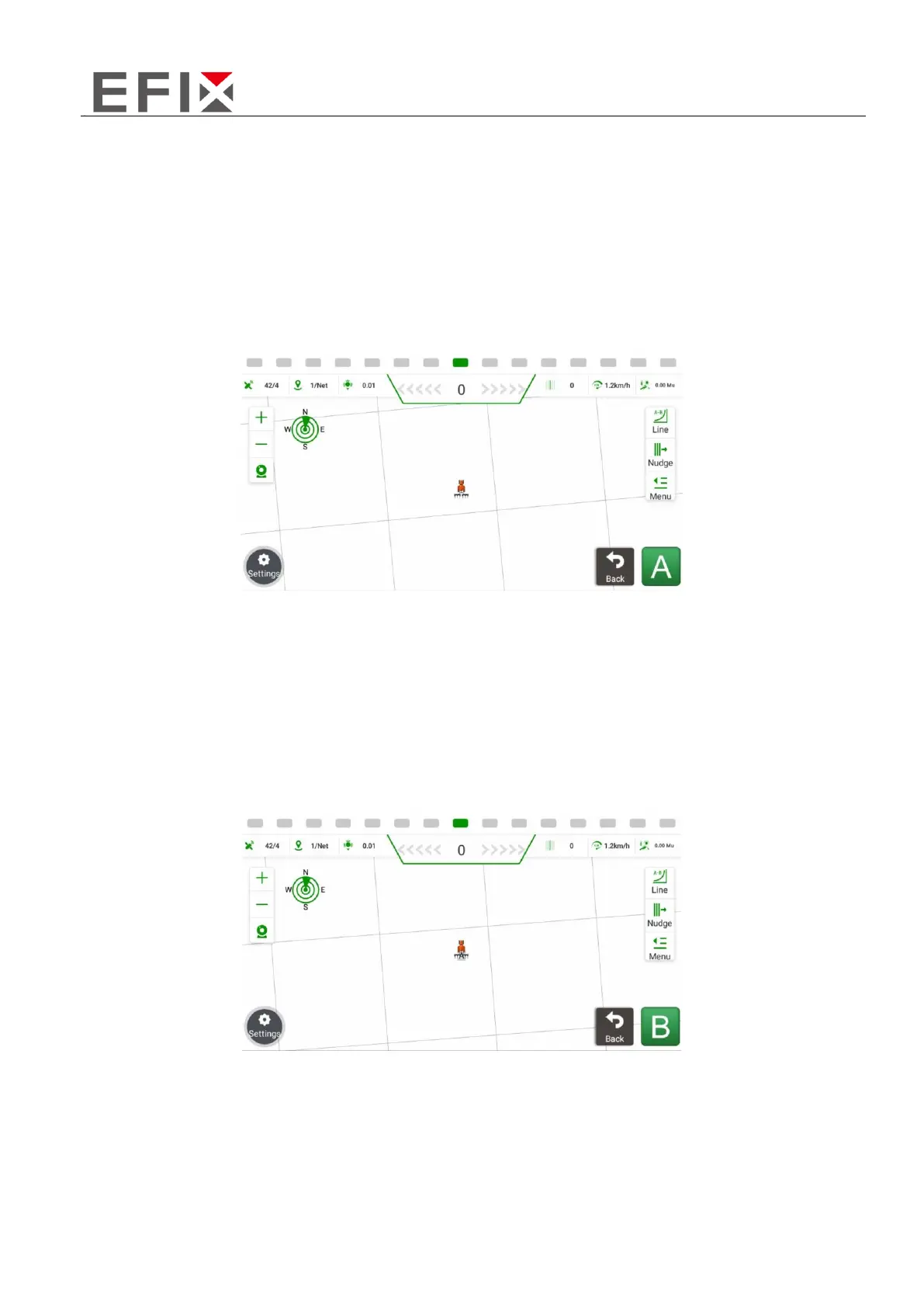
Drive the vehicle to the field headland and align it with the desired travel direction (align with the
opposite headland). Once the vehicle is stationary, set the A point.
Manually drive the vehicle to the opposite end of the field (leaving one row unplowed). Once the
vehicle is stationary, click on "B" to set the B point. Ensure that the direction between the A and B
points is consistent. After setting the B point, the navigation line will be automatically saved, and
the generated navigation line will appear on the screen, indicating that the line setup is complete.



 To Next Page