14
eSteer10 User Manual
3.6 Auto steering
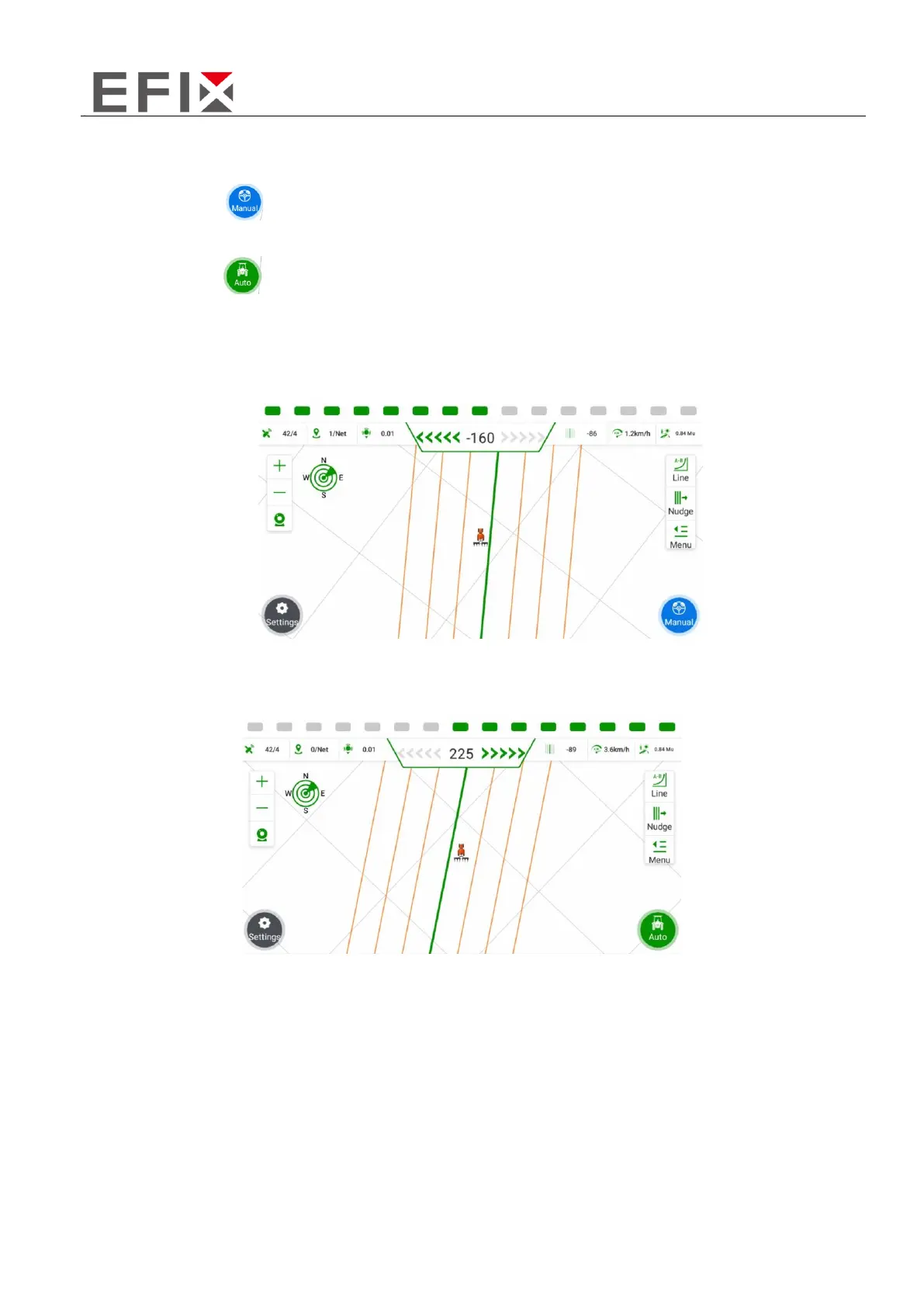
When the button in the bottom-right corner of the screen is displayed in gray with the label
"Manual Mode," it indicates that the system is currently under manual control.
When the button in the bottom-right corner of the screen is displayed in green with the label
"Auto Mode," it indicates that the system is currently under automatic control.
Clicking on this button allows you to switch between the two modes, toggling between manual and
automatic control.
Manual mode
Auto mode



 To Next Page