31
eSteer10 User Manual
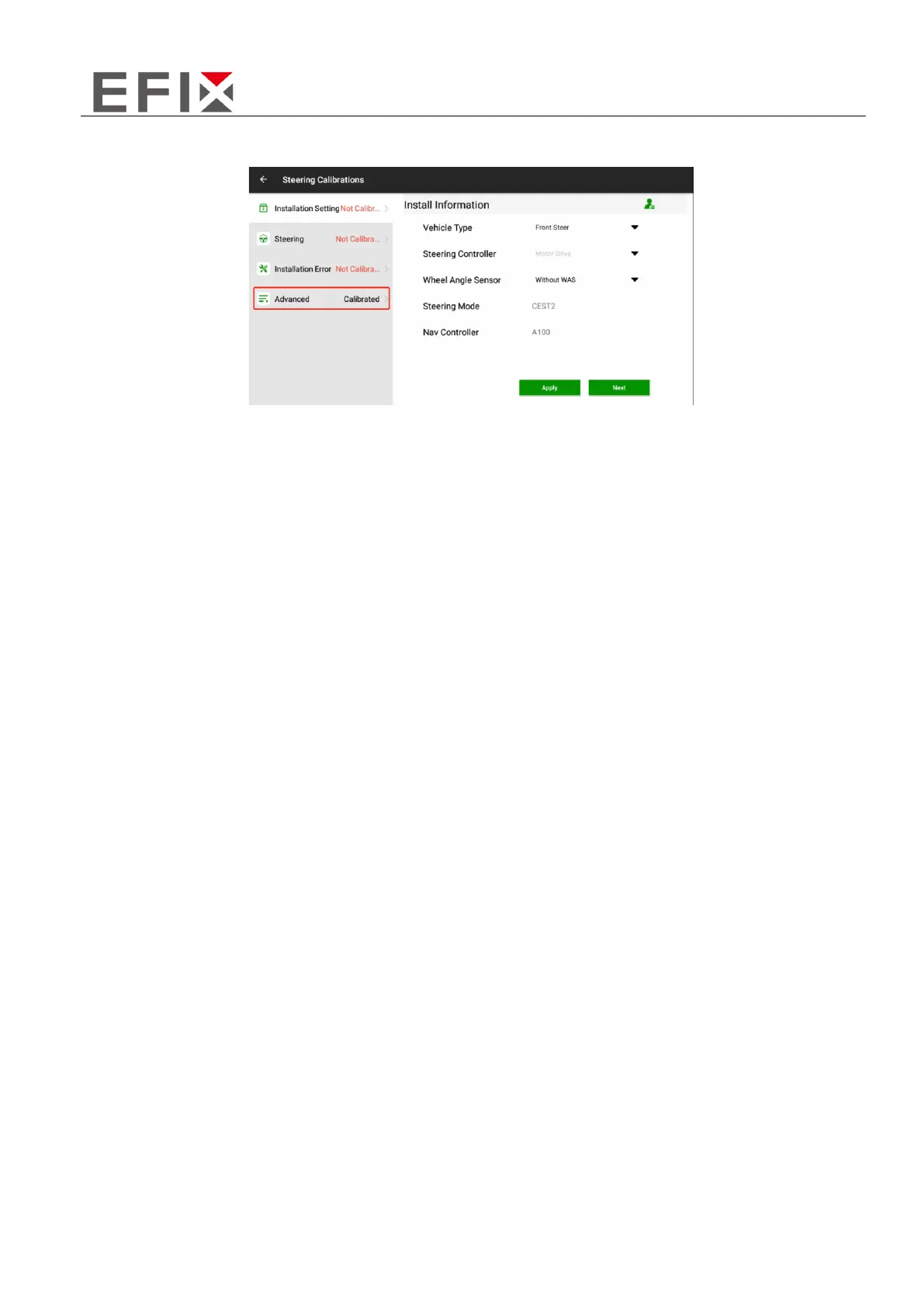
Click on "Advanced," enter the password, and then click on "OK" to access the scene parameter
modification interface.
Once you have entered the parameter scene switch interface, you can click on the corresponding
scene. After selecting a scene, click on "Apply" and wait for 3-5 seconds. When the software
displays a message indicating successful application, it means that the scene has been switched
successfully.


 To Next Page
 Loading...