6
eSteer10 User Manual
12. Line Offset: Indicates the offset or deviation from the guidance line.
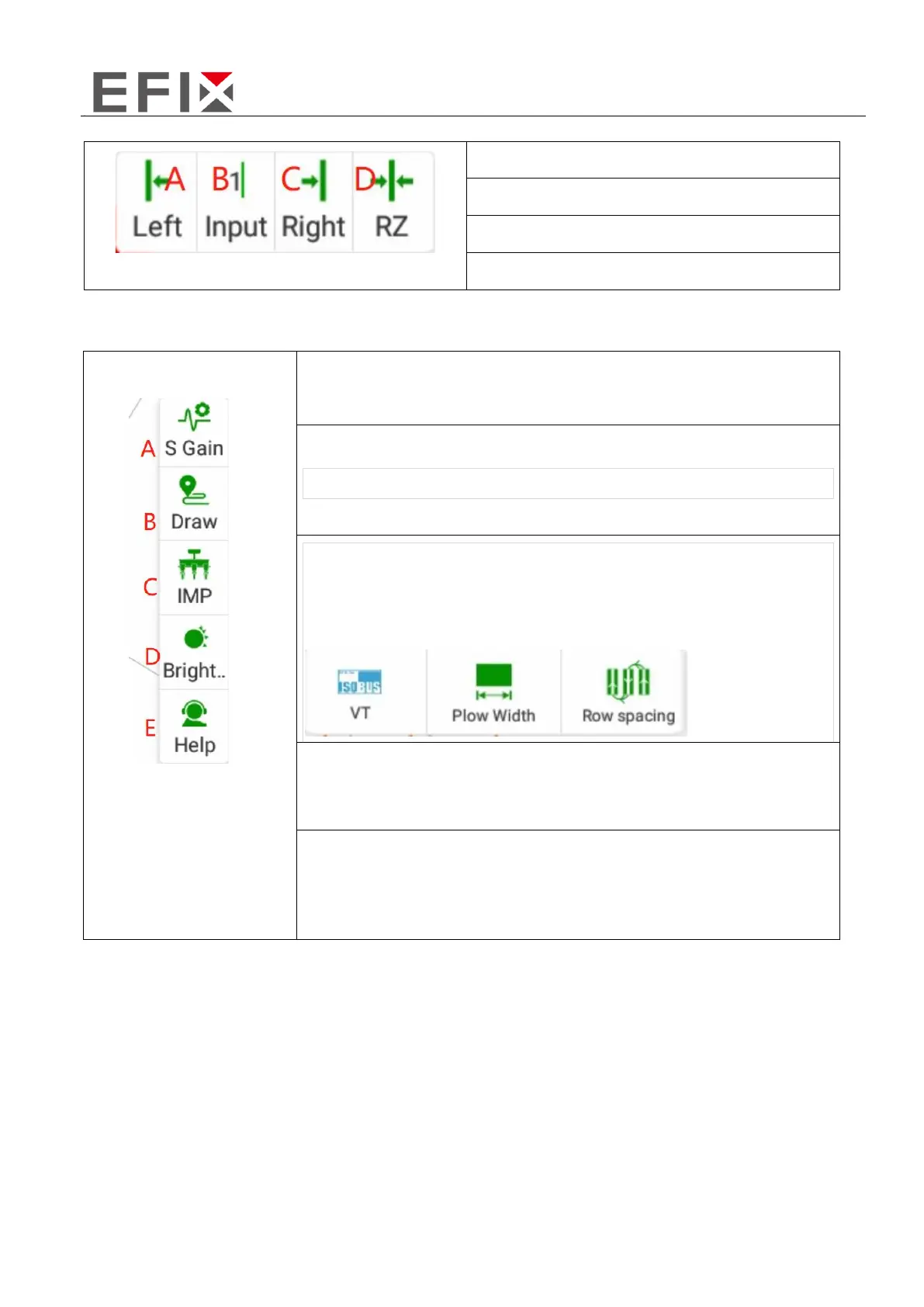
C: Enter the line offset distance (unit:cm)
13. Menu: Parameters, Tracks, Implements, Modes, Help.
A: Quick Adjustment of Line Entry and Travel Parameters
C: Implement Settings, including ISOBUS VT, Plow Width and Row
spacing
D: Select Brightness Mode and Adjust Display Brightness
E: Help, including Reversing heading, One-Key Assistance, Line
Guidance, Row Spacing Calculation Guidance, Width Guidance,
Parameter Viewing, and One-Key Log Upload



 To Next Page