- PF321A6012
6.9.3 Setting the Positions on the V810 Control Panel (Parameter 270 = 0 or 6)
Do these settings whenever the encoder incorporated in the motor is used (parameter 270 = 0), or a position
transmitter mounted on the machine head (e.g. IPG pulse encoder or HSM Hall sensor) (parameter 270 = 6),
whose preset values must be adapted.
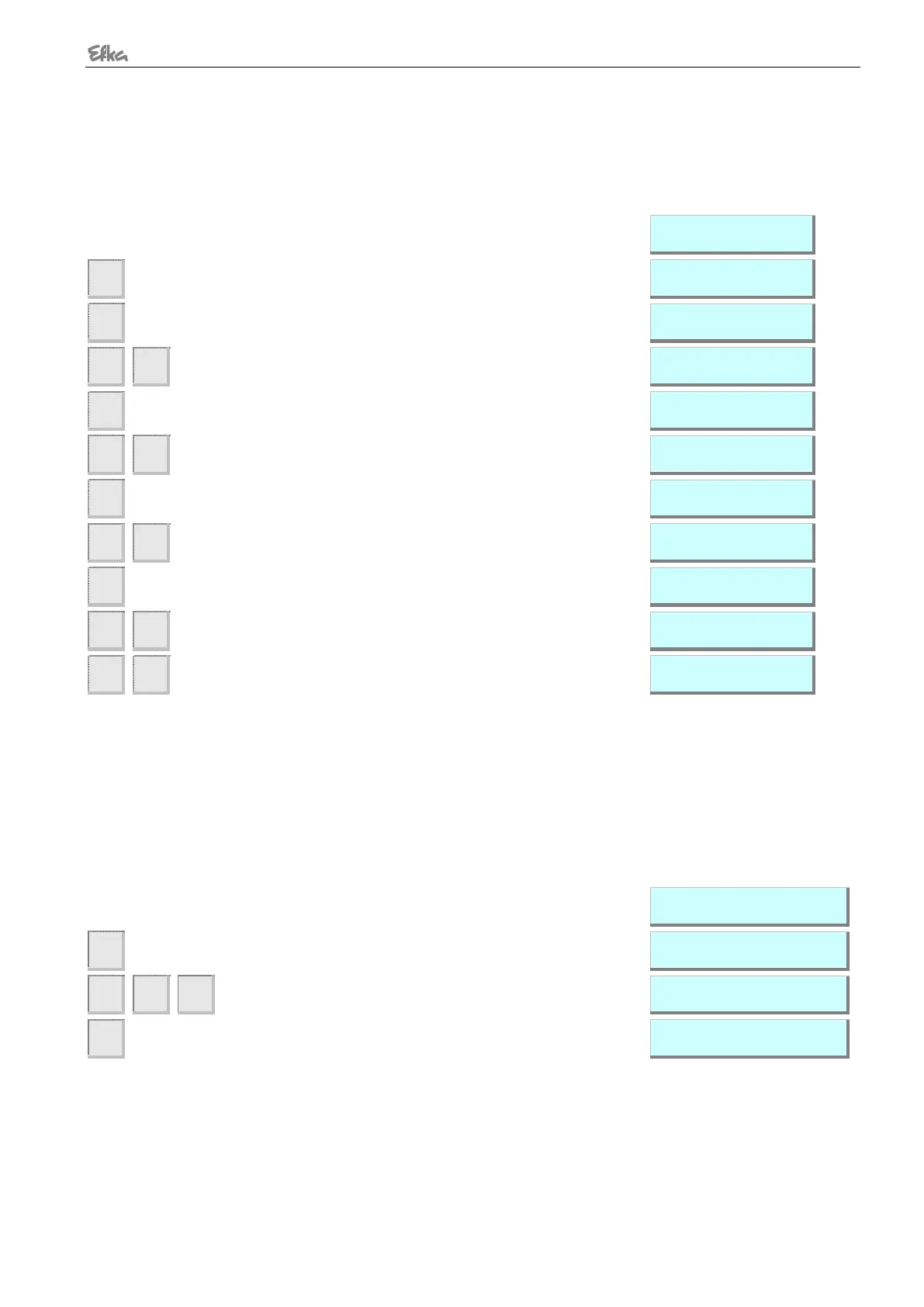
Press key >> (B key).
Display of the 1st parameter value of position 1
If necessary, change parameter value by pressing key
>> or +/- or by turning the handwheel (> 1 rotation)
Parameter value of position 2 appears on the display
If necessary, change parameter value by pressing key
>> or +/- or by turning the handwheel (> 1 rotation)
Parameter value of position 1A appears on the
display
If necessary, change parameter value by pressing key
>> or +/- or by turning the handwheel (> 1 rotation)
Parameter value of position 2A appears on the
display
Parameter value of position 2A
appears on the display
Press the P key twice!
Settings are completed, exit programming!
These values are saved when you begin sewing. They remain in effect even after turning the machine
off!
6.9.4 Setting the Positions on the V820/850 Control Panel (Parameter 270 = 0 or 6)
Do these settings whenever the encoder incorporated in the motor is used (parameter 270 = 0), or a position
transmitter mounted on the machine head (e.g. IPG pulse encoder or HSM Hall sensor) (parameter 270 = 6),
whose preset values must be adapted.
Display before programming!
A parameter number blinks on the display
Input parameter number 171!
The abbreviation of the parameter appears on the
display


 To Next Page