Instruction Manual
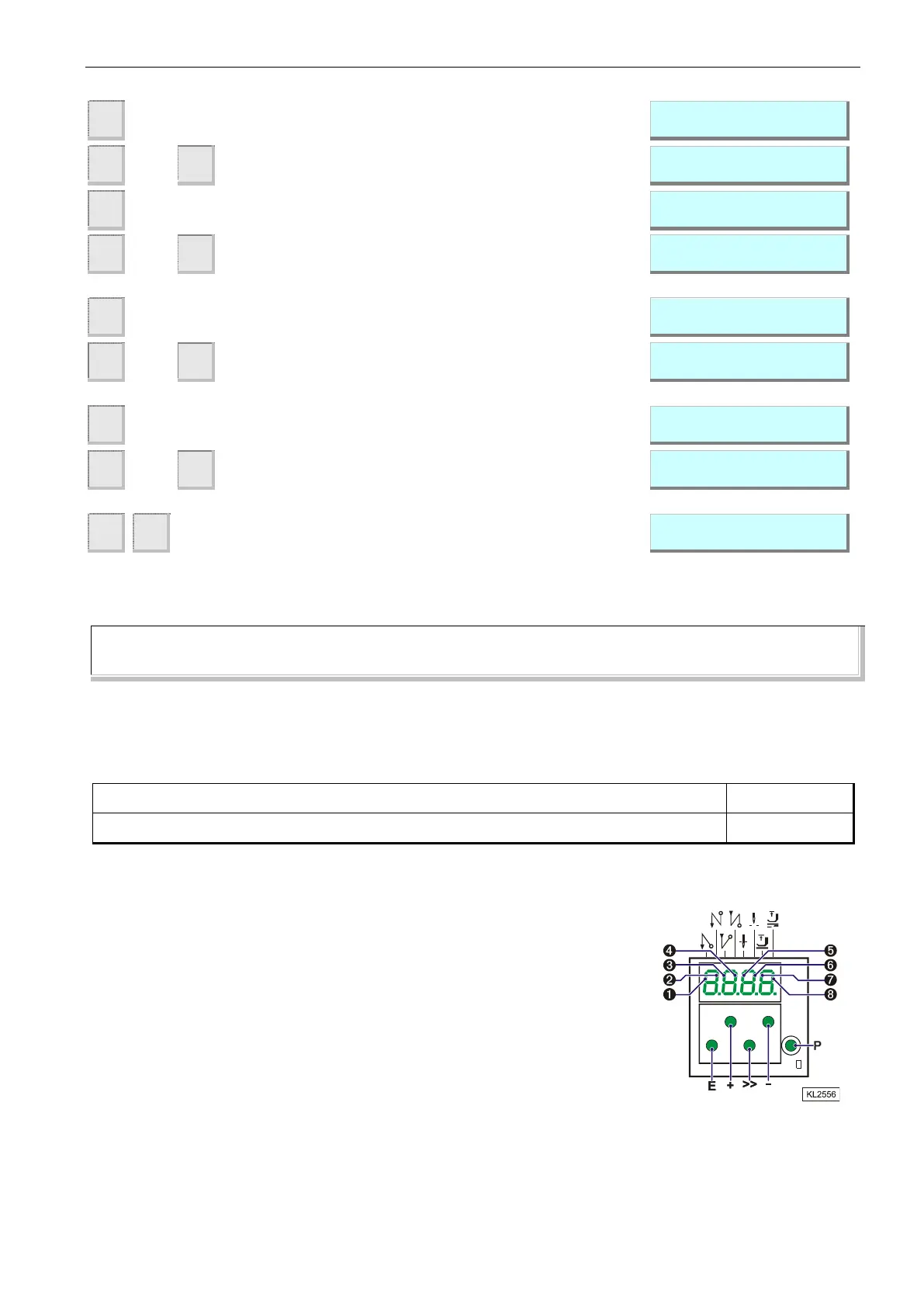
Display of the 1st parameter value of position 1 (B
key)
Display of the 1st parameter value of position 1 (B
key)
Parameter value of position 2 appears on the display
If necessary, change parameter value by pressing
keys +/- or 0...9 or by turning the handwheel (> 1
rotation).
Parameter value of position 1A appears on the
display
If necessary, change parameter value by pressing
keys +/- or 0...9 or by turning the handwheel (> 1
rotation).
Parameter value of position 2A appears on the
display
If necessary, change parameter value by pressing
keys +/- or 0...9 or by turning the handwheel (> 1
rotation).
Settings are completed, exit programming!
NOTE
When setting the positions by turning the handwheel, make sure that the displayed numerical value changes.
The display unit of the set position values is "degrees".
6.10 Display of the Signal and Stop Positions
Function with or without control panel
Display of positions 1 and 2
The position settings can easily be checked by means of parameter 172.
Select parameter 172
The control panel display shows "Sr3"
Turn handwheel according to the direction of motor rotation
Control display (control panel not connected)
corresponds to position 1
corresponds to position 1A
corresponds to position 2
corresponds to position 2A


 To Next Page