Instruction Manual
8.1.2 Keys on the multiple-function key bar on the machine head
Upon pressing one of the keys S1...S8, its number appears in the display. On the V810/820/850 also in## and on.
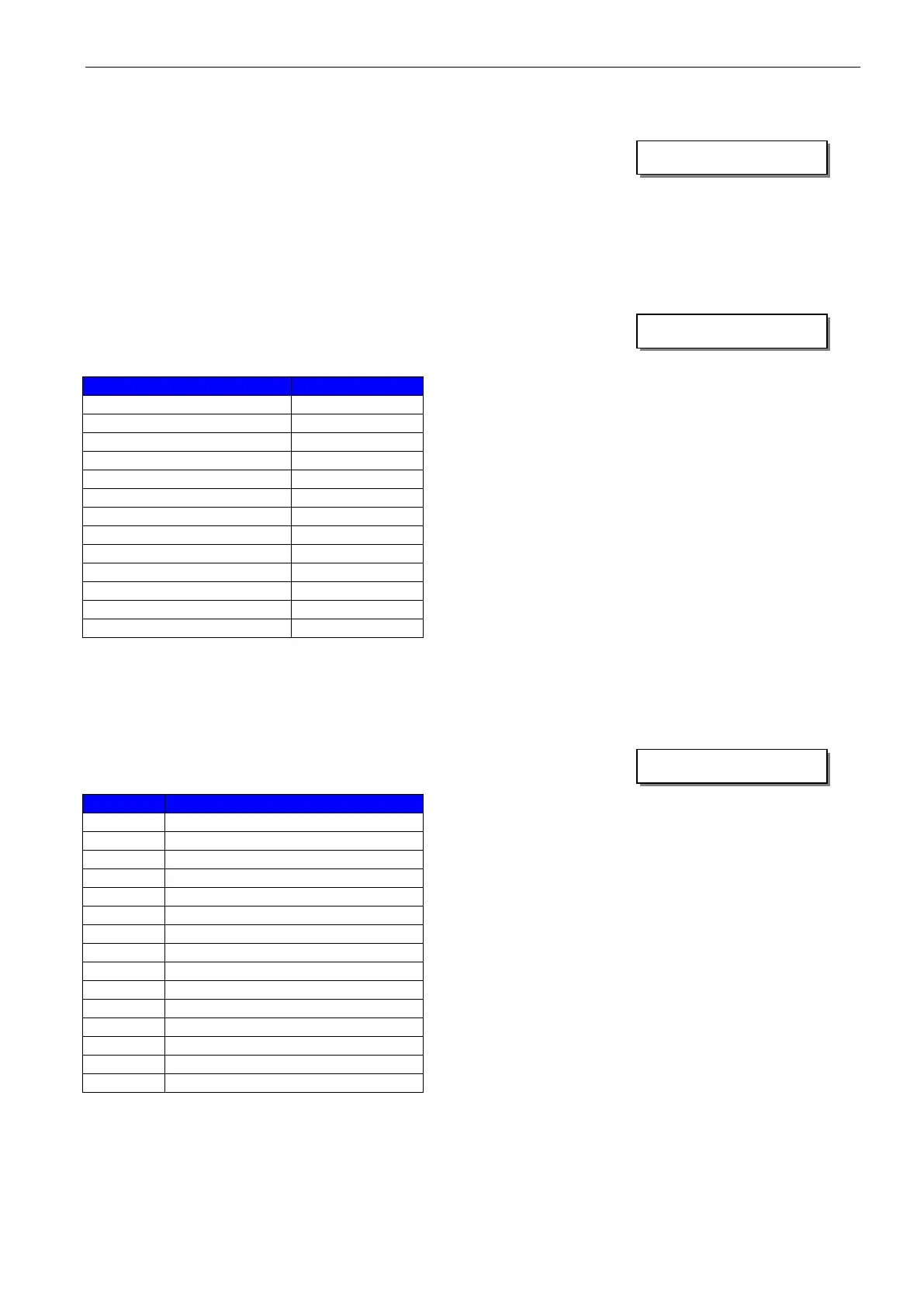
Display example for input S7 on the V820/V850 control panel:
8.1.3 Outputs of control
Select the desired output using the +/- keys.
On the V810 control panel or on the built-in keypad in the control, the >> key is used to turn on the
associated output, if it is connected and working.
On the V820 control panel, instead of the >> key the key (lower right, at the outer edge) must be pressed.
Display example for backtacking output on the V820/V850 control panel:
8.1.4 LEDs of the multiple-function key bar on the machine head
The procedure is exactly as described in the previous section.
If the >> or F2 key is pressed, the associated LED lights up.
Display example for LED 01 on the V820/V850 control panel:


 To Next Page