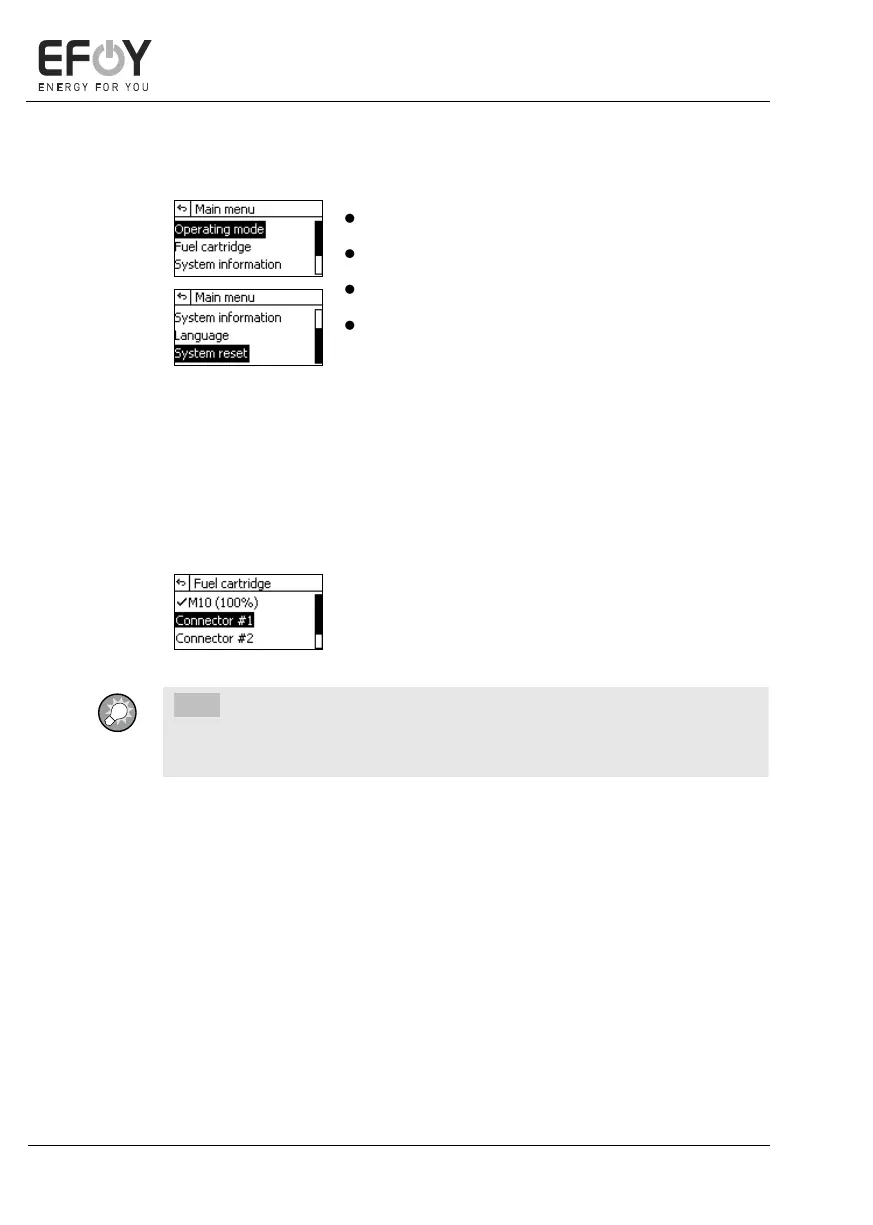
5.2.4 Main menu
Press [menu]. The main menu appears.
Press [][] to select a submenu.
Press [ok] to access the selected submenu.
Press [] to return to the info screen.
You can select the following menu options in the main menu:
Operating mode
For a detailed description, see chapter 5.5 "Operating modes" on page 58.
Fuel cartridge
1. Select the connected fuel cartridge.
2. Press [ok] to confirm your selection.
INFO:
If you have not connected a full fuel cartridge, disable the fuel gauge by
selecting "Disable fuel gauge" in the menu.
System information
For a detailed description, see "System information" on page 41.


 To Next Page