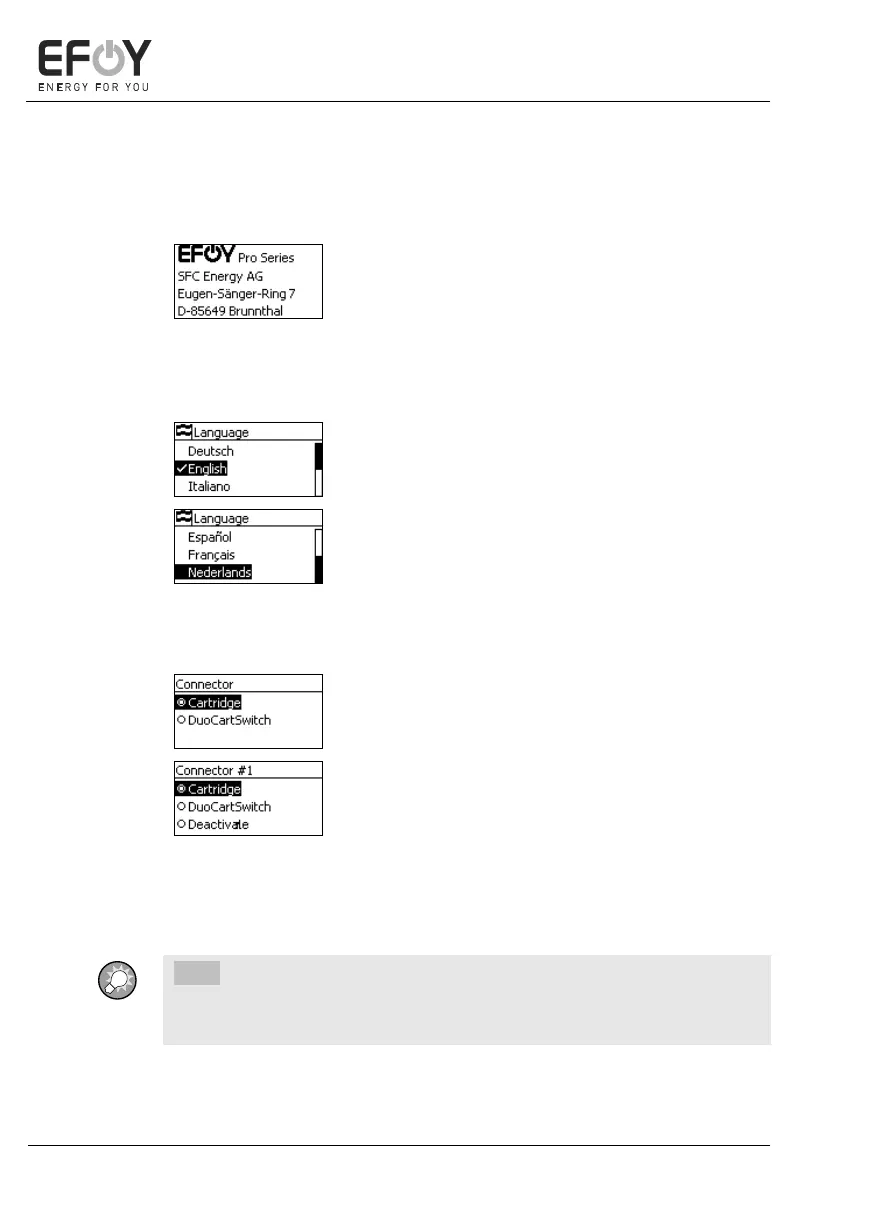
After connecting the EFOY Pro fuel cell to the op-
erating panel for the first time, the intro screen
appears on the display.
After a short wait, the language selection appears.
After connecting the operating panel for the first
time and selecting the language, you are prompted
to enable the installed fuel cartridge.
Depending on whether you are using an EFOY Pro
or EFOY Pro Duo device, "Connector" or
"Connector #1" is displayed.
1. Use [][], to select whether you want to
use a single fuel cartridge or a
DuoCartSwitch for the relevant connector.
2. Press [ok] to confirm your selection.


 To Next Page