CAUTION!
Incorrectly set operating parameters may damage the device. This may
nullify your warranty.
Only use the precise values permitted for the battery parameters and
battery protection settings (see page 49).
Before installation and operation please check the battery data sheets
from the manufacturers permitted battery values.
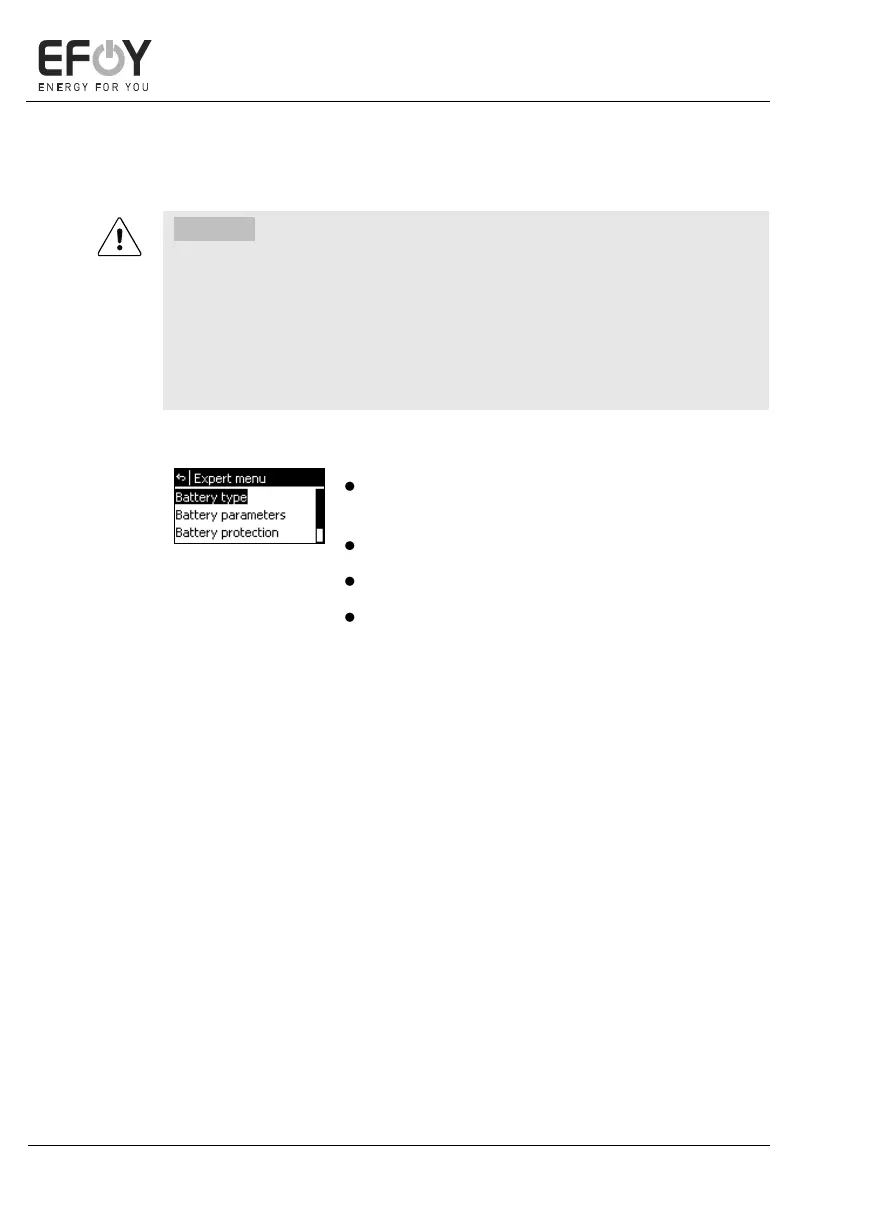
Press and hold [ok] and [menu] at the same
time for 2 seconds. The expert menu appears.
Press [][] to select a submenu.
Press [ok] to access the selected submenu.
Press [] to return to the expert menu.
You can select the following menu options in the
expert menu:
- Battery type
- Battery parameters
- Battery protection
- Factory defaults
This option allows you to undo all the settings
made in the expert menu. Press [ok] to confirm
or [] to cancel.


 To Next Page