In different operation modes, the values of parameters will be
different according to the corresponding logic (Adjust
parameters according to chapter 7.2).
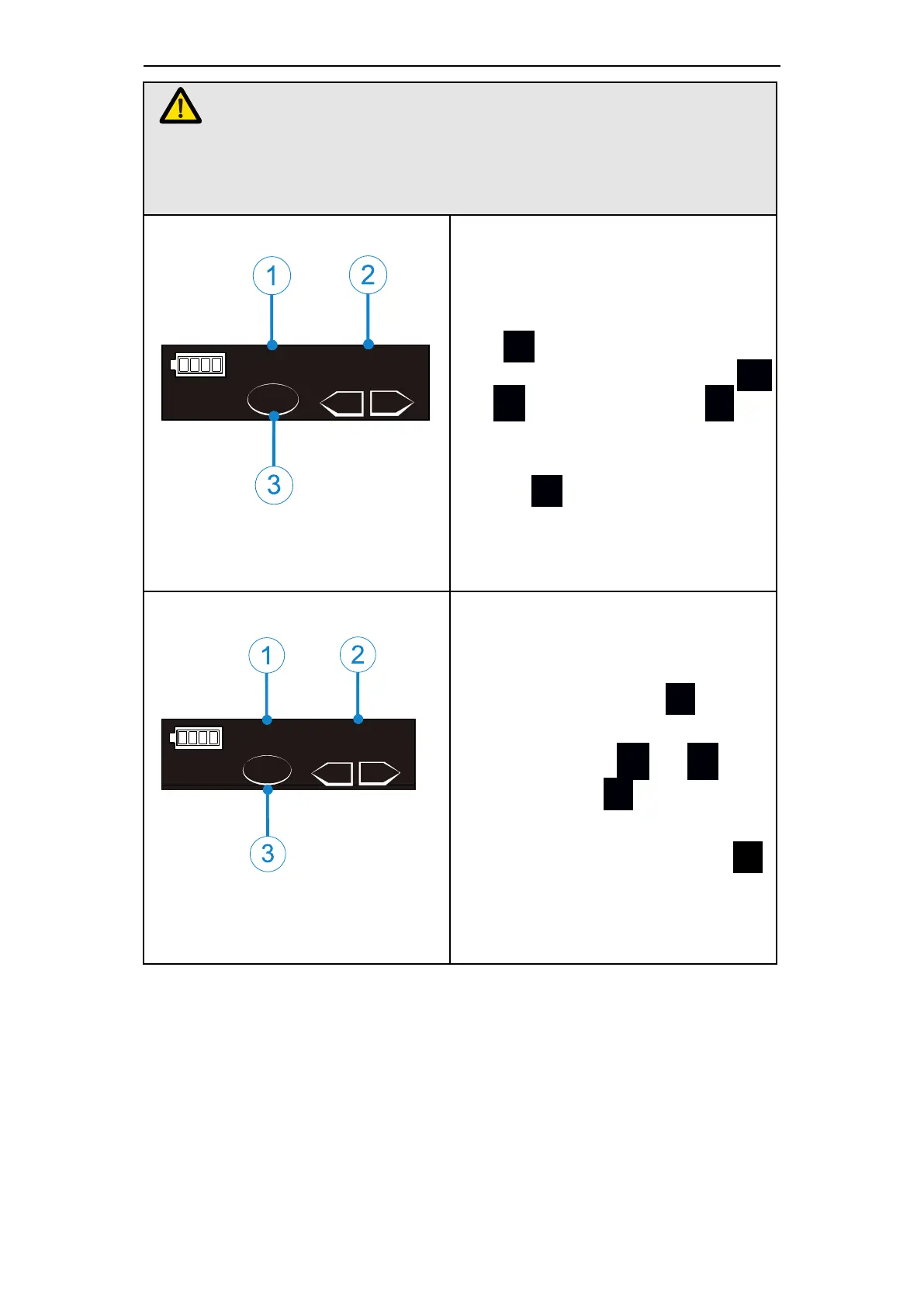
In M1-M9 memory mode, the s-
peed can be 120rpm-650rpm. Pr-
ess S at standby mode till sp-
eed (①②) is displayed,press +
or - to set,then press ● or
wait for 5 seconds to confirm. T-
he left figure (③)means after pr-
essing S again will enter torq-
ue(TRQ) setting.
The torque value can be set from
0.5 to 4.0 N·cm. Press S at st-
andby mode till torque (①②) is
displayed, press + or - to
set, then press ● or wait for 5
seconds to confirm. The left fig-
ure (③) means after pressing S
again will enter rotate direction
(R.D.) setting mode.















 To Next Page