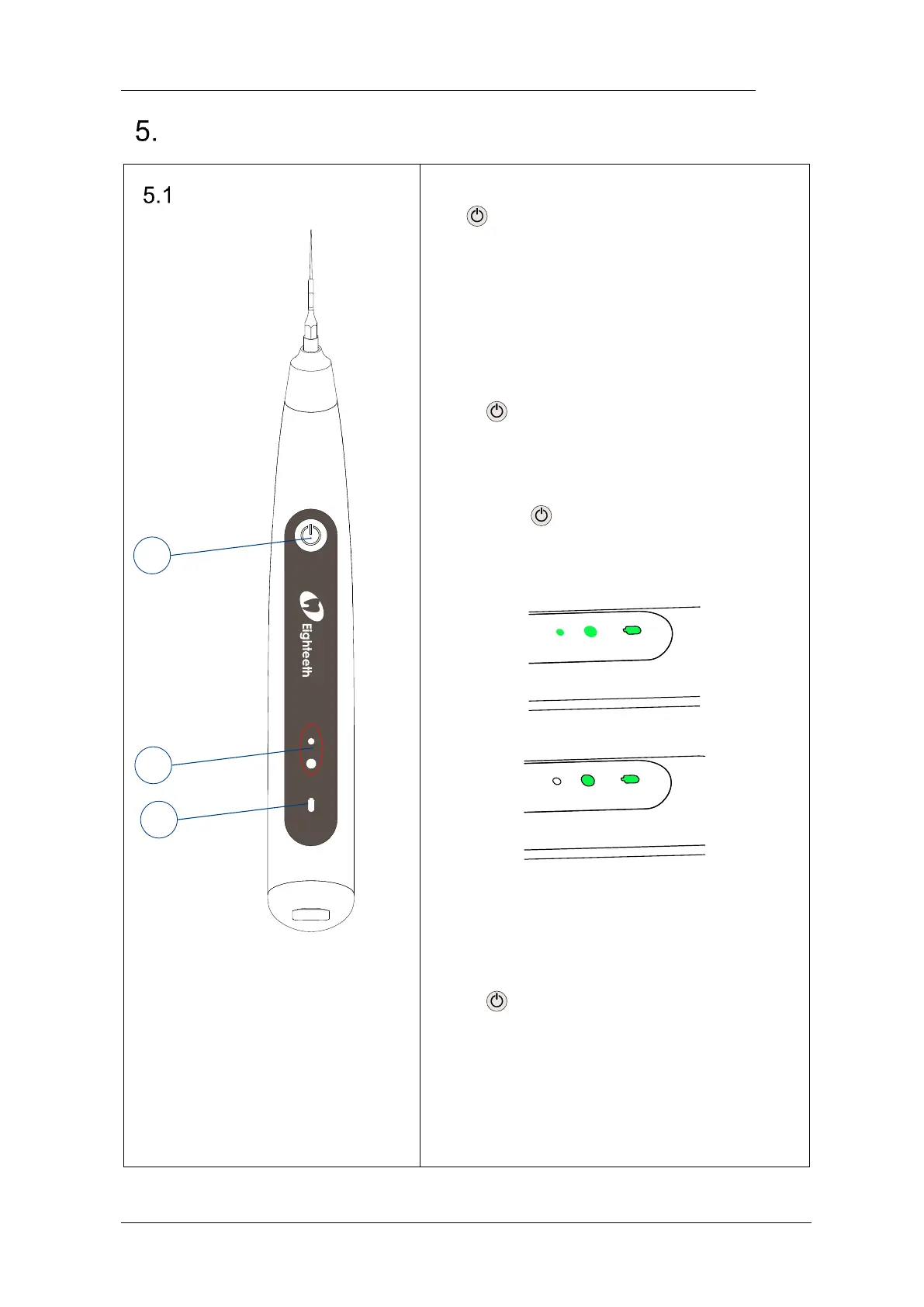
① Main switch
② Mode LED
③ Power LED
Turn Power On
Press to turn on the device.
Output Power Adjustment
Long press can switch to “High Output
Power Mode” or “Low Output Power Mode”
during working.
HIGH OUTPUT POWER MODE
LOW OUTPUT POWER MODE
Turn Power Off
Press to turn off the output during
working. The Ultra X will turn off the output
and enters the standby state. The Ultra X will
shut down after 1 minute of standby
automatically.















 To Next Page