Page 13 / 28
Operation
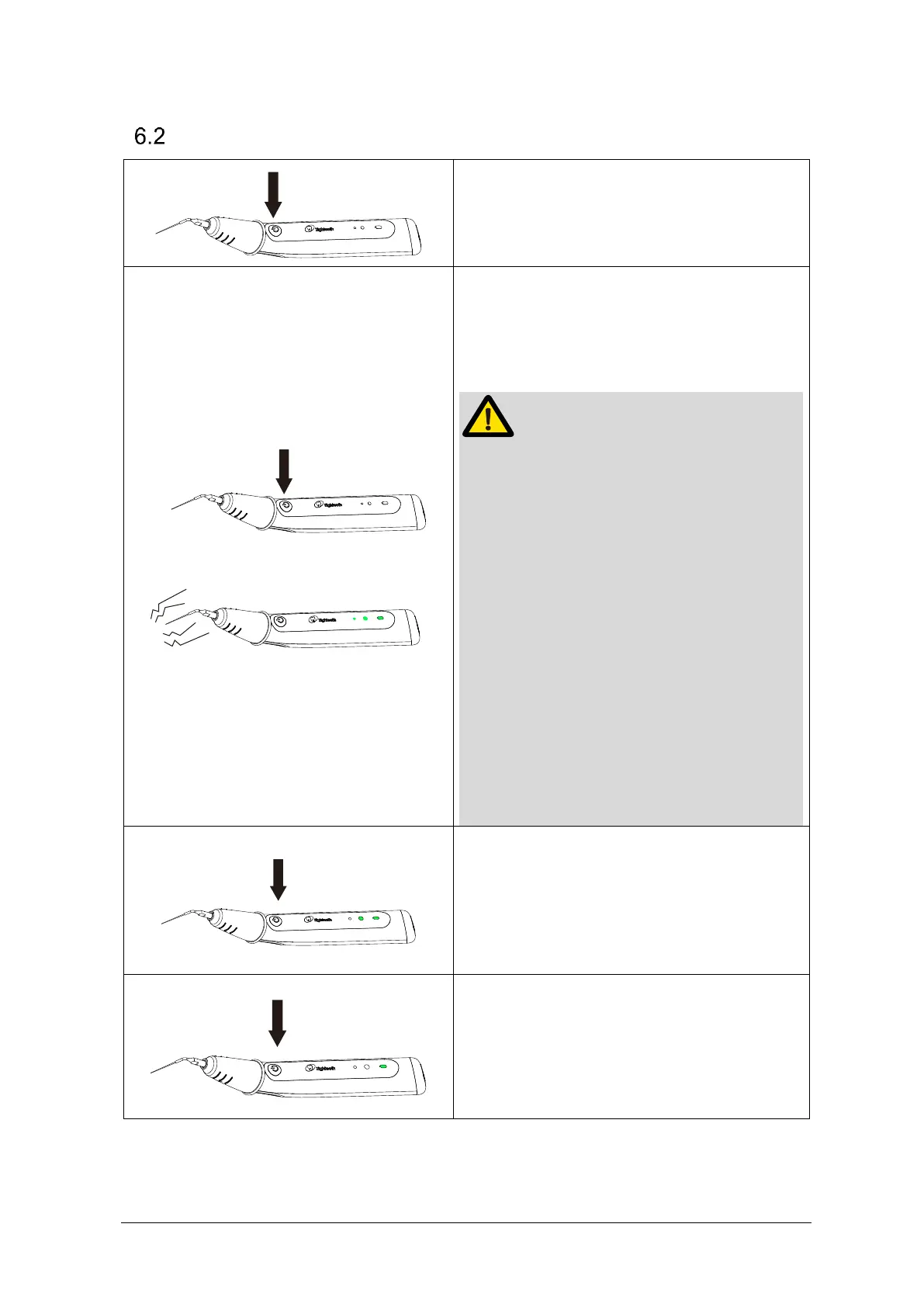
Turn on the device:Press on main switch
to turn on the device. Power LED will light
up.
Turn on the device: press on main switch
to turn power on. Power LED and Mode
LED will light up.
● Once the device is started, it will
vibrate at the ultrasonic frequency. Do
not touch the tip at this time.
● Do not let the device vibrate for a long
time without load.
● Ensure that there is sufficient rinsing
fluid for cooling during use. Do not
operate without flushing fluid.
● Ensure that the tip is upper 2mm from
working length when moving the tip up
and down
● Activate intracanal solution for 30-60
seconds for optimal canal cleanliness
Long press on main switch for more than
1s during working, you can switch the
output power in cycle.
Turn off the device: Press on main switch
to turn off the device. The Ultra X will turn
off the output and enters the standby
state. The Ultra X will shut down after 1
minute of standby automatically.















 To Next Page