ELAN HOME SYSTEMS TS7 User’s Guide
© ELAN Home Systems 2010 | All rights reserved.
Page 10
Security (Continued)
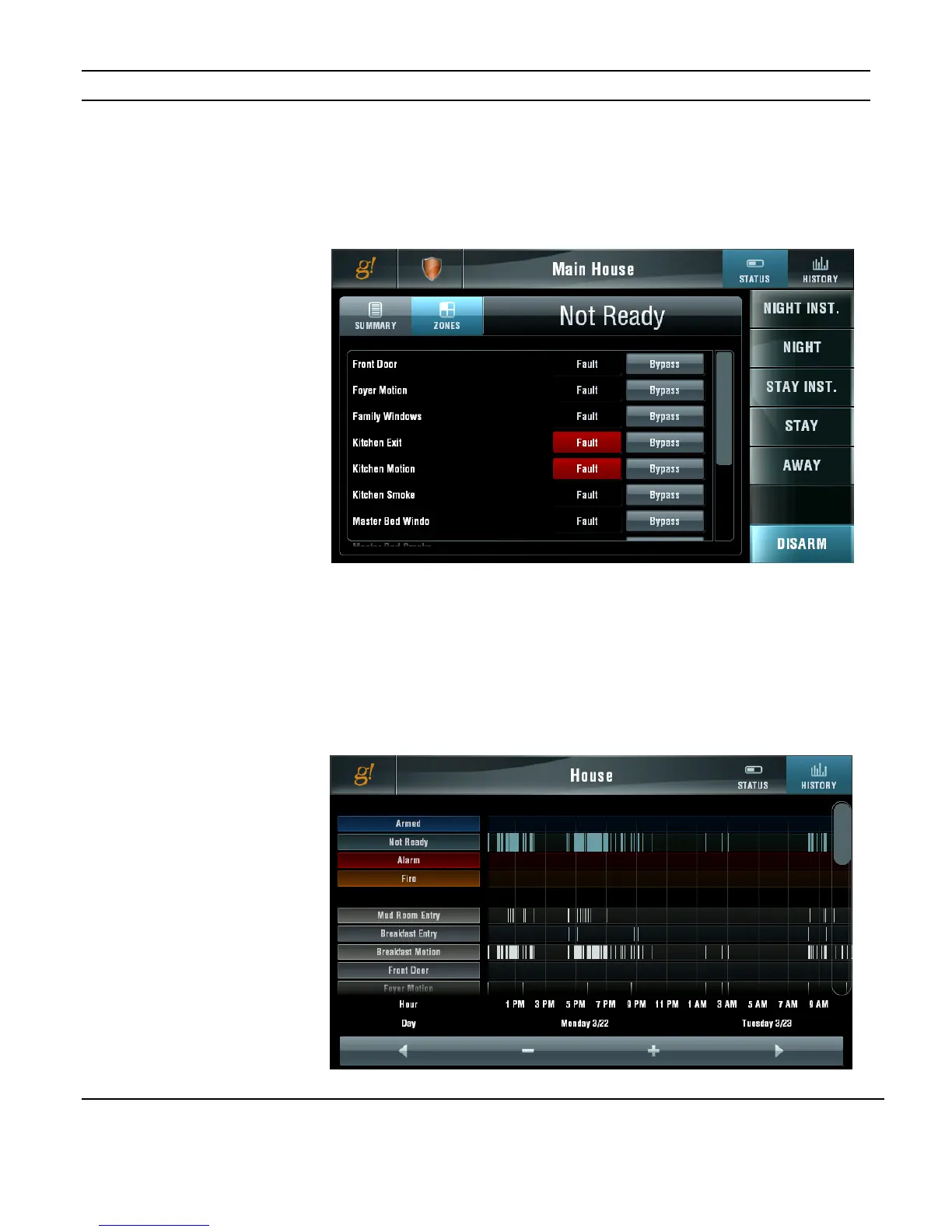
Zone Status
To see the status of all security zones in a partition select the partition and then press the
ZONES button. Use the scroll bar to display additional zones.
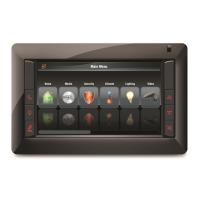
Security History
To see the history of a partition select the partition and then press the HISTORY button.
The overall alarm status history and the history for each zone are displayed. Use the scroll
bar to display additional zones. Use the arrow buttons to navigate through the history
timeline.
Figure 3-9:
Security History
Figure 3-8:


 To Next Page