ELAN HOME SYSTEMS TS7 User’s Guide
© ELAN Home Systems 2010 | All rights reserved.
Page 64
Video (Continued)
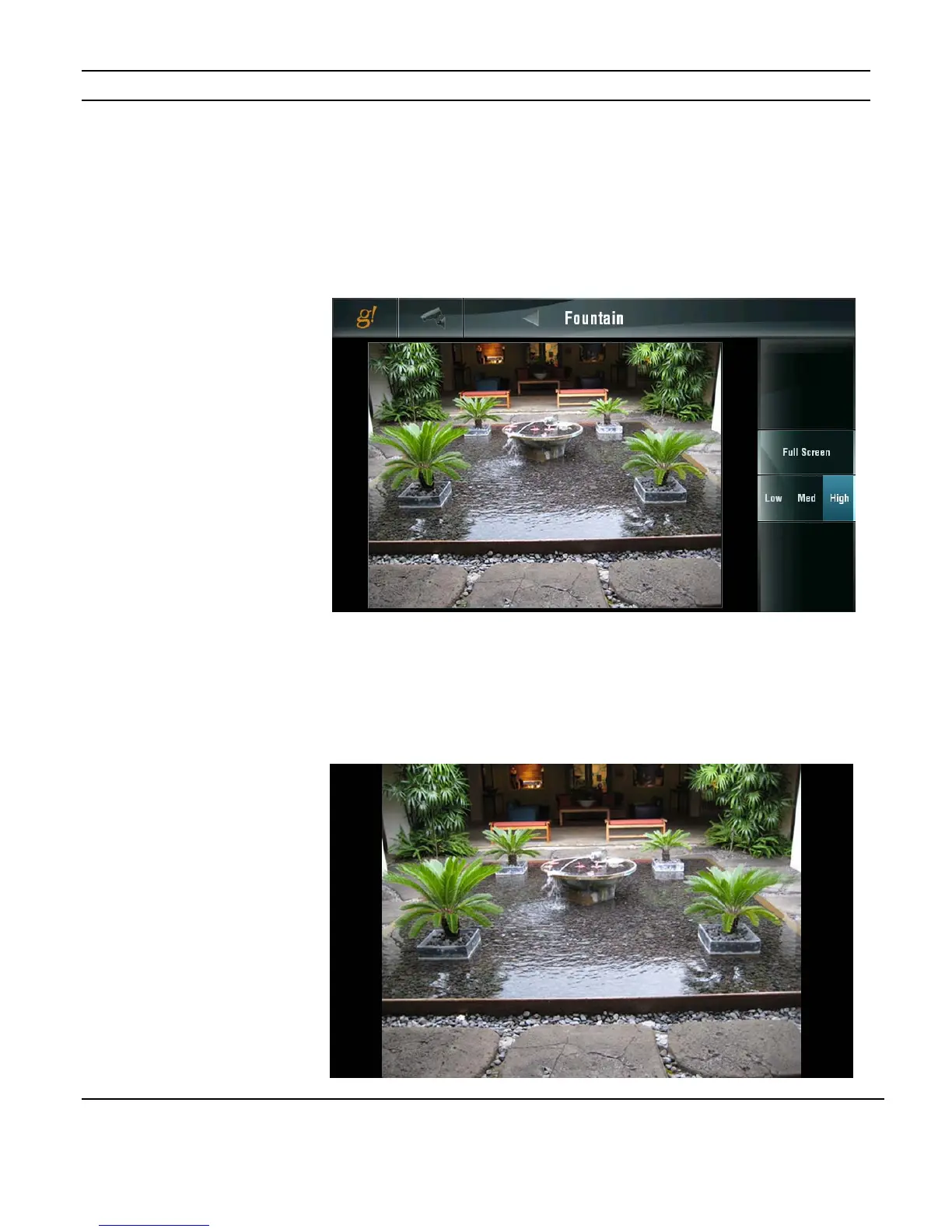
Individual Camera View
Use the controls on the right to adjust the resolution of the camera. Use a lower resolution
when there is a lot of motion and higher resolution for improved image quality.
Press the camera icon to return to the main camera select tab.
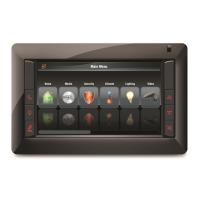
The FULL SCREEN button enlarges the image and removes the controls.
Touch anywhere on the screen to return to the previous view,.
Figure 3-98:
Video Page
Camera Resolution
Figure 3-99:
Video Page
Full Screen


 To Next Page