ELAN HOME SYSTEMS TS7 User’s Guide
© ELAN Home Systems 2010 | All rights reserved.
Page 63
Video
Main Tab
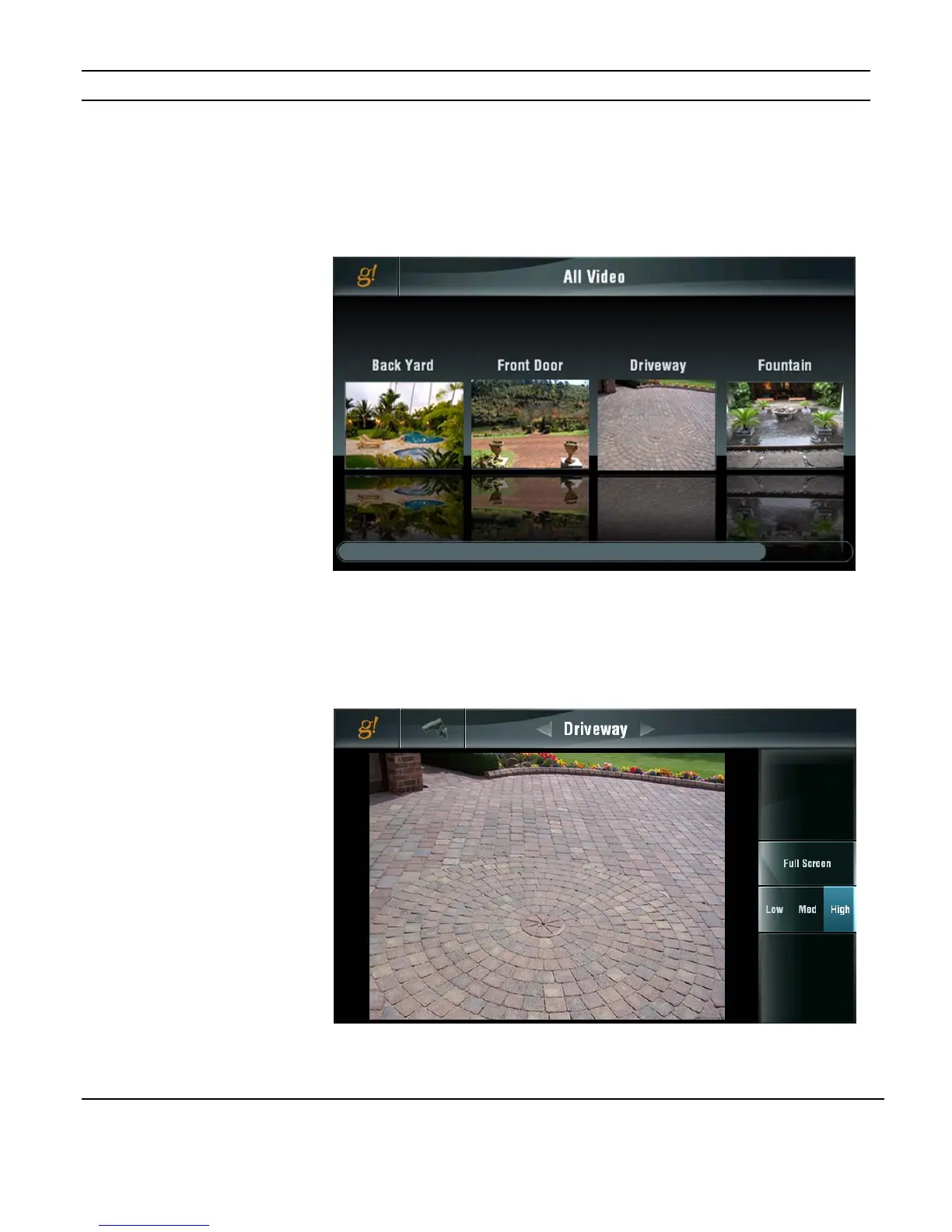
The initial screen shown when the VIDEO icon is selected shows the first four camera feeds
in the system. A scroll bar at the bottom allows access to additional cameras.
To look at an individual camera, touch the image for that camera. The display will switch to
a larger view of that camera alone. Use the ARROWS at the top of the screen to flip
between cameras.
Figure 3-96:
Video Page
Main Tab
Figure 3-97:
Video Page
Single Camera
Selected


 To Next Page