ELAN HOME SYSTEMS TS7 User’s Guide
© ELAN Home Systems 2010 | All rights reserved.
Page 54
Voice Mail
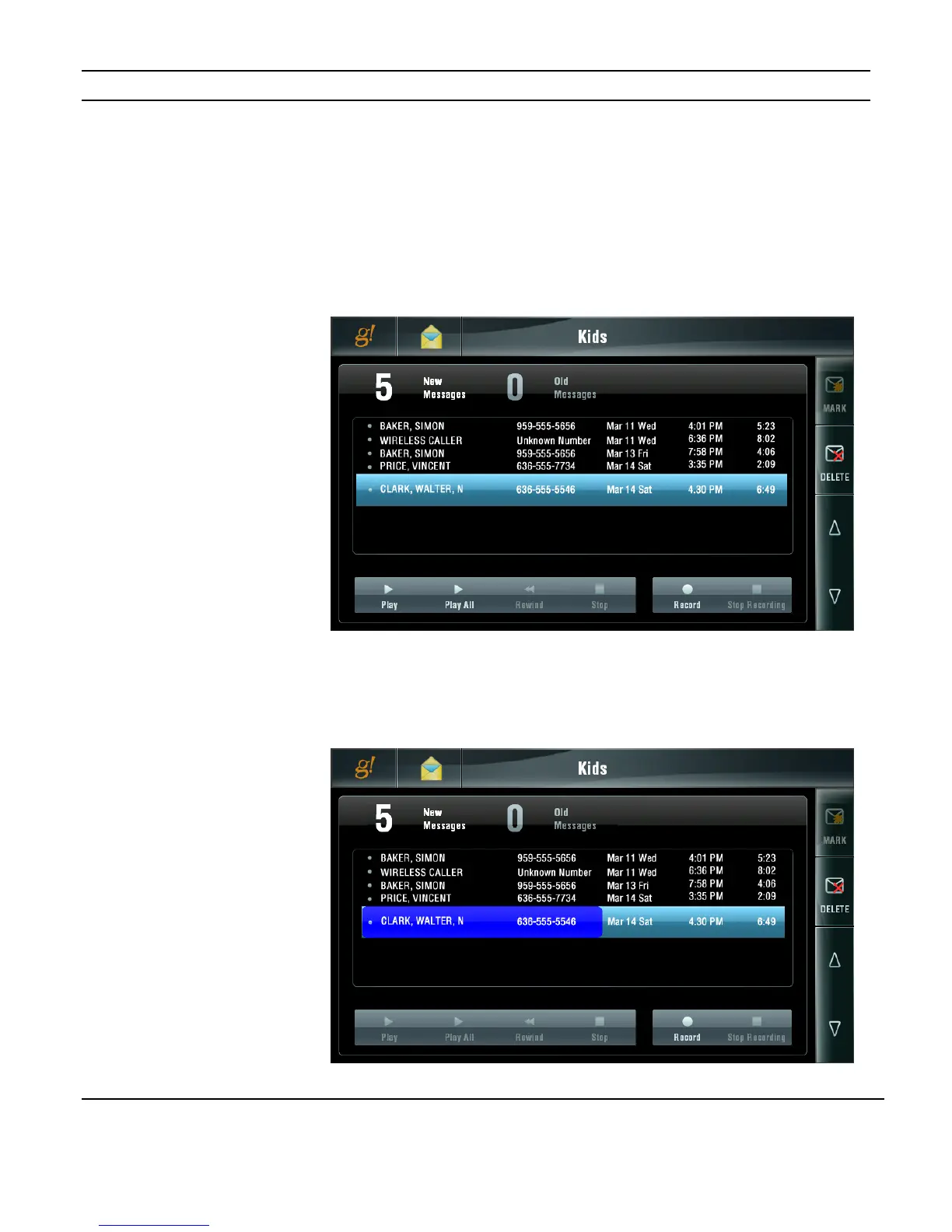
Each Voice Mail Box lists information related to messages specific to that Mail Box
including CALLER NAME, PHONE NUMBER, CALL DATE, TIME OF CALL and MESSAGE
DURATION.
The number of NEW MESSAGES and the number of OLD MESSAGES (previously played
back) are shown at the top of the screen.
Messages may be deleted before or after playback using the DELETE button.
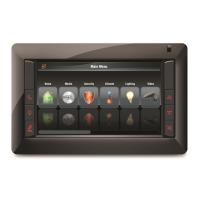
You can PLAY an individual message or PLAY ALL messages starting with the oldest first.
Use the UP and DOWN arrows to adjust playback volume.
Figure 3-81:
Messaging Page
Voice Mail Tab
Figure 3-82:
Messaging Page
Voice Mail
Playback


 To Next Page