ELAN HOME SYSTEMS TS7 User’s Guide
© ELAN Home Systems 2010 | All rights reserved.
Page 35
Jukebox Mode (Continued)
Deleting Music from the Jukebox
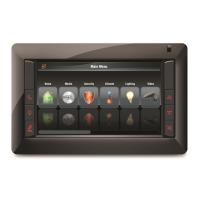
To delete a track from the Juke box, on the NOW PLAYING tab select the track being
deleted and press the
X at the bottom left corner of the display. To delete ALL tracks in
the Jukebox press and HOLD the X until all tracks are removed.
This only deletes tracks from the Jukebox, it will not delete music from the VIA!dj II or
from the standard Playlists.
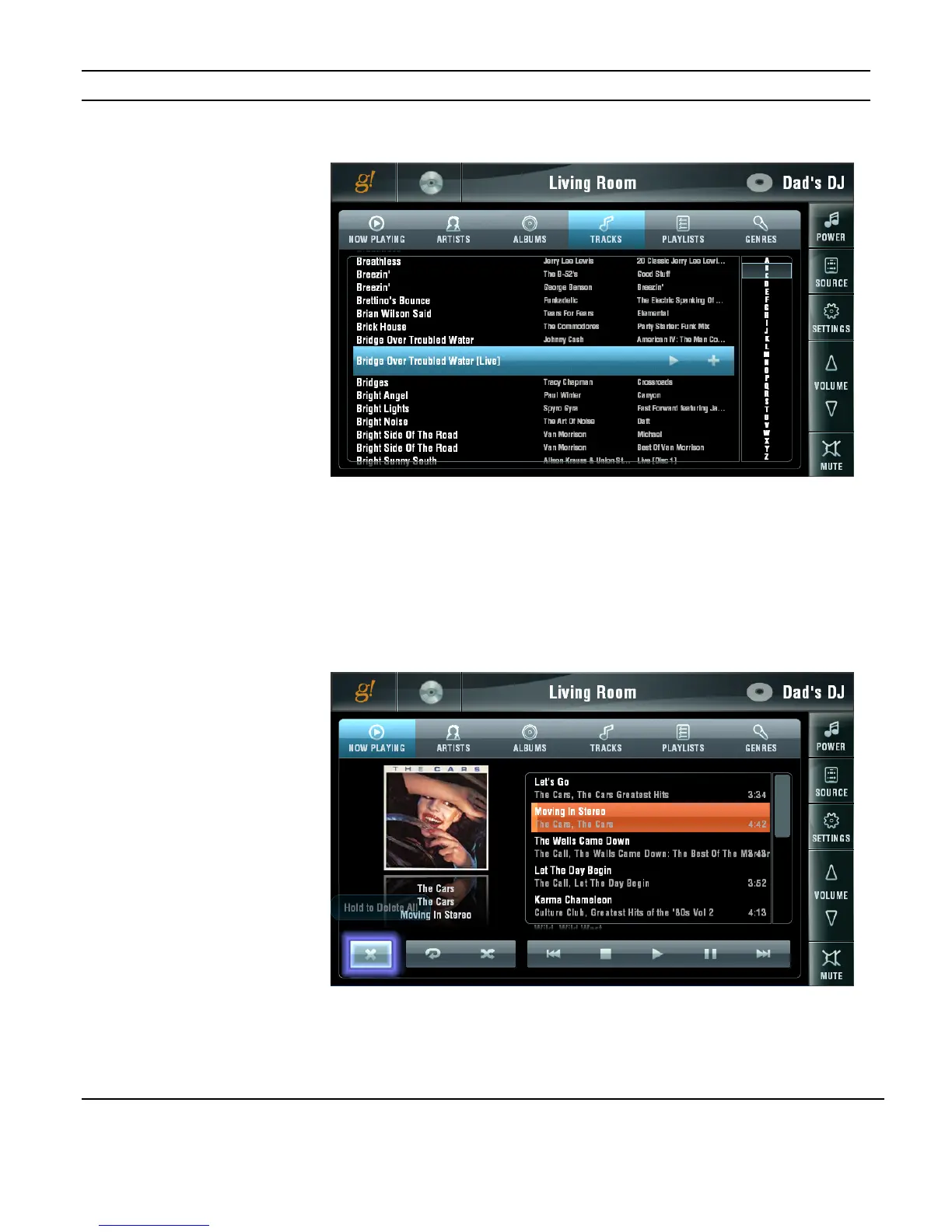
Figure 3-48:
Media Page
ELANVIA!dj II
Adding Track from
Tracks to Jukebox
Figure 3-49:
Media Page
ELANVIA!dj II
Deleting Track from
Jukebox


 To Next Page