EasyManua.ls Logo

ELBO CONTROLLI Nikken E346+ - Main Functions Description; Introduction; Power on

ELBO CONTROLLI Nikken E346+
32 pages
Print Icon
To Next Page IconTo Next Page
To Previous Page IconTo Previous Page
Loading...
6. MAIN FUNCTIONS DESCRIPTION ELBO CONTROLLI srl
Preset E346+/V+
16
6. MAIN FUNCTIONS DESCRIPTION
6.1 INTRODUCTION
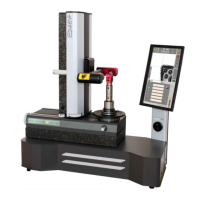
Before turning on the machine, it is necessary to connect it to the electrical (and pneumatic for the E346V+
version) as described in paragraph 5.7.
6.2 POWER ON
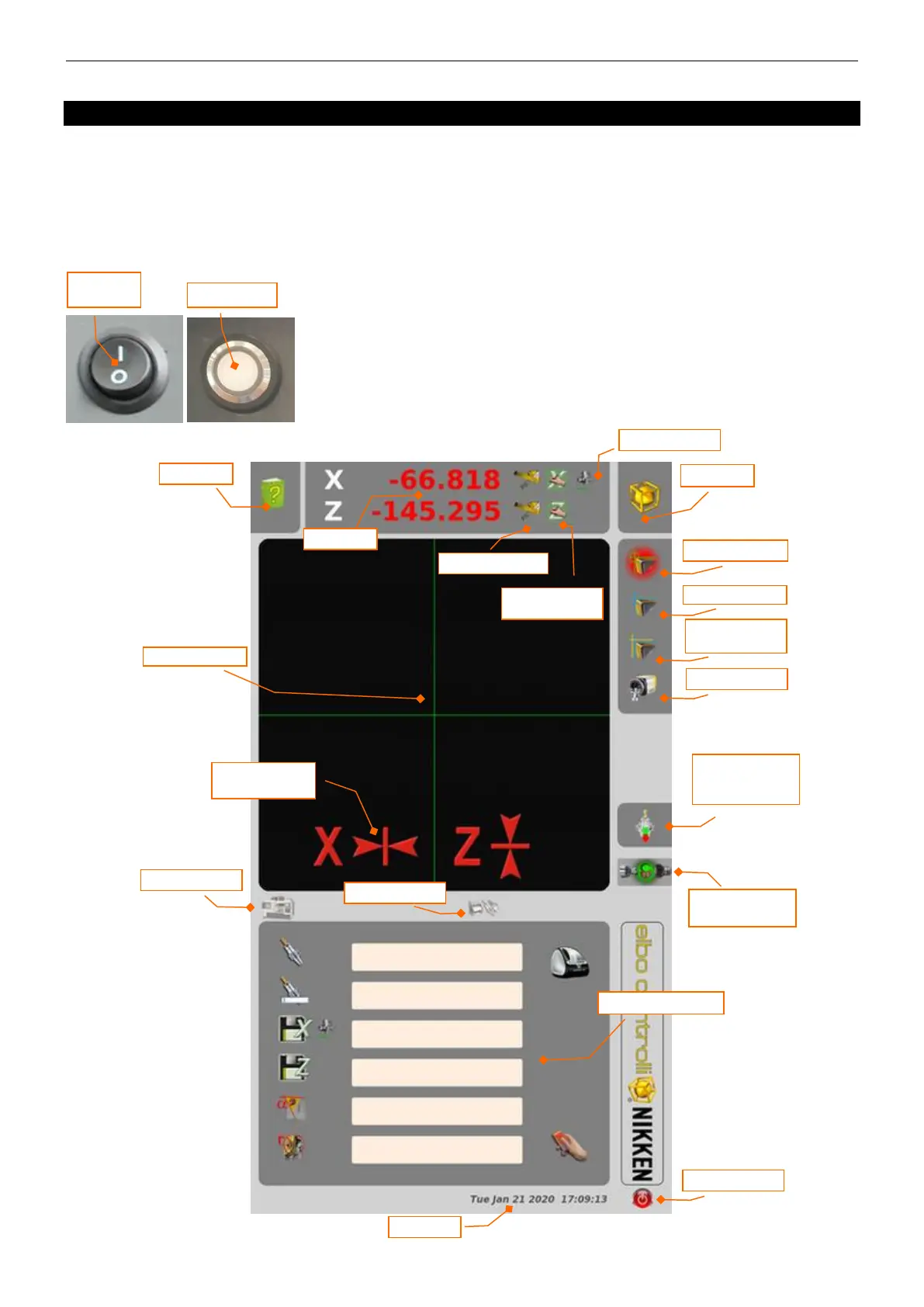
Turn the main switch on the back of the machine to the ' I ' position, then
press the power button on the right side of the machine and wait for the
software to commence.
For use, refer to the software manual supplied with the machine.

ON/OFF
switch
Start button
Help on-line
Axis quote
Setup Preset
Fixed grid
Autotargeting
Measurement
“freezing”
Camera system
Date and time
Machine origins
Tool set
Exit program
Rapid label printing
Radius/Diameter
Absolute/Incremental
Manual insertion of
axes values
VACUUM tool
clamping
(E346V+ only)
Tool clamping status
(E346V+ only)
Measuring ares
Wait for “zero axis”
acquisition

Related product manuals