106 / EN
User Menu
ROOM TEMP CORRECTION
This parameter allows for correcting the room temperature
measured by the device by ±5°C.
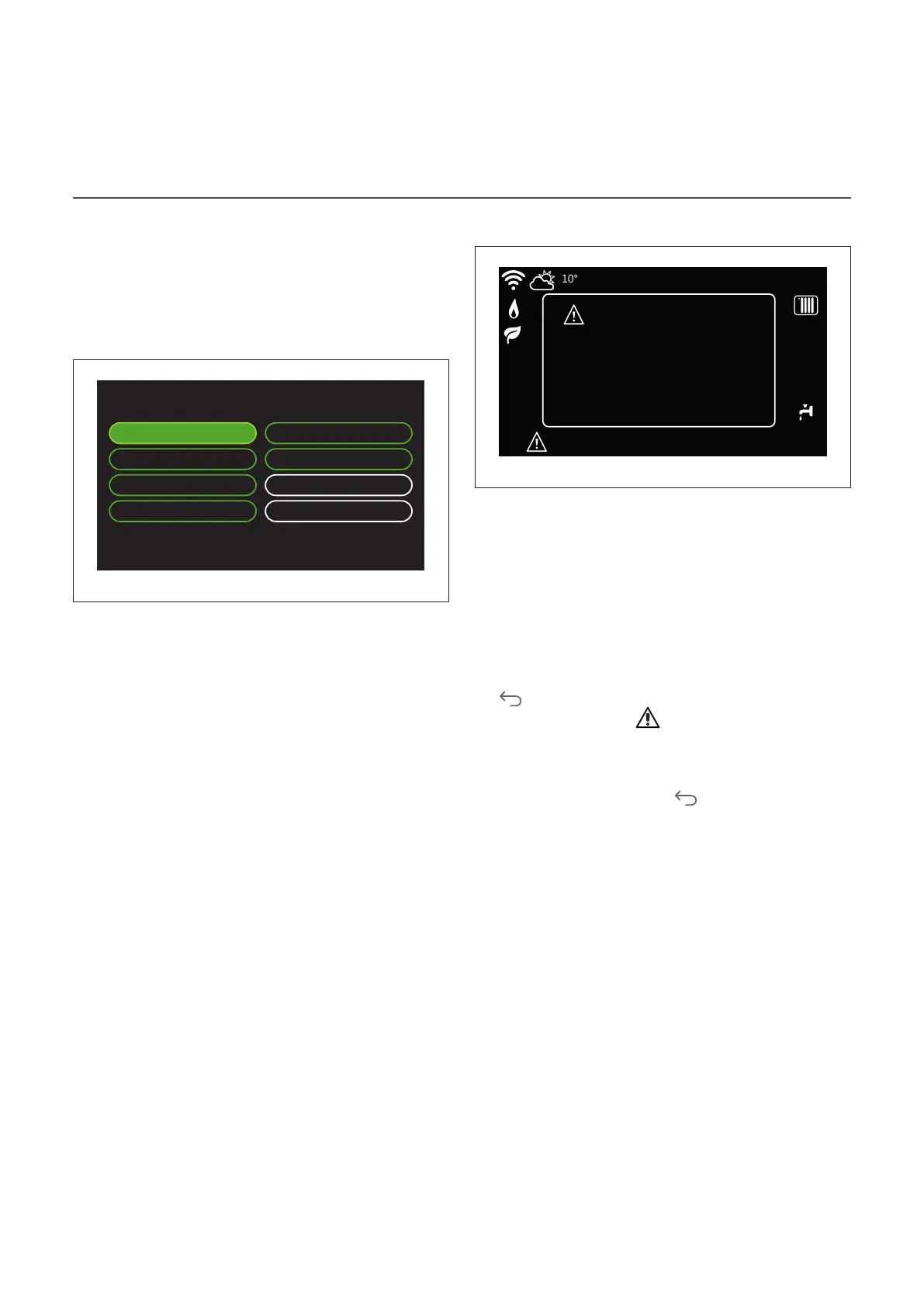
SELECT THE ZONES TO MANAGE
In this page you can select the hydraulic zones to be dis-
played in the “Zones management” menu.
Select the zones to manage
Zone 1 Zone 5
Zone 2 Zone 6
Zone 3 All zones
Zone 4 Save
Fig. 71
Errors and diagnostic messages
HP communication error
Heat Pump TDM
Call the technical service
Error 910
Error 910 - HP communication error
Fr 4-JUN 12:30
Fig. 72
Diagnostic events (errors, alert messages, etc.) are shown in a
pop-up window in the home page.
The pop-up window shows the following information:
– Error code
– Error description
– Device/product that generated the error
– Any actions to be implemented for solving the problem
The pop-up window can be closed by pressing the Back but-
ton
. The error notification will remain visible in the home
page where the error icon , the error code and description
are displayed.
The window with the detailed information will automatically
pop up again after one minute. It can also be opened manu-
ally by pressing the Back button again.


 To Next Page