92 / EN
User Menu
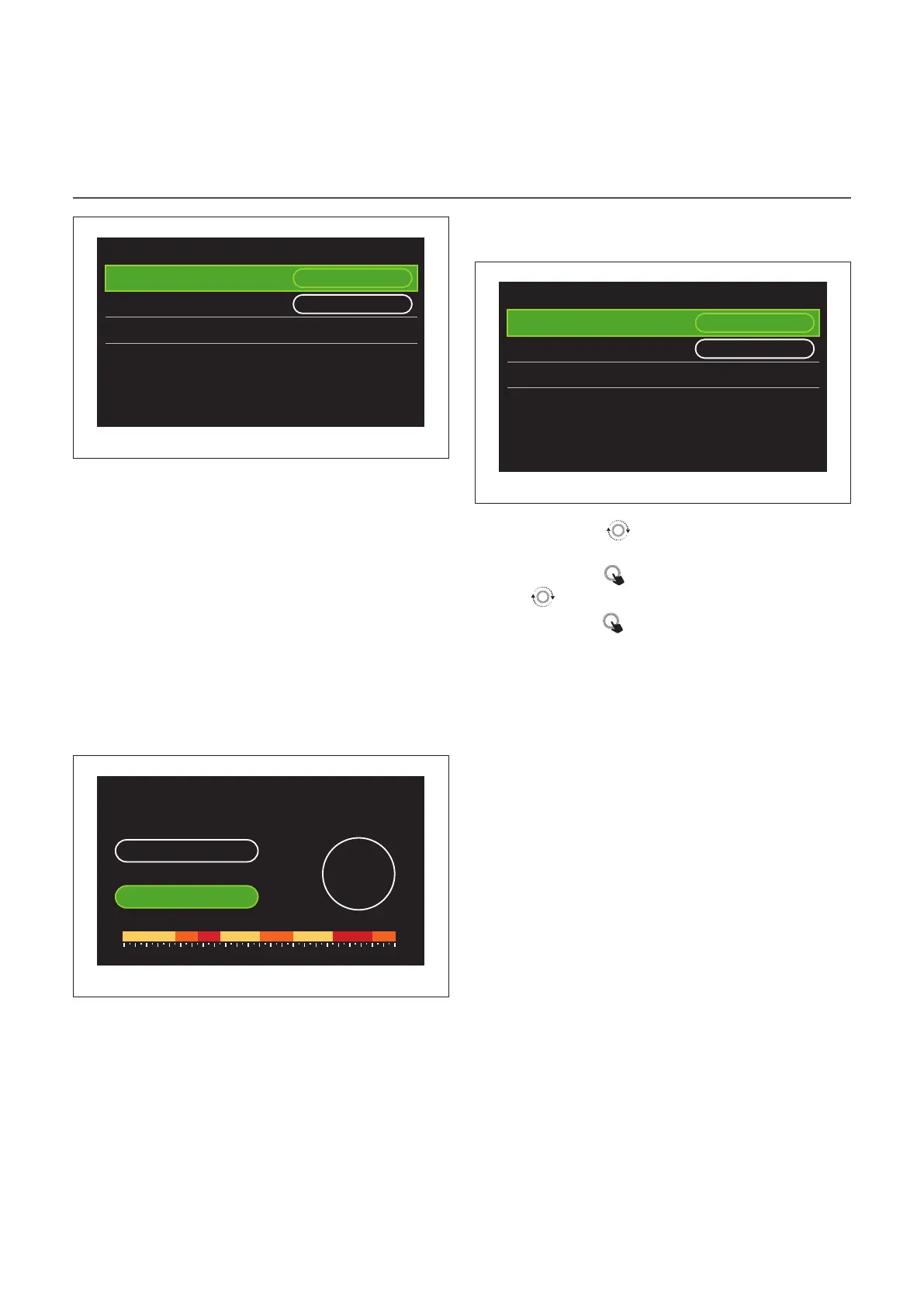
Zone 1
Set comfort temperature
20,0°C
Set reduced temperature 16,0°C
Set time program
>
Fig. 30
HEATING/COOLING TIME SCHEDULE MULTILEVEL
In the multi-level time scheduling, the sequence of opera-
tions is similar to the two-level process (refer to the paragraph
“Heating/Cooling time scheduling - 2 levels”), except for the
following steps:
– The page for setting the comfort and reduced tempera-
tures will not be displayed.
– In the page for defining the time slot you can select a dedi-
cated set-point value. The range is 10° - 30°C for each of the
time slots created.
– Up to 12 daily time slots can be selected.
Defining the time slot
Zone 1
Scenario Free Sunday
Start 04:30
18°
,0
End 06:30
16,0° 18,0° 19,0°22,0° 15,0° 15,0° 22,0° 16,0°
0 2 4 6 8 10 12 16 20 14 18 22 24
Fig. 31
DHW TIME PROGRAM
Defining the comfort and reduced set-point temperatures
Domestic hot water
DHW comfort setpoint temp.
55°C
DHW reduced setpoint temp. 35°C
Set time program
>
Fig. 32
– Turn the selector
to navigate to “DHW comfort set-
point temp.” or “DHW reduced setpoint temp.”.
– Press the selector
to enter the edit mode. Turn the se-
lector to define the temperature set-point.
– Press the selector
to confirm.
– The “Set time program” allows the user to define the day of
the week to be scheduled.


 To Next Page