86 / EN
Description
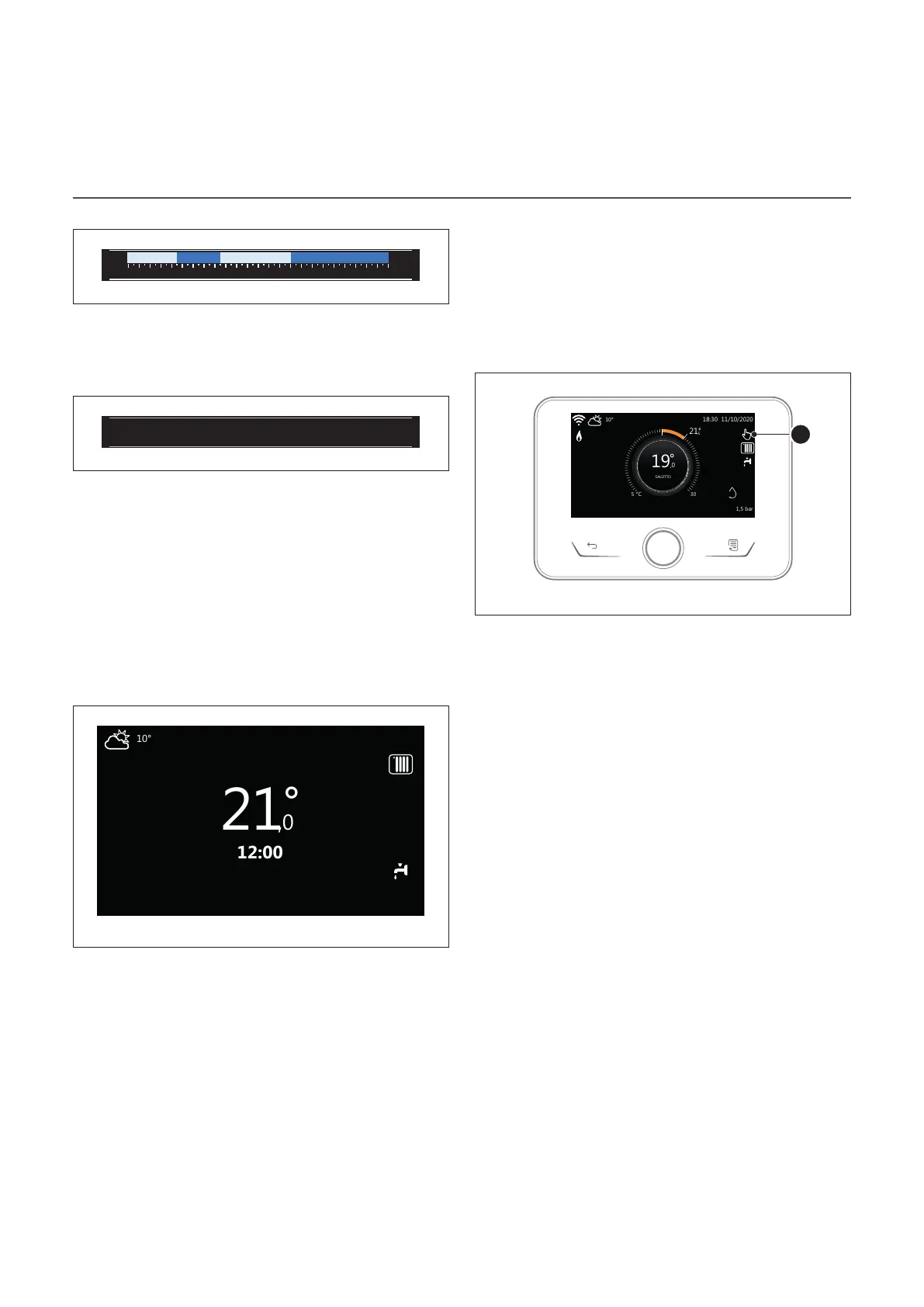
Domestic hot water time schedule profile
0 2 4 6 8 10 12 16 20 14 18 22 24
35,0° 35,0° 60,0°60,0°
Fig. 11
If the system is configured for producing domestic hot water,
the domestic hot water time schedule profile is displayed.
Domestic hot water heat pump mode
Fr 4-JUN 12:30
Internal temperature
20°
Required temperature
21°
Outside air temperature
16°
Operation mode
55°C
Fig. 12
If there is a domestic hot water heat pump, the product’s op-
erating mode and the set-point temperature of the water are
shown.
For the meaning of the icons, refer to the paragraph “Com-
plete home page”.
Stand-by page
Monday 1 March 2021
Fig. 13
Basic functions
Manual room temperature adjustment
The operating mode of the zone associated with the device
is set to MANUAL (1).
Turn the selector to select the temperature value indicated
on the display using the movable cursor near the ring. Press
the selector to confirm.
The display shows the set temperature.
50%
1
Fig. 14
Room temperature adjustment in programmed mode
The operating mode of the zone associated with the device is
set to PROGRAMMED (2). During operation in scheduled pro-
gramming mode, the set room temperature can be changed
temporarily.
Turn the selector to select the temperature value indicated
using the movable cursor near the ring. Press the selector to
confirm.
The display shows the set temperature.
Turn the selector to set the time until which the change must
be maintained.
Press the selector to confirm. The (3) symbol appears on the
display.
The system interface will maintain the temperature value un-
til the set time, after which the pre-set room temperature is
restored.
Operation
The main page of the system interface can be customised.
The main page can be used to check the time, date, operating
mode, the set or measured temperatures, the time schedul-
ing and the active energy sources.


 To Next Page