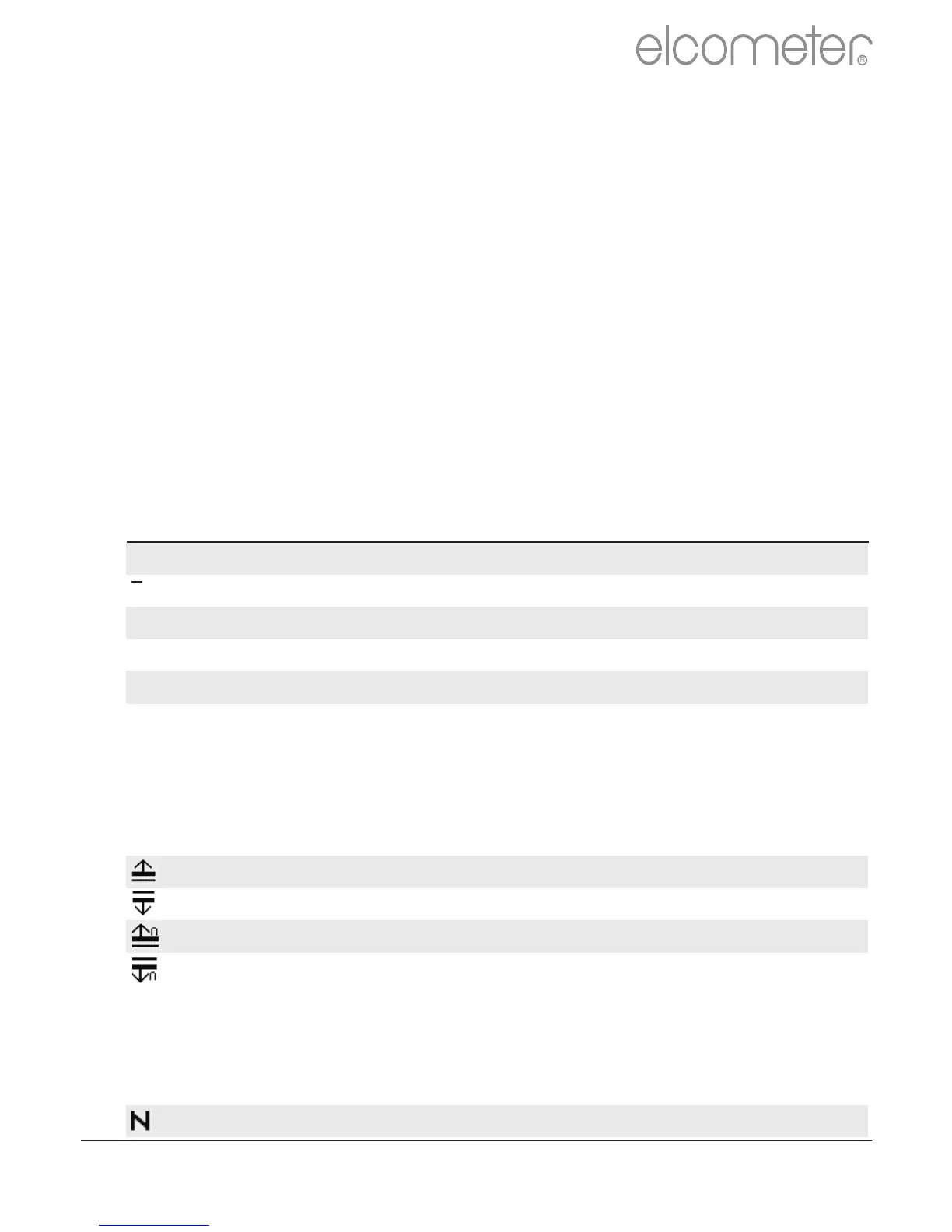
The number of readings taken
Coefficient of variation; The COV is defined as the
ratio of the standard deviation to the mean and is a
normalised measure of dispersion - when
comparing batches with widely different means,
one should use the coefficient of variation for
comparison instead of standard deviation (ó).
Number of readings above the high limit
Number of readings below the low limit
User definable warning limits can be set. Once the
reading exceeds the limit the gauge notifies the
user by turning the reading and relevant limit icon
red, flashing the red LED, and sounding the alarm
beep. For more information see Limits on page 17.
When using counted average, the gauge switches between
displaying statistics based on individual readings to statistics based
on the counted average, as each set of reading are taken.
On Screen Statistics (BT)
User selectable statistical and general measurement information can
be displayed on the gauge. The information to be displayed can be
selected and managed by selecting the Display softkey.
?Up to 8 statistics can be selected to be displayed on the reading
screen via Display/Statistics/Select Statistics
?Ensure that Display/Readings & Selected Stats is also checked.
?To view all statistics select Display/Statistics/View All
The following statistical and general information can be displayed on
your gauge:
R
en
www.elcometer.com 14



 To Next Page