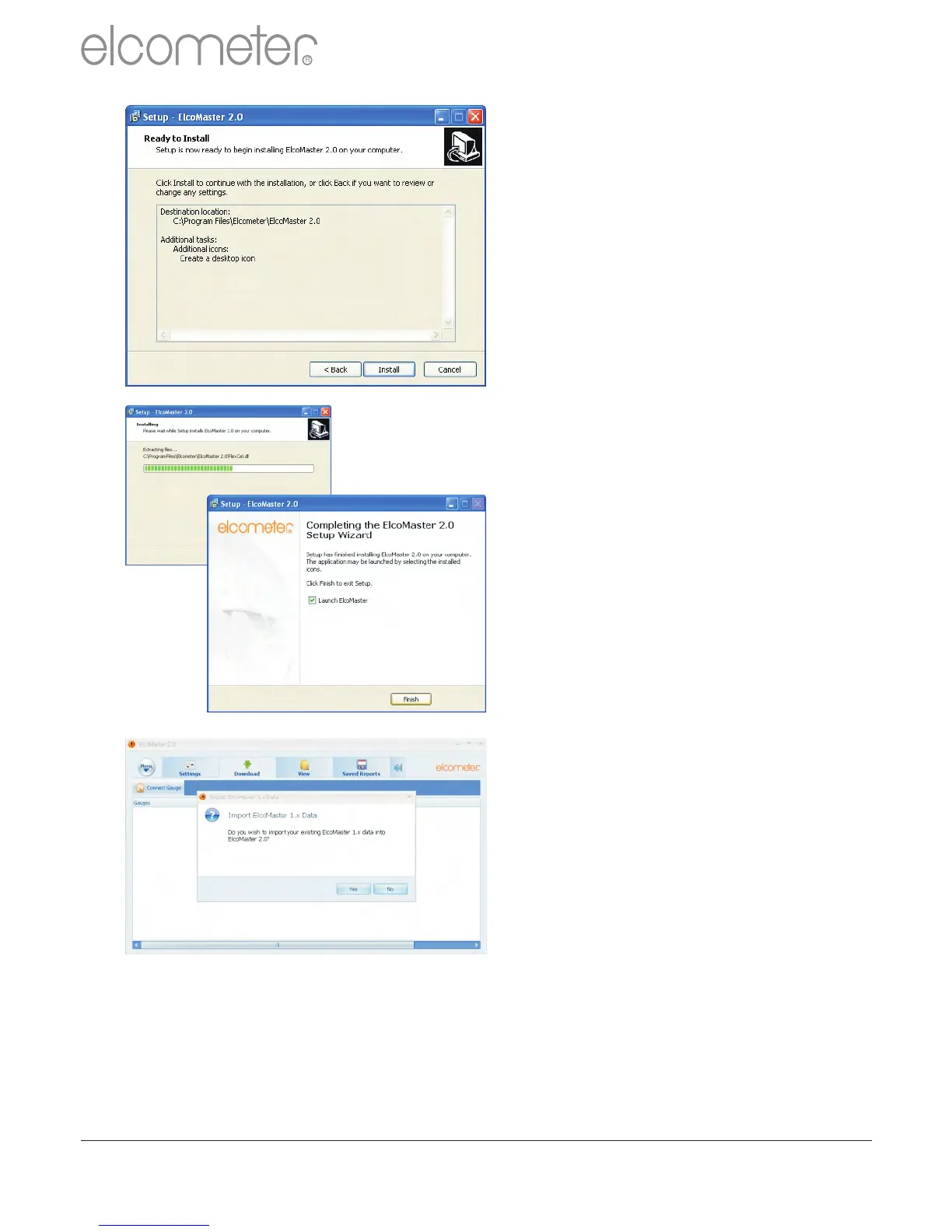
The ElcoMaster™ 2.0 wizard
now provides a list of the settings
that have been selected.
Click ‘Install’ to undertake the
installation or ‘< Back’ to review
or alter any settings.
ElcoMaster™ 2.0 will now install.
Press ‘Finish’ to exit Setup.
Upgrading data from older
version of ElcoMaster™
ElcoMaster™ 2.0 is fitted with an
internal database upgrade
facility which will automatically
check to see if there are any
original ElcoMaster™ database
files and ask if the user would like
to upgrade the data to the new
ElcoMaster™ 2.0 format.
Upgrading can occur at any time
by selecting Menu/Import/Import
ElcoMaster 1.x Data and
selecting the relevant database
file.
www.elcometer.com
29
en
R



 To Next Page