www.elcometer.com 30
en
R
The ElcoMaster™ 2.0 Software
ElcoMaster™ 2.0 is a simple - yet powerful - data management
software solution that has been designed to allow users to generate
professional reports in seconds - with the minimum of fuss.
It has three operating modes; Excel Link, Standard and Advanced Mode.
ElcoMaster™ is set to Standard Mode on first install.
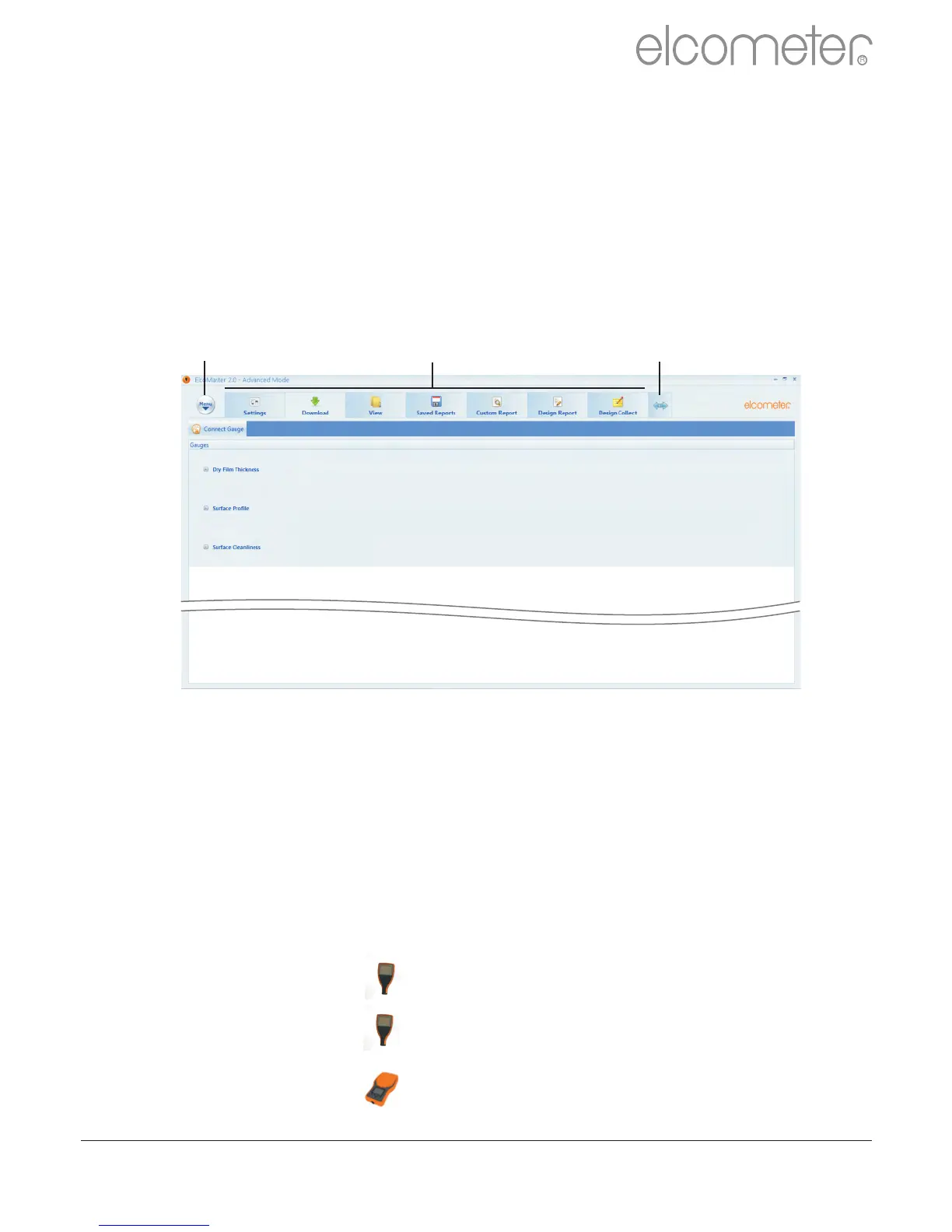
Across the top of the software is a Menu button, ‘Action Tabs’ and an
expand arrow.
Pressing the Menu button opens up a drop down list of options:
?Help : Provides Elcometer contact details and information
about ElcoMaster™ 2.0.
?Update : Provides users with:
?the ability to update the ElcoMaster™ 2.0
software to the latest release - connection to the
internet is required for this function.
?the ability to upgrade the firmware of the:
?Elcometer 224 Digital Surface Profile
Gauge (Model B & T)
?Elcometer 456 Digital Coating Thickness
Gauge (Model B, S & T)
?Elcometer 130 Salt Contamination Meter
(Model S & T)
Menu Button Action Tabs Expand Arrow



 To Next Page