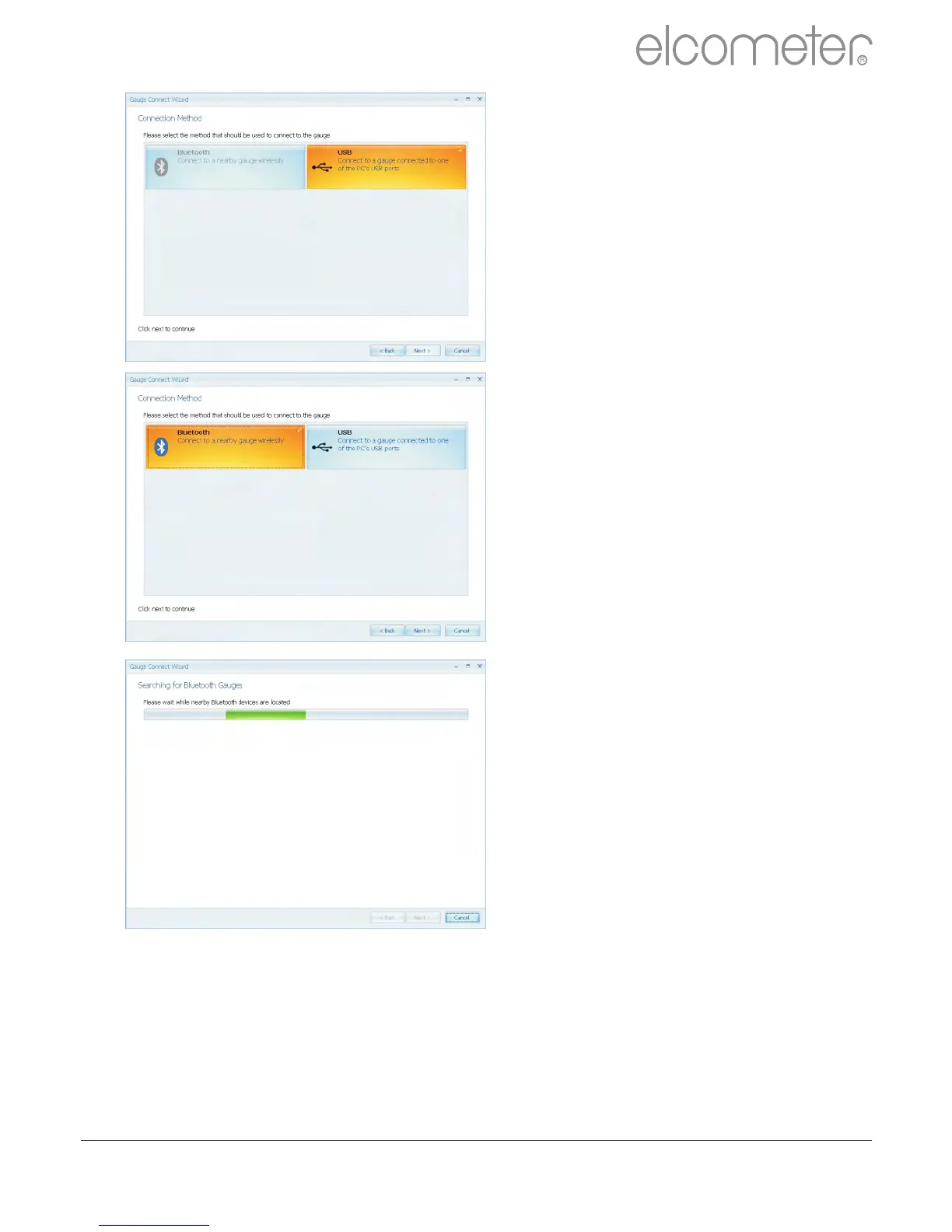
?Select the appropriate
connection method for the
gauge
Elcometer 224 Model B has USB
data output, the Model T has both
USB and Bluetooth data output.
Users can purchase a USB
Bluetooth A daptor from
Elcometer (Part number
T99920130) which will provide a
Bluetooth solution to computers
without internal bluetooth fitted.
If ElcoMaster™ 2.0 is installed
onto a computer without
Bluetooth capability, however,
the Bluetooth tab is greyed out
(as displayed in top image).
?Select the appropriate
connection method
?Switch on the Elcometer 224
?Connect the USB cable or
make sure that Bluetooth is
switched on in the gauge via
Menu/Bluetooth/Enable
Bluetooth (T)
?Bluetooth users should return
their gauge to the main
reading screen before
continuing
?Press ‘Next >’
?After a screen prompt
ElcoMaster™ 2.0 will search
for and list all Elcometer 224
gauges.
www.elcometer.com
34
en
R



 To Next Page