18
Procedure for use
3586
Automatic return to normal display
Once you have selected any of the functions below,
you must make any changes required within 20
seconds. If no further keys are pressed within 20
seconds, the display will revert automatically to its
normal appearance during a wash program.
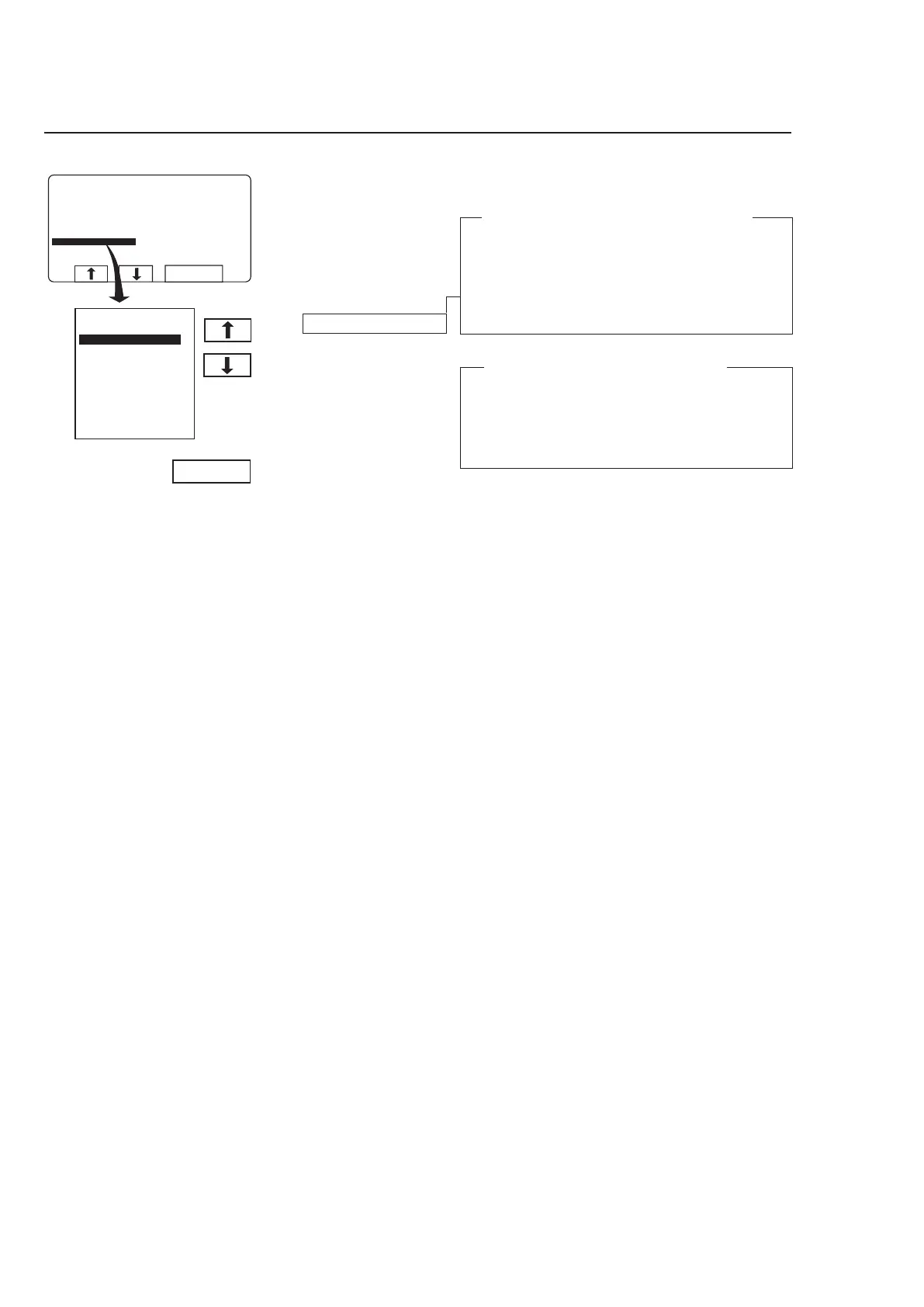
Rapid advance works in both directions
Rapid advance works in both directions, using b
and c.
Using rapid advance to move forwards allows you
to skip one or more program steps. Using rapid ad-
vance backwards allows you to repeat one or more
program steps.
Press SELECT.
Press b or c one or
more times to highlight the
program step you wish to
advance to.



 To Next Page