9
Procedure for use
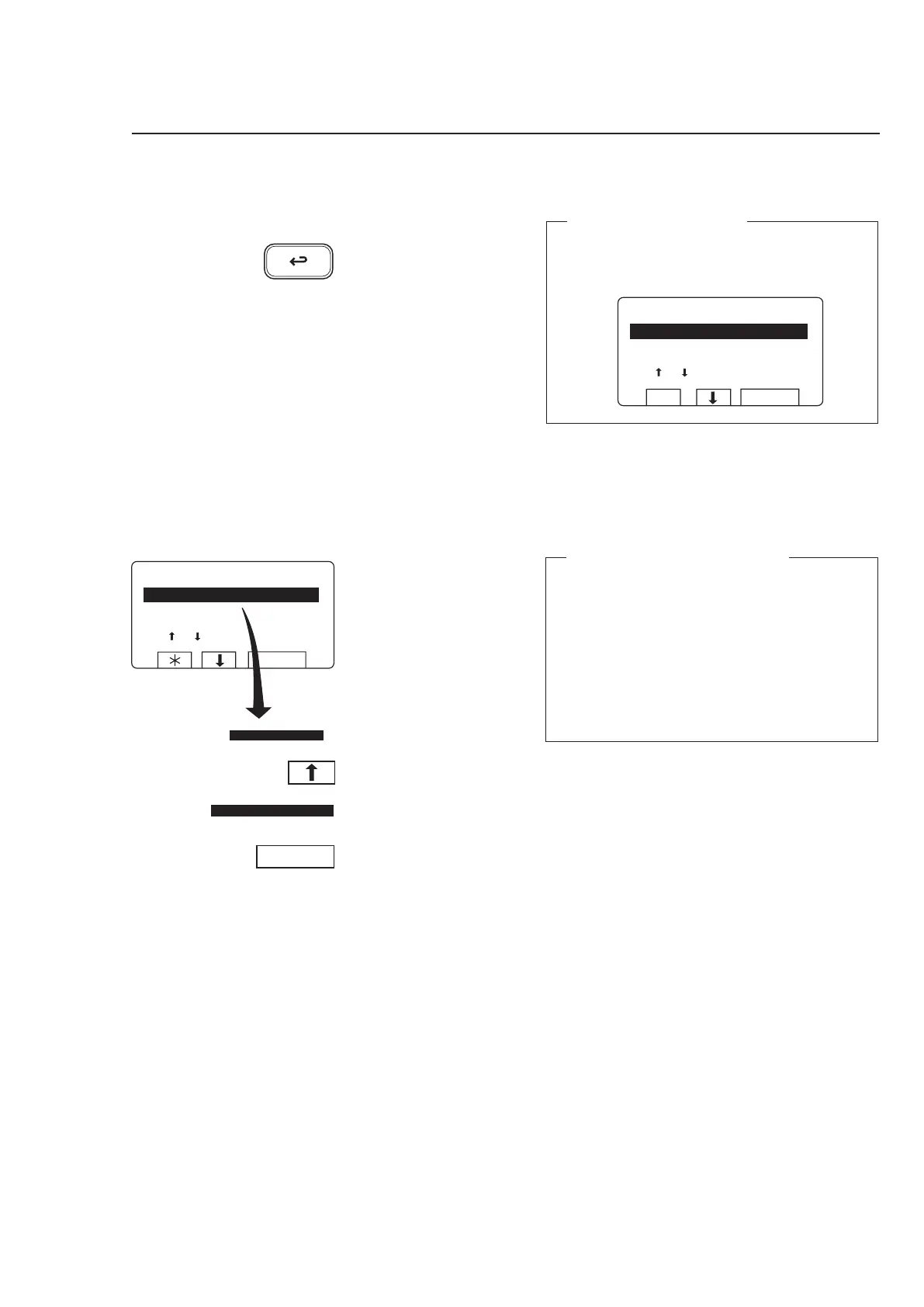
The ”Move back” function
Each press of the ”Move back” key moves you
back one menu, in reverse order. By pressing this
key repeatedly you can return to this menu at any
time:
If this menu is not currently
displayed:
Press
a repeatedly.
If ”GO TO THE MENU” is
highlighted:
Press
c.
When ”RUN A WASH PRO-
GRAM” is highlighted:
Press SELECT.
To start the wash program
3580
The ”Move back” key
If you find you are in the
wrong place, or if you want
to undo earlier key presses:
Press the ”Move back” key
one or more times.
3627
Two ways of starting a program
By entering the actual program number
Enter the actual program number if you know it,
then press SELECT.
By starting from the program library
(see section ”To start a wash program from the
program library)
If you are unsure about the programs available,
you can select a program from the program
library, where the programs are listed with their
descriptions.



 To Next Page