30
Procedure for use
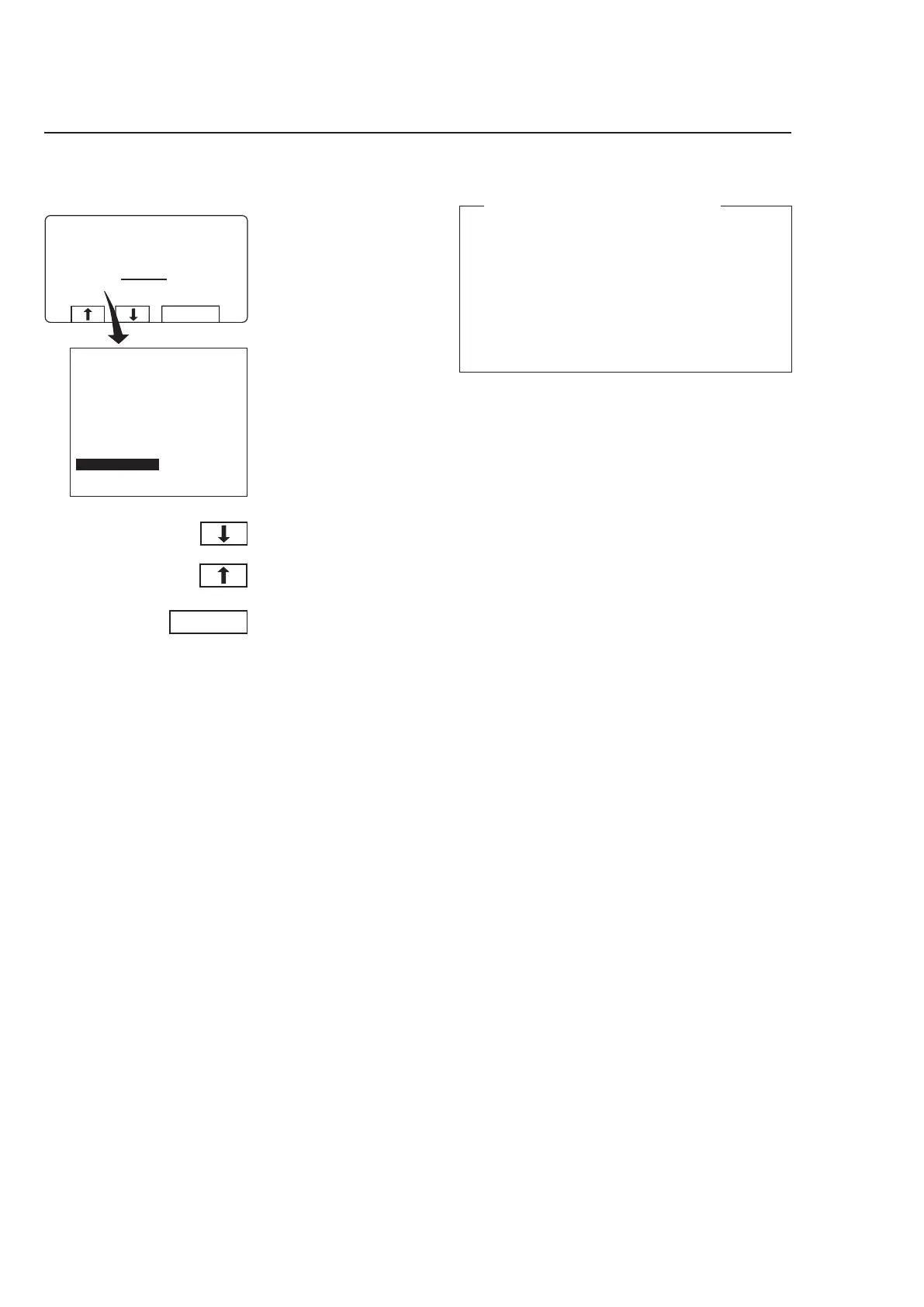
To change temperature scale °C/°F
During program operation the
display will look like this (see
section ”To start the wash
program”.
To change temperature scale °C/°F
This function changes the temperature scale used
for all temperatures displayed during the wash
program.
Please note that this scale change applies only to
the current program. The default temperature scale
will apply next time you run a program.
To change the default temperature scale for all
programs, use the function ”SETTINGS”, which is
described in the Service Manual.
Press
c or b one or
more times to highlight
”CHANGE °C/°F”.
Press SELECT.
3696



 To Next Page