EasyManua.ls Logo

Electrolux W475H - Rapid advance function

Electrolux W475H
76 pages
Print Icon
To Next Page IconTo Next Page
To Previous Page IconTo Previous Page
Loading...
17
Procedure for use
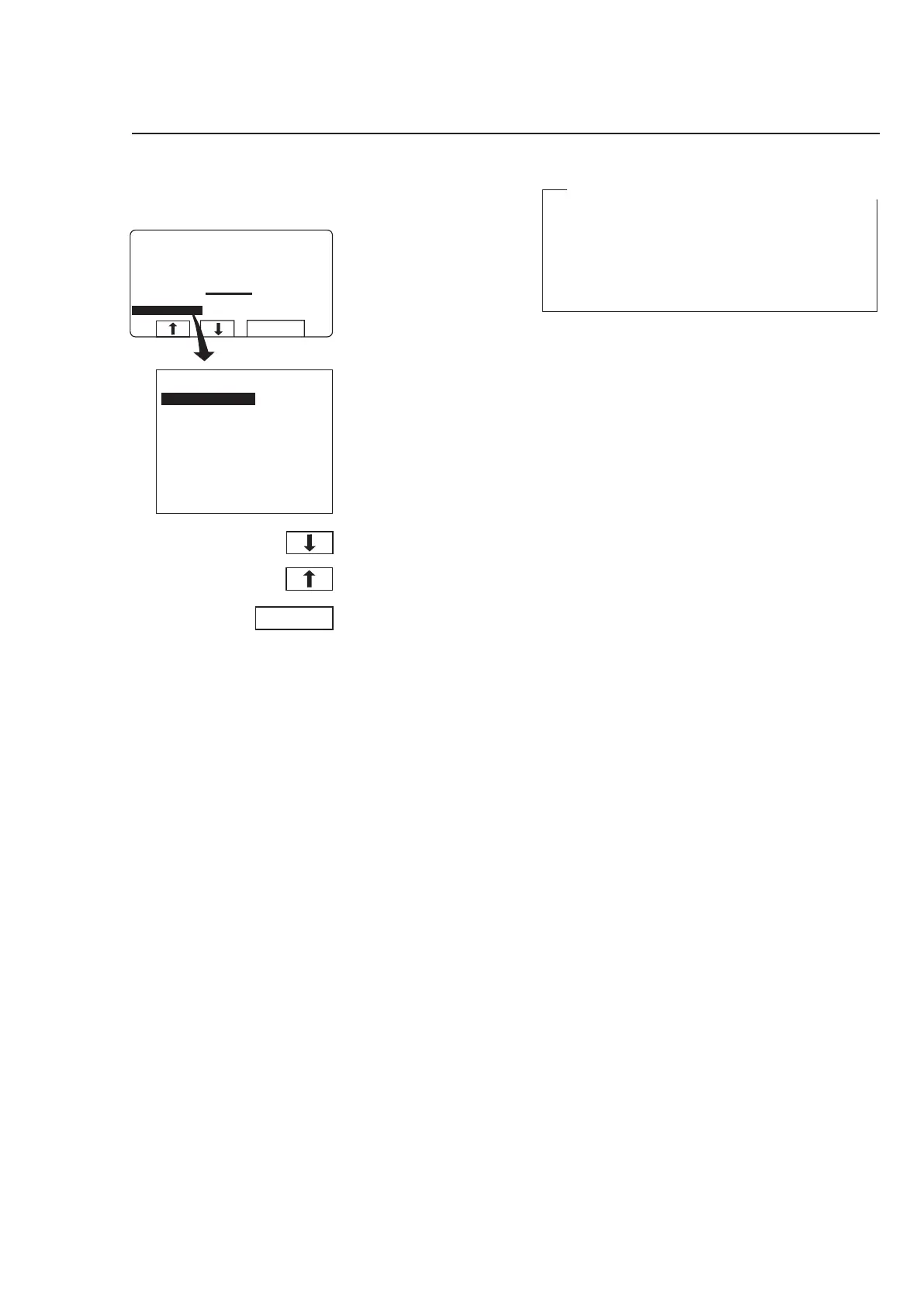
During program operation the
display will look like this (see
section ”To start the wash
program”).
Check that ”RAPID AD
-
VANCE” is highlighted.
3583
If it is not highlighted:
Press
c or b one or
more times to highlight
”RAPID ADVANCE”.
Press SELECT.
Rapid advance



  
 
 
  
  











To terminate a program before it has finished
Select RAPID ADVANCE and press SELECT.
Advance to ”END OF PROGRAM” and press
SELECT.
Wait until ”THE DOOR IS UNLOCKED” appears
on the display.
Now the door can be opened.

Other manuals for Electrolux W475H

Related product manuals