28
Procedure for use
Text
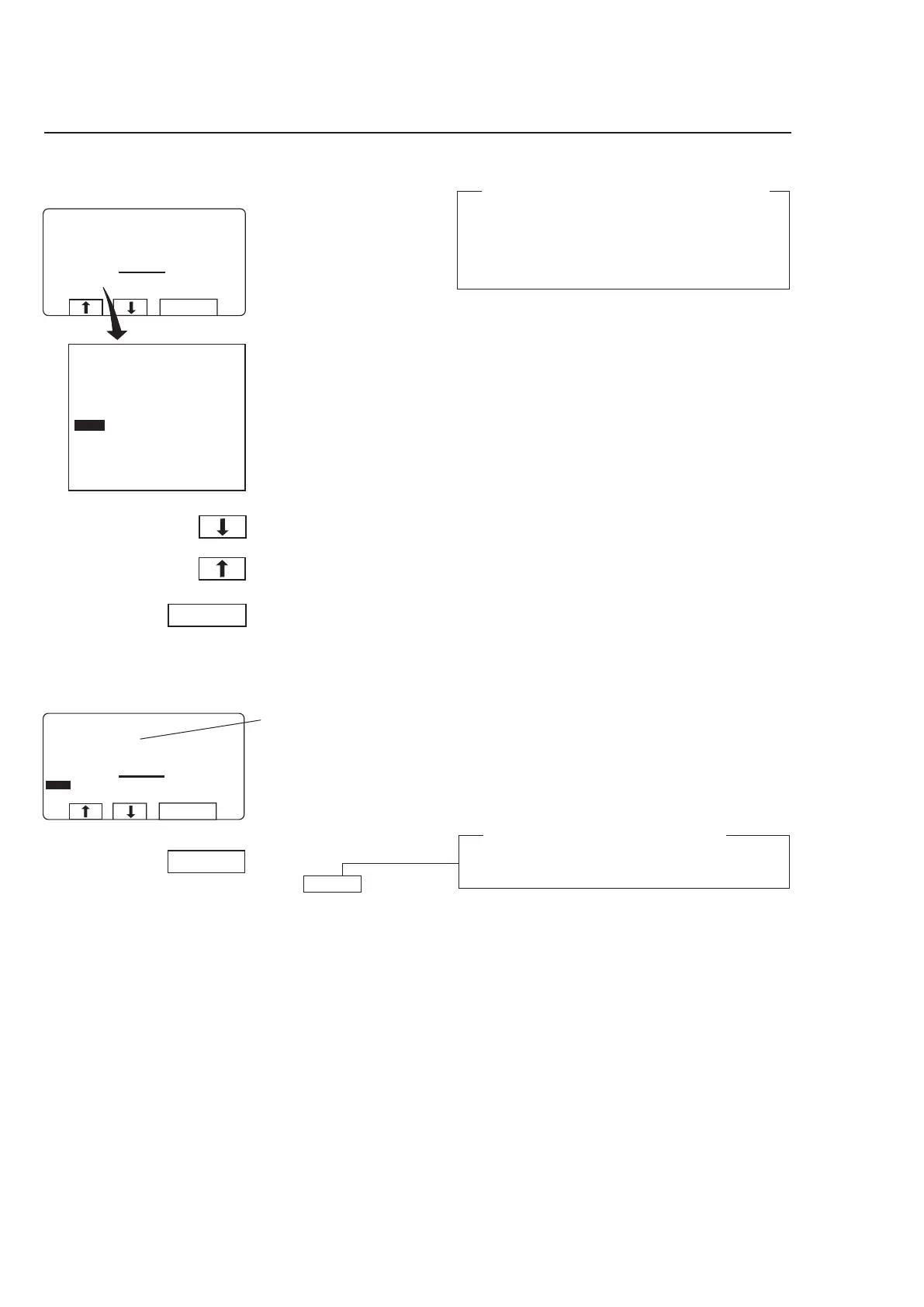
Pressing ”Text” displays more information
The text displayed is a description of the wash
program selected. This text description is inserted
when a new wash program is created. This proce-
dure is described fully in the programming manual.
During program operation the
display will look like this (see
section ”To start the wash
program”.
3592
Press c or b one or
more times to highlight
”TEXT”.
Press SELECT.
To return to the normal
display:
Press SELECT
again.
Description of wash pro-
gram
3630
Automatic return to normal display
If you do not press SELECT within 20 seconds, the
display will revert automatically.



 To Next Page