EasyManua.ls Logo

Electrolux W475H - Page 26

Electrolux W475H
76 pages
Print Icon
To Next Page IconTo Next Page
To Previous Page IconTo Previous Page
Loading...
26
Procedure for use
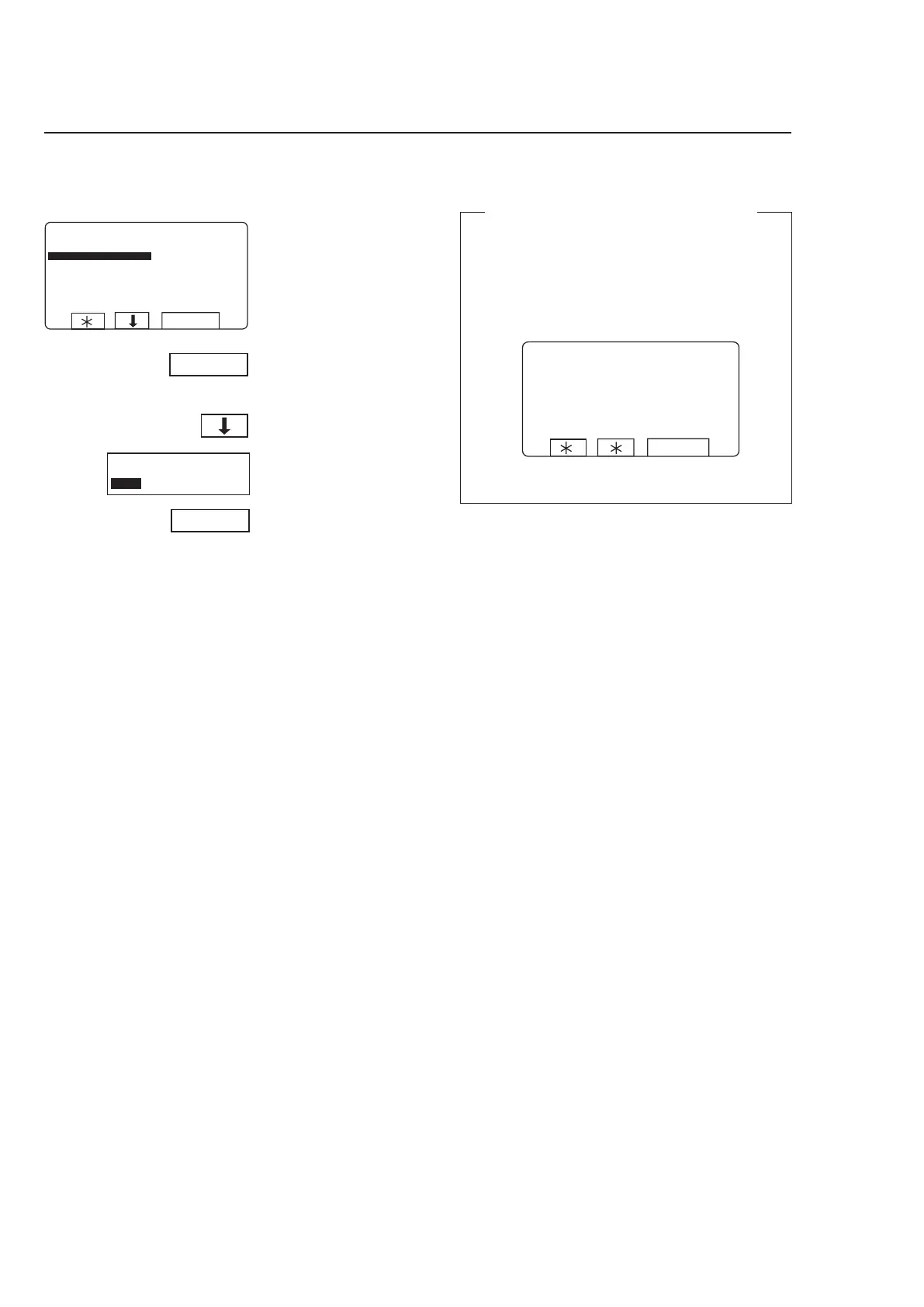
When you have finished:
Press b to highlight
”EXIT”.
Press SELECT.
3683
To access this function, see
instructions in section ”Ma-
nual mode”.
A toggle function:
Use Y/N to toggle the fun
-
ction from ON (Yes) to OFF
(No).
Motor on after wash









Motor to rotate after program has ended
If you answer Yes (Y):
The motor will continue to rotate in alternative di-
rections after the program has ended. This prevents
creasing of the load.
When the program has ended, the display will look
like this:
Press STOP to stop the motor.
4111



